Working sequence in automatic mode
Operating Manual 7.1 Rev.: 18.06.2008 91
5. Working sequence in automatic mode
This chapter explains the fundamental working sequence for the semi-automatic production of
single-layer and multi-layer printed circuit boards. It can vary depending on the production type
and equipment of your ProtoMat
®
S62 and your individual requirements. If you are working with
the LPKF circuit board plotter for the first time, we recommend that you start by practising the
procedures described with the example files included in the delivery.
Knowledge of how to operate the circuit board plotter manually and the most important Board-
Master functions is assumed (see chapter 4‚ "Manual tasks and settings", on page 47).
5.1 Preparation
The following information assumes that the ProtoMat
®
S62 is switched
on, the material to be processed is fixed on the traversing/vacuum table
and the work area has been set up in BoardMaster. (see chapter 4.6.1‚
"Loading and setting up the base material", on page 64).
5.2 Defining the production type
The ProtoMat
®
S62 is factory-set for the production of single-sided or
double-sided printed circuit boards with galvanic through-hole plating.
The phase file 1-2layer.phs (<default>) is used for such applications.
To create a different production type, you will need to select the corre-
sponding phase file.
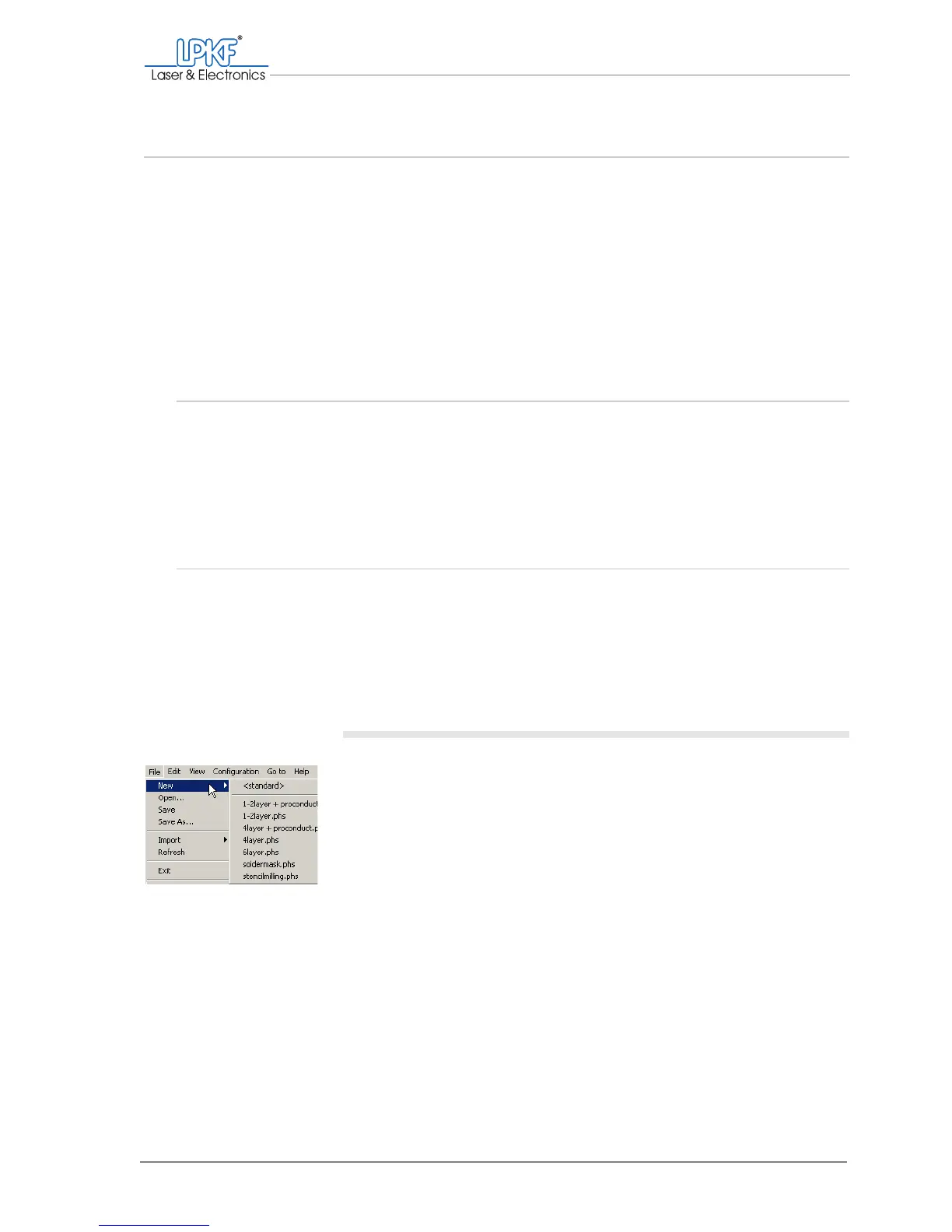
Selecting a phase file
1. Click on File > New and select the phase file provided for the pro-
duction type (see table 6).



 To Next Page