Manual tasks and settings
Operating Manual 7.1 Rev.: 18.06.2008 69
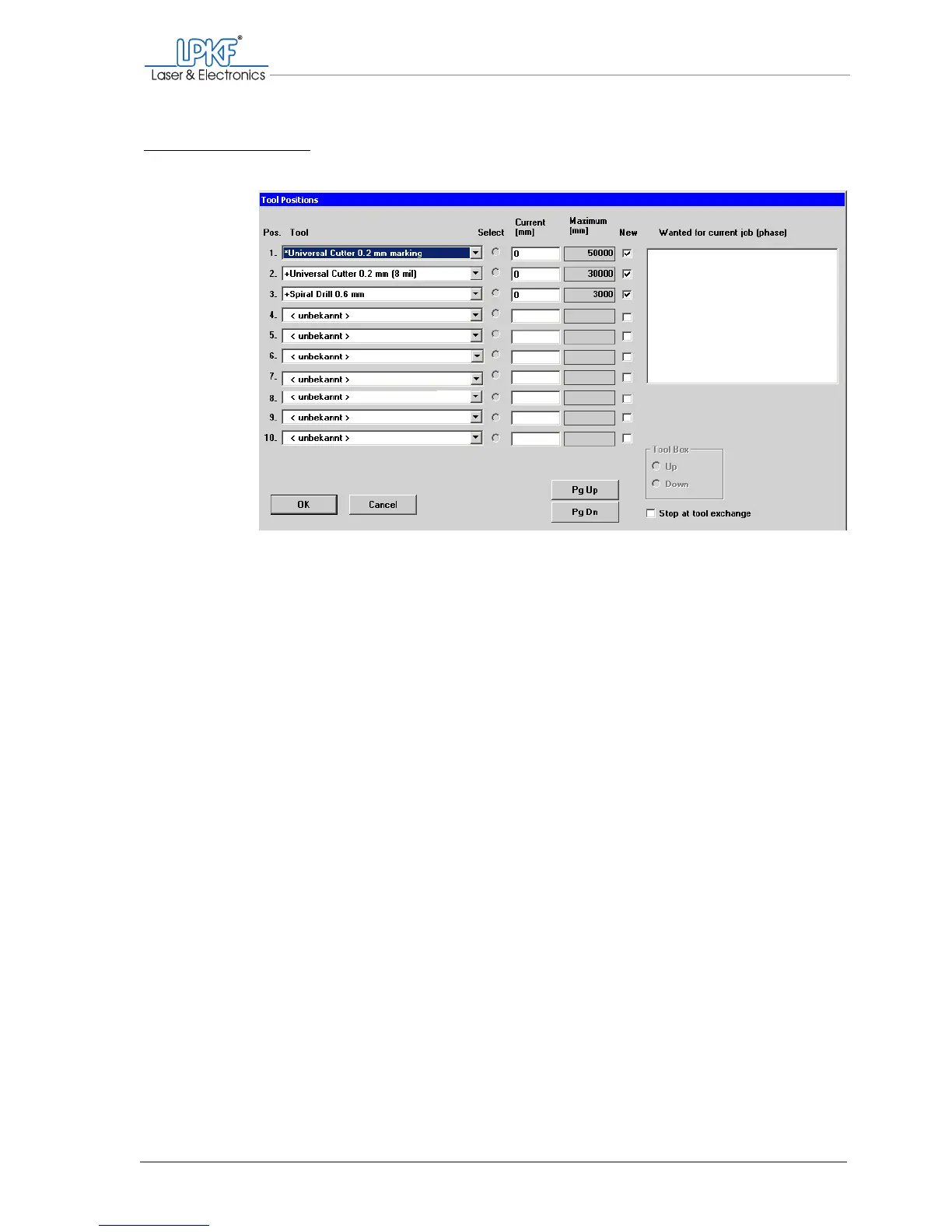
Note: The order of the tool positions can be selected at will. During opera-
tion, the tools are taken out of the correct tool holder automatically.
[ ] Once set up, the tools are displayed in the tool selection list on the func-
tion bar.
Fig. 26: Defined tool positions



 To Next Page