Creating a pass hole system for the vacuum table
84 ProtoMat
®
S62
II. Setting the machine parameters for drilling pass hole strips
1. In the main menu, click on Configuration > Settings.... .
The Machine settings window opens.
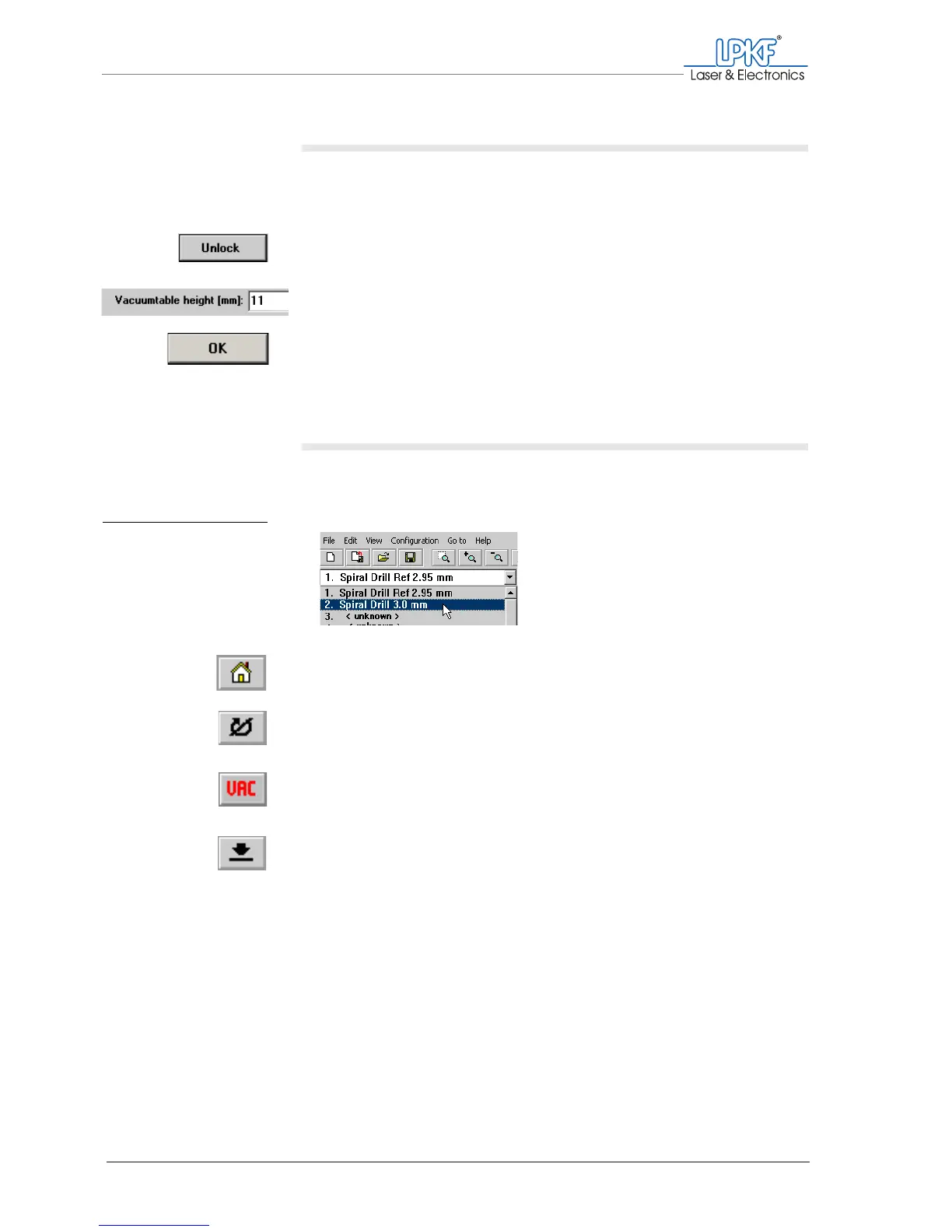
2. Click on Unlock.
3. Enter the value 11 in the Vacuum table height [mm] input box.
4. Click on OK.
[ ] Now you can drill the pass holes.
III. Drilling pass holes into pass hole strips
1. On the function bar, click on the tool selection list and select the
entry 2. Spiral Drill Ref 2.95 mm.
2. On the menu bar, click on the Move to home button.
The milling/drilling head moves to the HOME position.
3. On the function bar, click on the Motor on button.
The milling/drilling spindle and the dust extraction start up.
4. If the dust extraction does not start, click on the Vacuum on/off
button on the function bar.
5. On the function bar, click on the Lower head button.
The prompt „Drilling a reference hole ?“ appears.
Fig. 34: Selecting pass
hole drills for pass
hole strips



 To Next Page