Working sequence in automatic mode
Operating Manual 7.1 Rev.: 18.06.2008 105
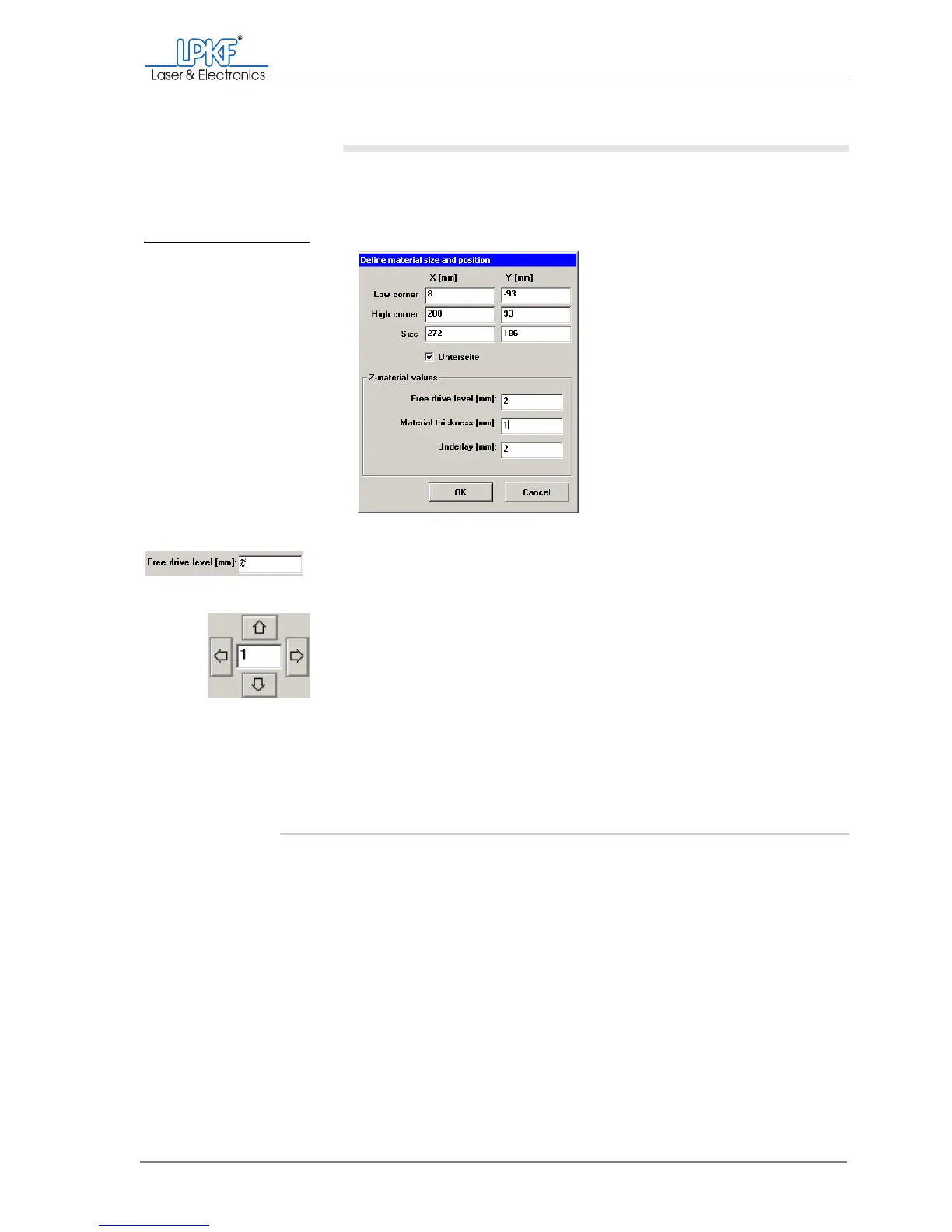
II. Setting the moving-free height
1. In the main menu, click on Configuration > Material > Size....
The Define material size and position window opens.
2. In the Free drive level [mm]: input box, enter a slightly higher
value than the material thickness.
3. Move the milling/drilling head manually as close as possible to the
contour to be milled.
4. Make sure that the lowered milling/drilling head just touches the
material surface.
[ ] As soon as the production phase starts, the 2.5 D mode window will be
opened.
5.6.2 Setting up surface milling with 2.5 D mode
To process surfaces in 2.5 D mode, you need the vacuum table. For
detailed information about the specific workflow, please contact the LPKF
Support.
Fig. 46: Setting the moving-
free height



 To Next Page