Configuring the tool holder position
128 ProtoMat
®
S62
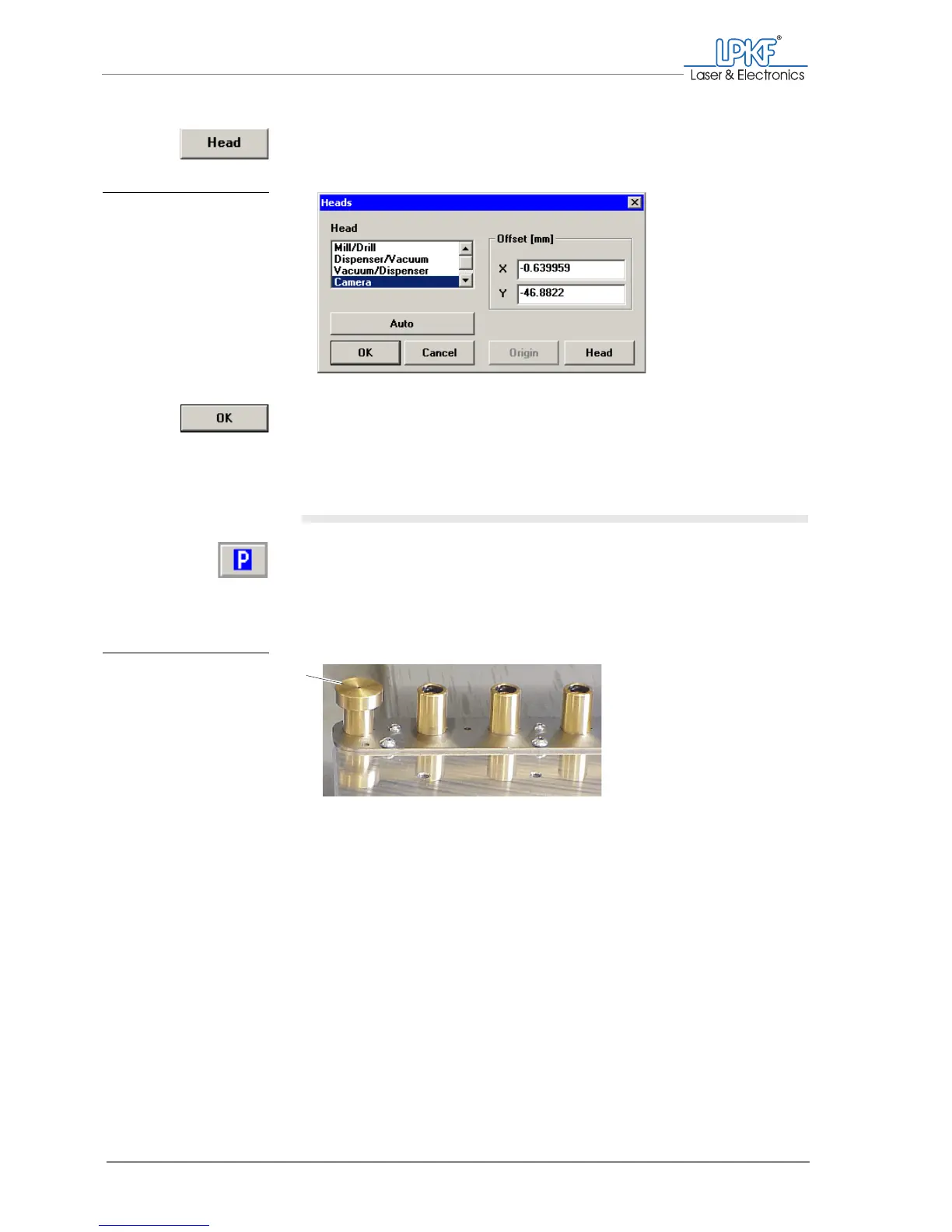
8. Click on Head to apply the new position.
The new co-ordinates are displayed in the Offset [mm] field.
9. Click on OK.
[ ] The camera offset is set correctly.
II. Preparing the tool magazine for determining the position
1. Click on Move to pause.
2. Remove all tools from the tool magazine.
3. Press the measuring insert included in the VisionSystem scope of
delivery into the tool holder position to be checked.
4. Close the cover.
[ ] The tool magazine is prepared for determining the position with
VisionSystem.
Fig. 65: Setting the mill-
ing/drilling head
offset
Fig. 66: Measuring insert
for determining the
position with
VisionSystem
1 Measuring insert (here in tool position 1)
1



 To Next Page