Configuring the tool holder position
122 ProtoMat
®
S62
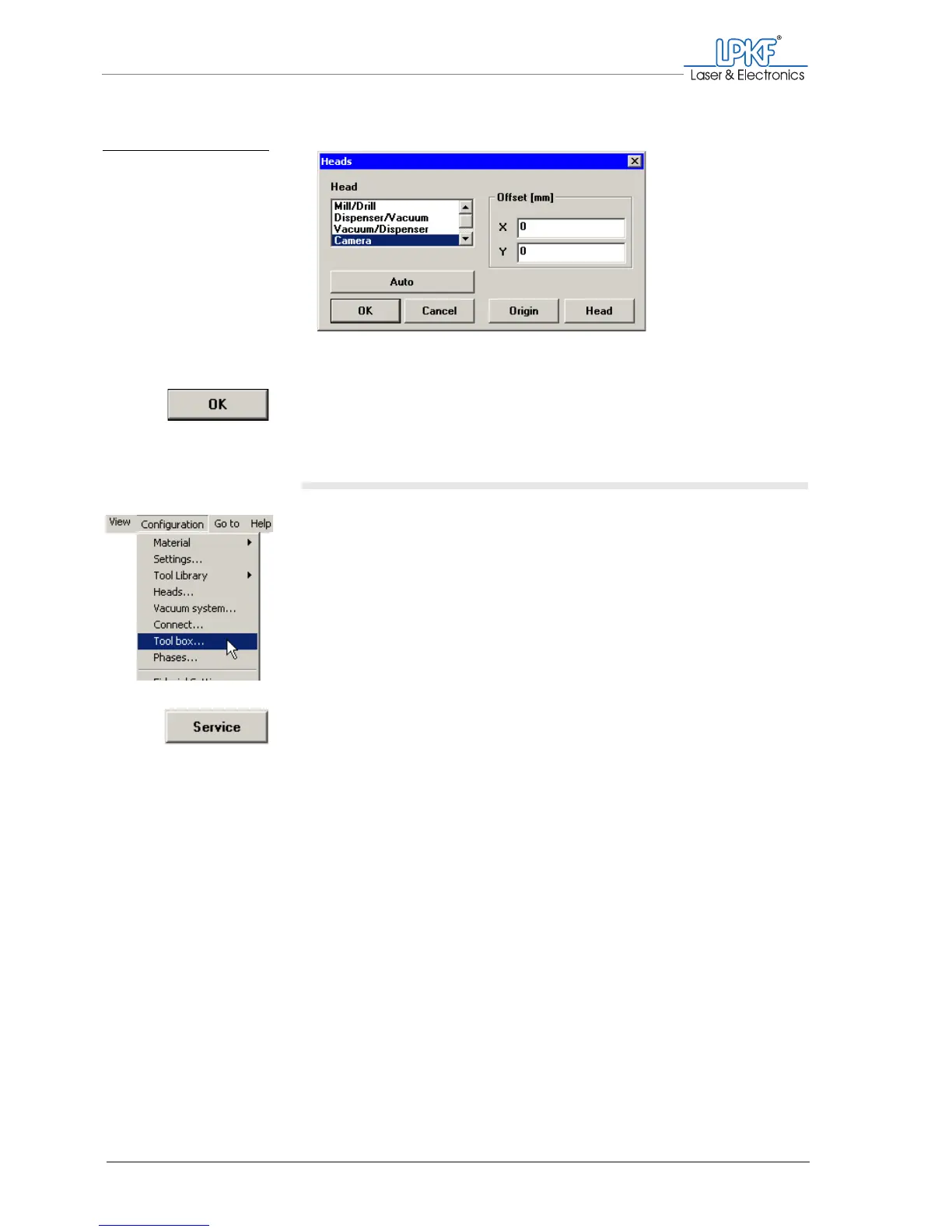
4. Make sure that for both X and Y a 0 is entered into the input boxes.
5. Click on OK.
The offset is set correctly.
II. Activating the service functions
› Click on Configuration > Toolbox....
The Tool Box window is opened.
1. Click on Service.
The Enter service password dialogue box is opened.
Fig. 60: Setting the mill-
ing/drilling head
offset



 To Next Page