Care and maintenance
Operating Manual 7.1 Rev.: 18.06.2008 133
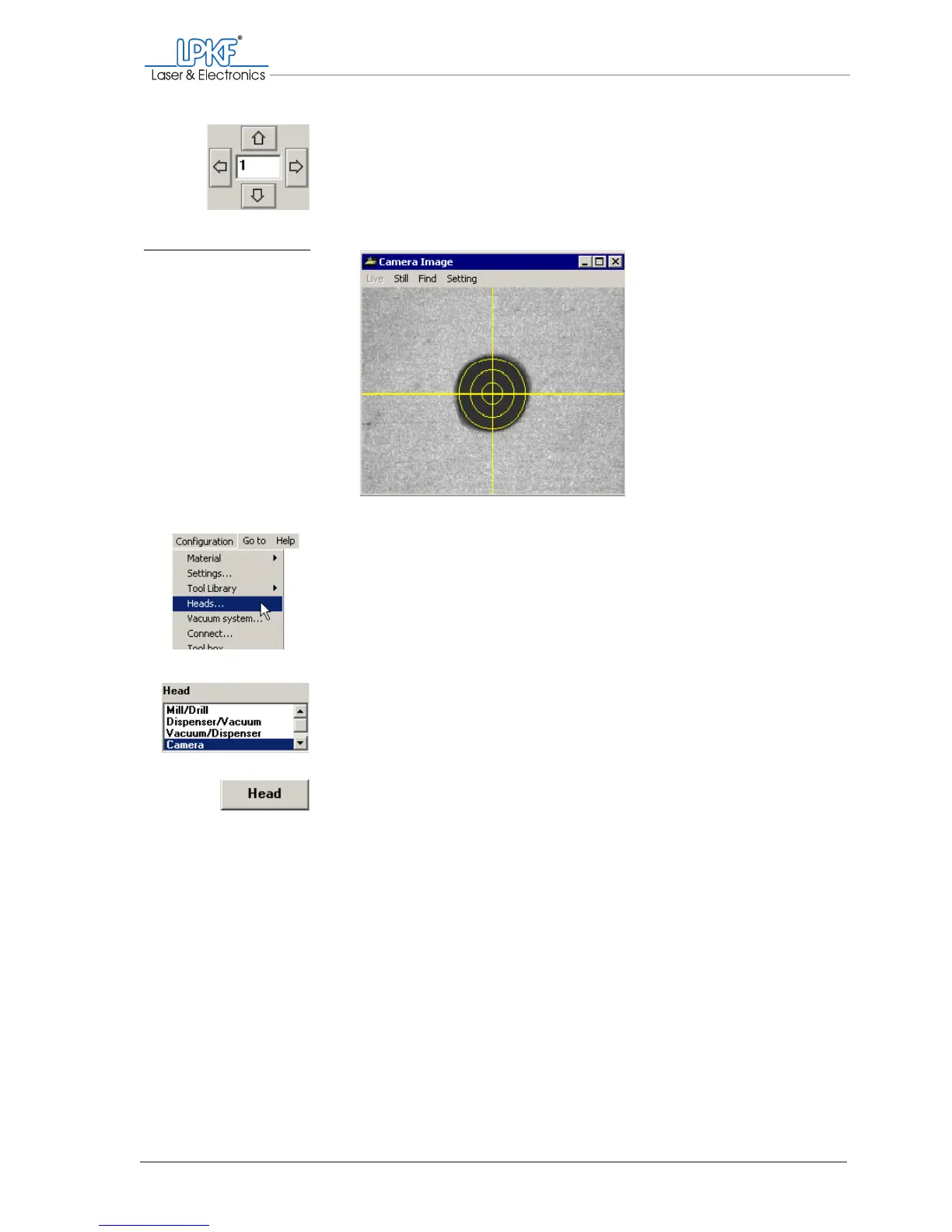
7. Move the head with the arrow keys until the cross-hairs of the cam-
era image are exactly in the centre of the bore.
Reduce the increment to 0.005 mm for more precise positioning.
8.
In the main menu, click on Configuration > Heads... .
9. In the Head selection list select Camera.
10. Click on Head to apply the new position.
The current offset values in X/Y direction are displayed in the Offset field.
11. Click on OK.
[ ] The camera offset setting is completed.
Fig. 70: Positioning the
camera above the
bore



 To Next Page