Decommissioning, transport, disposal
Operating Manual 7.1 Rev.: 18.06.2008 143
8. Decommissioning, transport, disposal
This chapter contains important information about safe decommissioning and environmentally-
friendly disposal of the ProtoMat
®
S62.
8.1 Decommissioning
I. Switching the ProtoMat
®
S62 off.
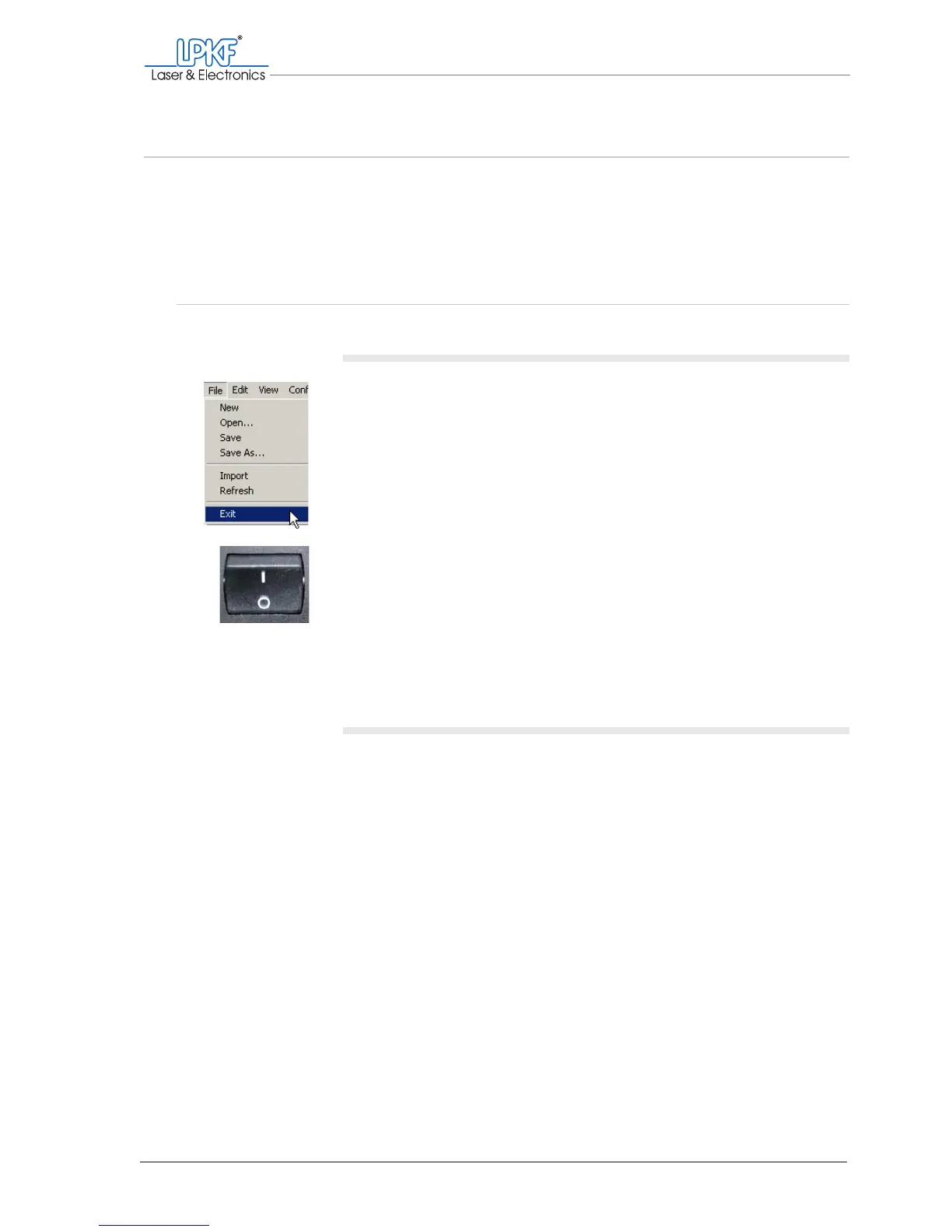
1. Click on File > Exit and follow the on-screen instructions.
BoardMaster shuts down.
2. Switch the main switch on the circuit board plotter (in the acoustic
cabinet) to position 0.
The lighting on the milling/drilling head goes out.
3. Shut down the computer.
[ ] You can now disconnect the connecting cable.
II. Disconnect the connecting cables.
1. Pull the mains connecting cable plug out of the socket.
2. Remove the data cable.
3. Unscrew the dust extraction hose screw from the hose connector
on the acoustic cabinet and remove the dust extraction hose.
[ ] The ProtoMat
®
S62 has been taken out of operation.



 To Next Page