Care and maintenance
Operating Manual 7.1 Rev.: 18.06.2008 135
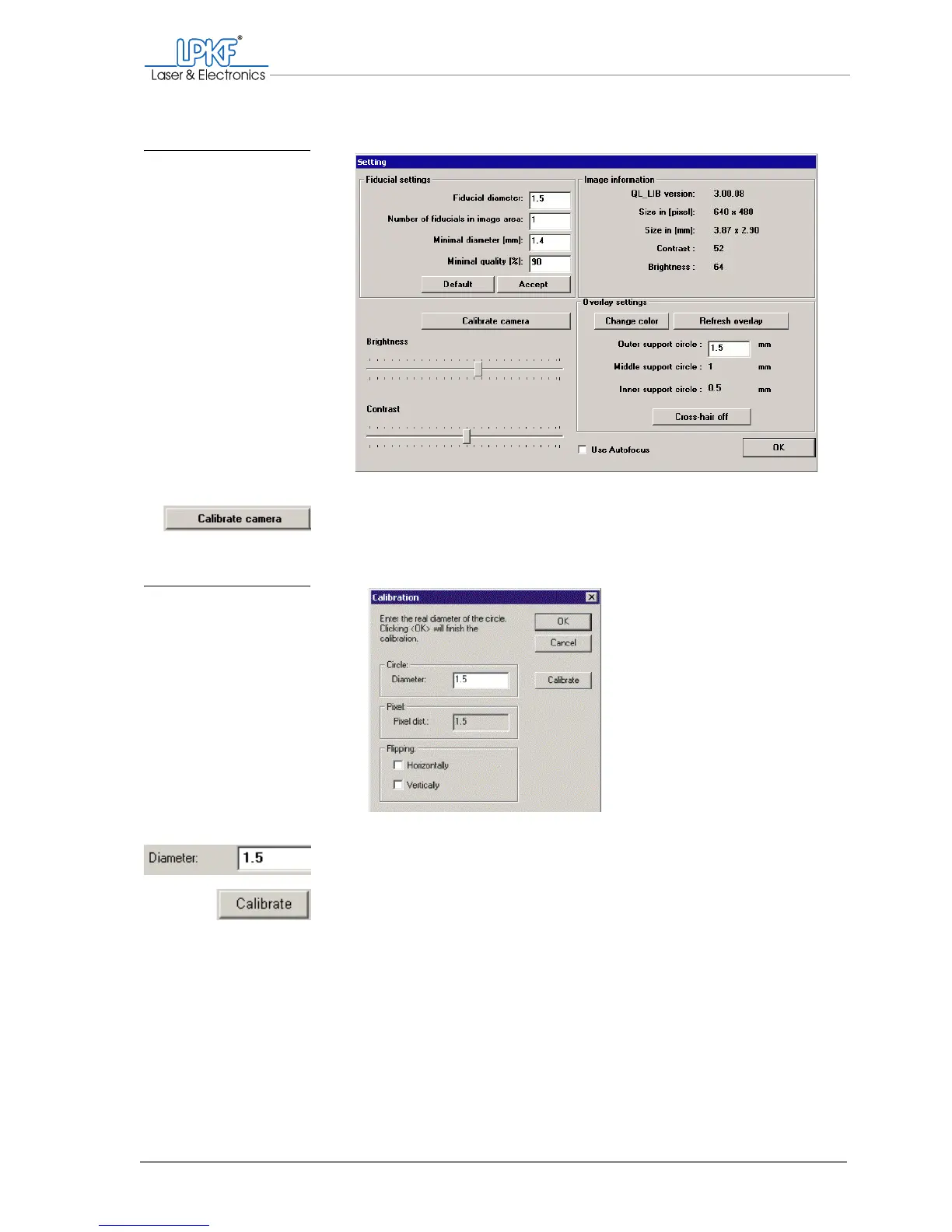
4. Click on Calibrate camera.
5. The Calibration window is opened.
6.
Enter the value 1.5 into the Diameter input box.
7. Click on Calibrate.
Fig. 72: Setting fiducial rec-
ognition
Fig. 73: Fiducial calibration



 To Next Page