Care and maintenance
Operating Manual 7.1 Rev.: 18.06.2008 129
III. Calling the service functions
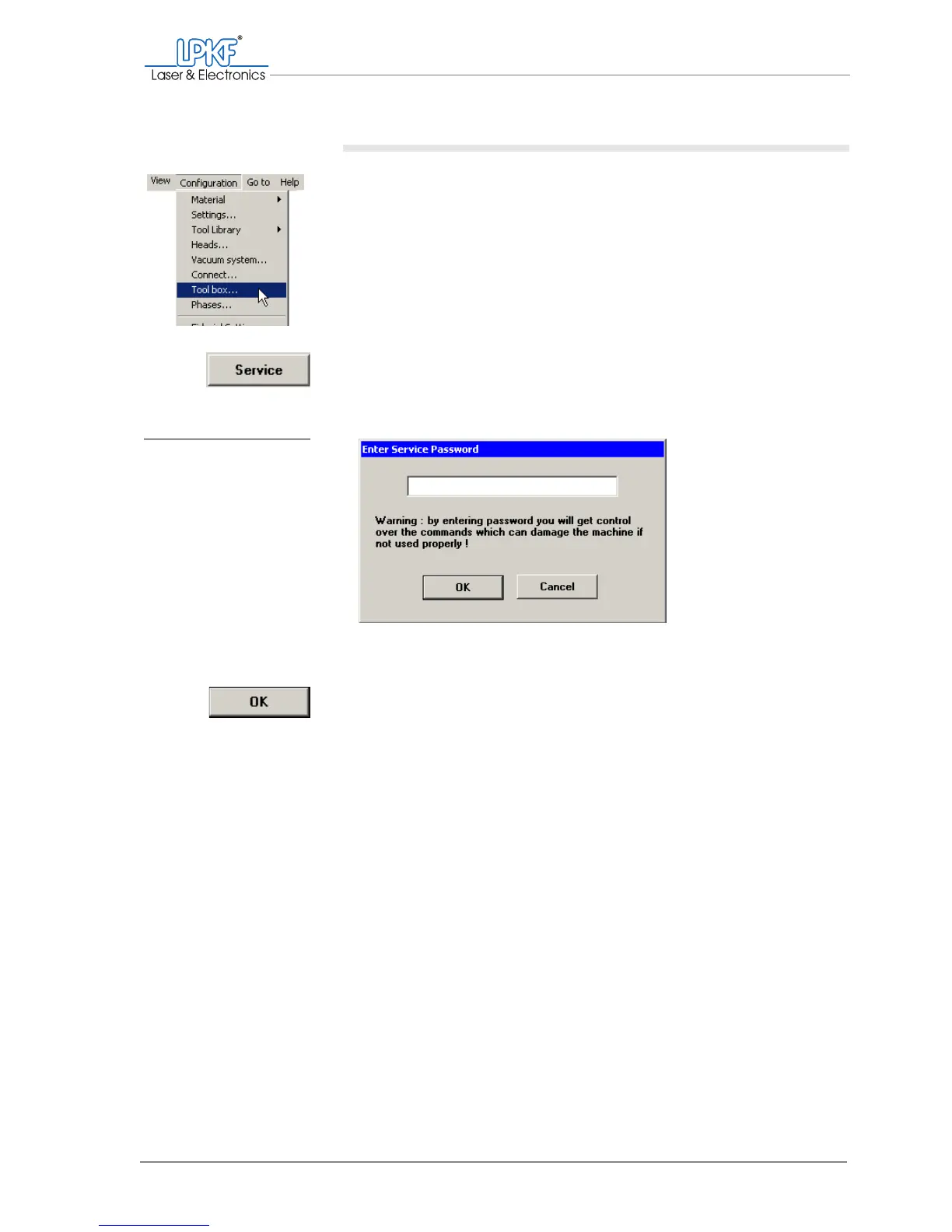
1. Click on Configuration > Toolbox....
The tool magazine window is opened.
2. Click on Service.
The Enter service password dialogue box is opened.
3. Enter
bmaster
as the service password.
4. Click on OK.
The position data can now be read in.
Fig. 67: Setting the mill-
ing/drilling head
offset



 To Next Page