Care and maintenance
Operating Manual 7.1 Rev.: 18.06.2008 121
III. Mounting the side wall of the acoustic cabinet
1. Slip on the side wall of the acoustic cabinet from the side.
2. Fix the side wall in place with the eight TORX screws.
[]
6.4 Configuring the tool holder position
If the tool is not picked up/set down correctly, the tool holder position
must be determined and reintegrated into the co-ordinate system. This
procedure can be completed with or without a camera depending on the
equipment.
6.4.1 Configuring the tool holder position (without camera)
To configure the tool holder without VisionSystem, the tool magazine
must first be loaded, the milling/drilling head offset must be defined and
the service functions must be called.
I.
Defining the milling/drilling head offset
1. Make sure that there is no tool in the collet chuck of the milling/drill-
ing head.
2. Load the tool holder to be checked with a tool.
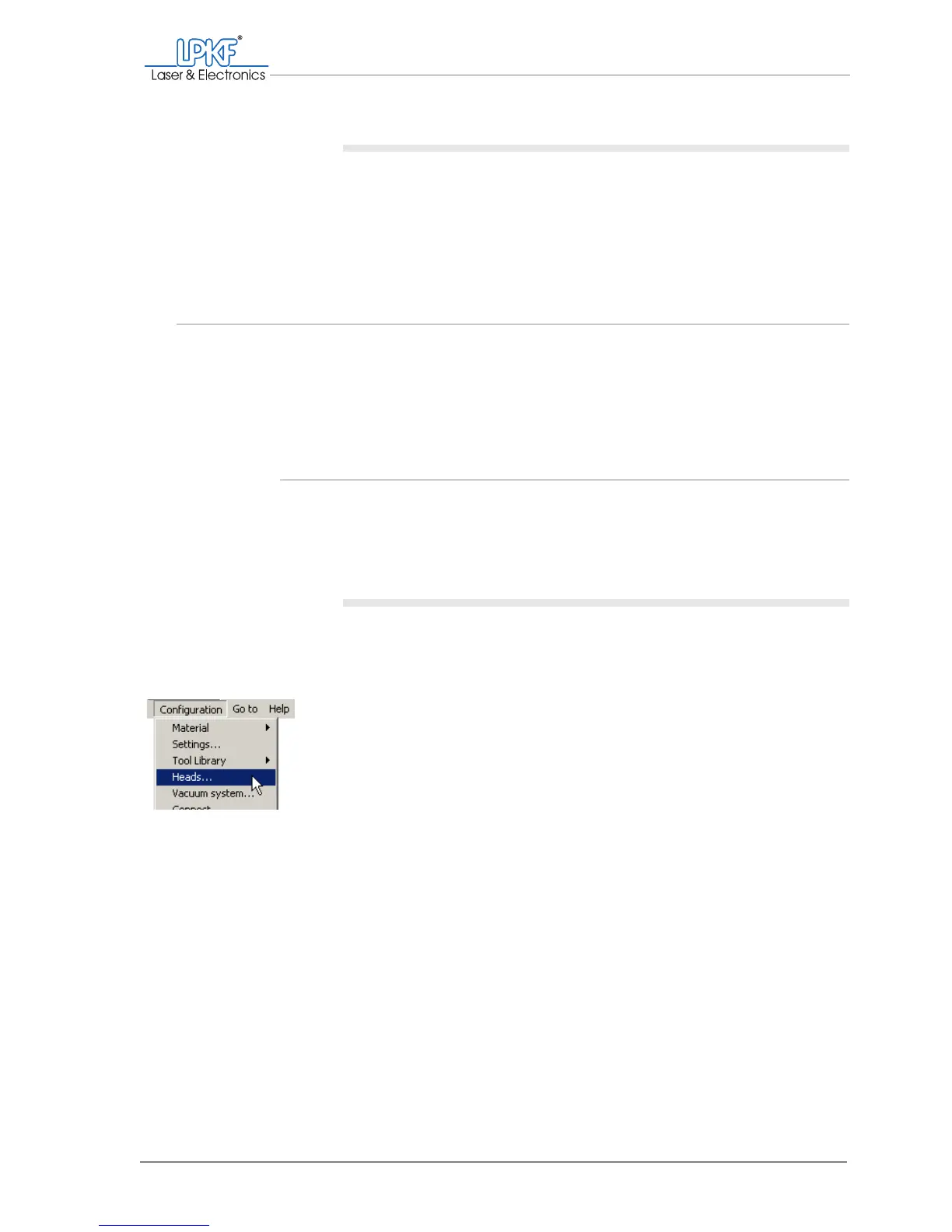
3. Click on Configuration > Heads....
The Heads window is opened.


 To Next Page