Care and maintenance
Operating Manual 7.1 Rev.: 18.06.2008 127
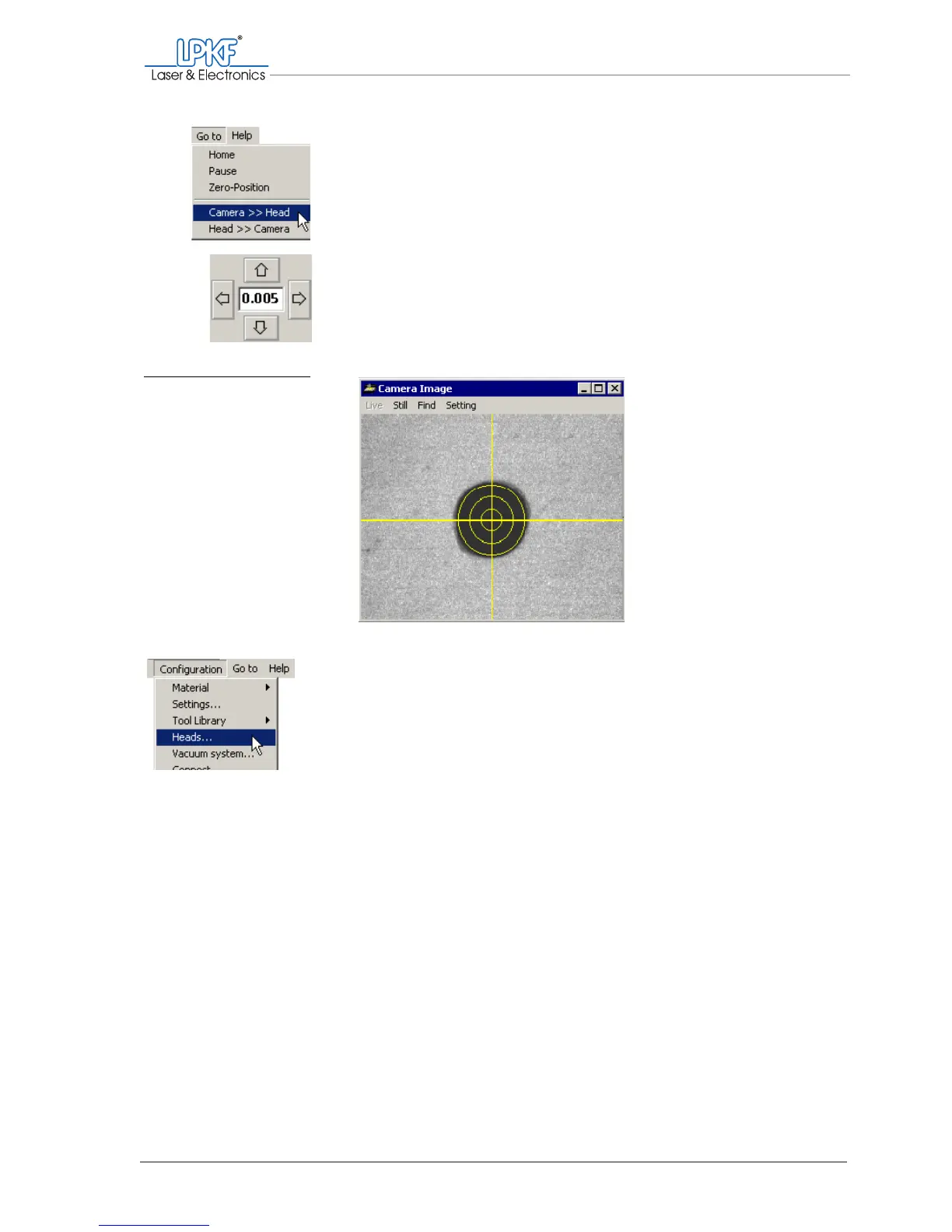
6. Click on Move to > Camera >> Head in the main menu.
The camera is positioned above the bore.
7. Enter the value
0.005
(mm) in the Move to X/Y input box for the
increment and position the milling/drilling head with the arrow keys
so that the cross-hairs of the camera image are positioned exactly
in the centre of the bore.
› Click on Configuration > Heads....
The Heads window is opened.
Fig. 64: Positioning the
camera image
above the bore



 To Next Page