Manual tasks and settings
Operating Manual 7.1 Rev.: 18.06.2008 89
Inserting pass hole pins
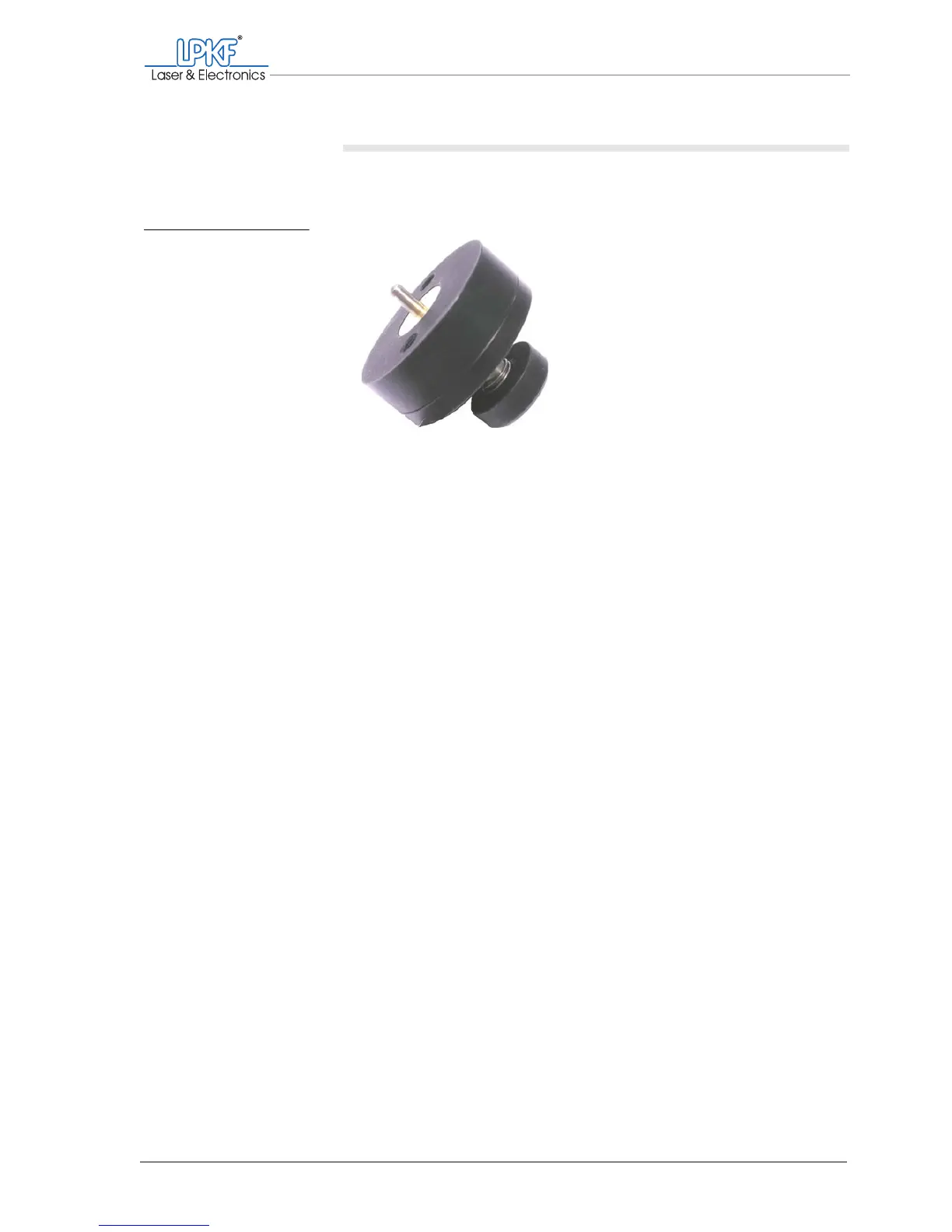
1. Insert a pass hole pin with the rounded end into the press-in tool
(the bevelled end must stick out).
2. With the press-in tool press the pass hole pin as far as it will go into
the desired bore of the pass hole strip.
3. Check the pass hole pin for a snug fit in the pass hole strip.
4. Repeat the procedure to fit the pass hole pin in the second pass
hole strip.
5. Set the drilling underlay/sinter plate down on the traversing
table/vacuum table so that the pass hole pins slot into the bores.
6. Check that the pass hole pins do not protrude from the drilling
underlay/sinter plate any further than the thickness of the base
material.
You might need to press the pass hole pins further into the pass
hole strip.
7. Mount the plastic base on the milling depth limiter before resuming
work with the circuit board plotter (s. page 63).
[]
Fig. 39: Press-in tool with
pass hole pin



 To Next Page