Finding out about BoardMaster
56 ProtoMat
®
S62
4.3.2 Frequently used functions
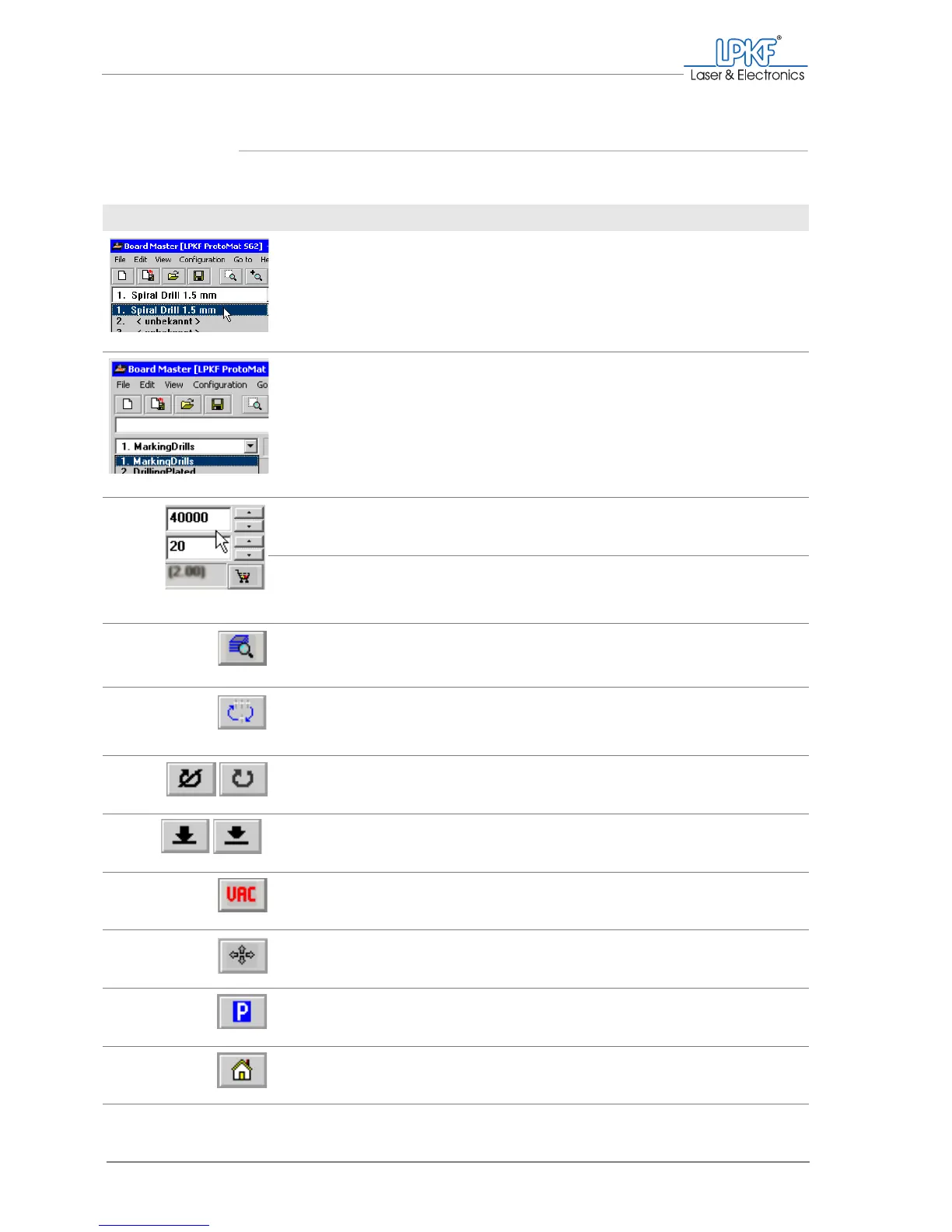
Frequently used functions can be called from the function bar.
Designation Function, note
Tool selection list Picking up/setting down the desired tool
Only the tools set up in the tool magazine dia-
logue box (Tool positions window) are dis-
played.
Phase selection list Select the production phase
The phases required for the selected production
type are displayed in the order of processing.
The current phase is preselected.
Rotation speed Set the motor speed for the selected tool
(the default setting depends on the tool).
Milling speed Set the feed rate for the selected tool when mill-
ing
(the default setting depends on the tool).
Phase configuration Open the Phases window.
Configure the phases (phase sequence, data
display colours, 2.5 D mode).
Toolbox dialog Open the Tool positions window.
Define the tool positions in the tool magazine.
Motor on
Motor off
Starts the milling/drilling spindle.
Stops the milling/drilling spindle.
Lift head
Lower head
Lifts the milling/drilling head.
Lowers the milling/drilling head.
Vacuum on/off Switches the dust extraction on/off.
Move by mouse Move the milling/drilling head with the mouse.
Move to pause Move the milling/drilling head to the pause posi-
tion.
Move to home Move the milling/drilling head to the home posi-
tion.



 To Next Page