EasyManua.ls Logo

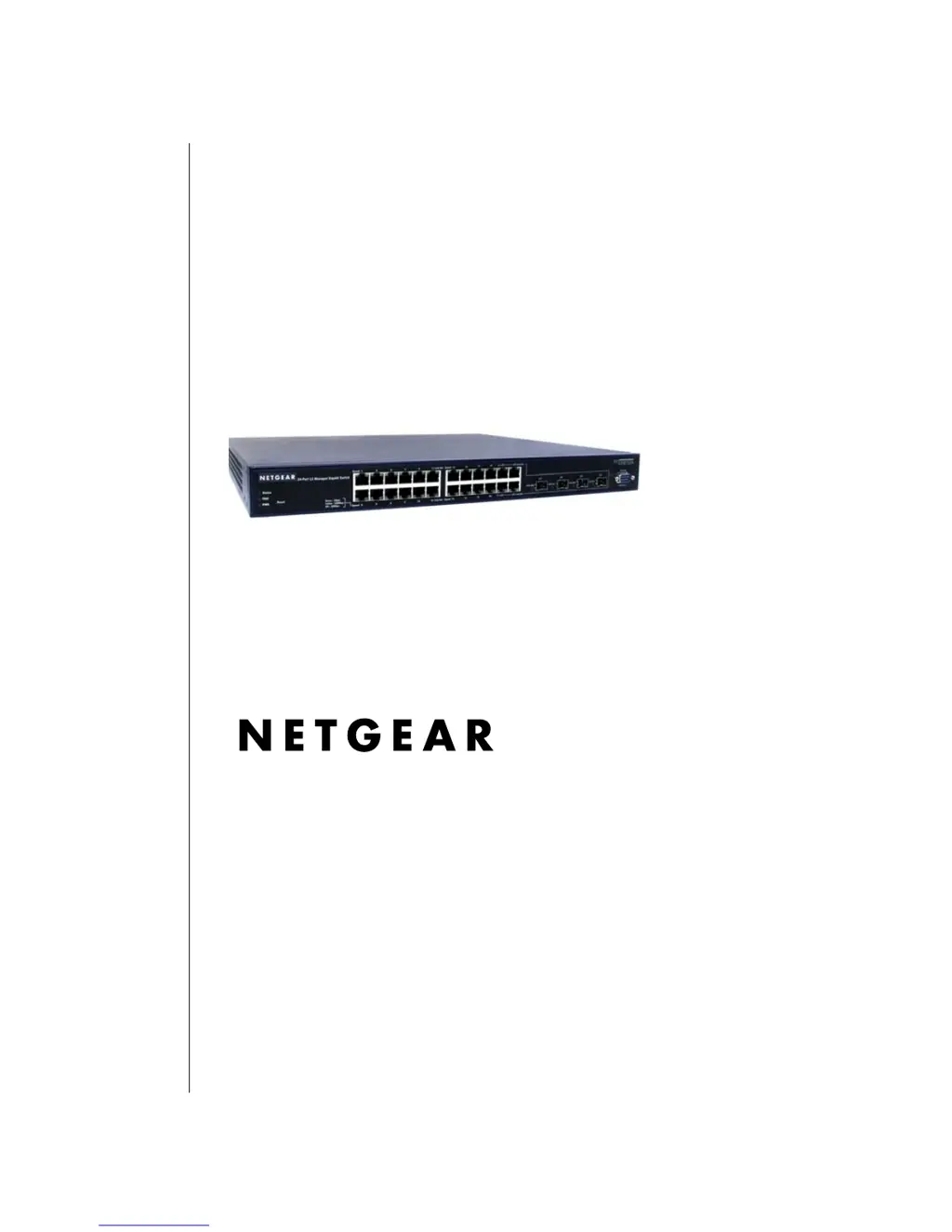
NETGEAR ProSafe GSM7248 - User Manual

NETGEAR ProSafe GSM7248
282 pages
Print Icon
To Next Page IconTo Next Page
Loading...
202-10102-01, May 2005
202-10102-01
May 2005
NETGEAR, Inc.
4500 Great America
Parkway
Santa Clara, CA
User Manual for the
NETGEAR 7200 Series
Layer 2 Managed Switch
Software Version 4

Table of Contents

Other manuals for NETGEAR ProSafe GSM7248

Questions and Answers

  • S
    Stephen LopezJul 30, 2025
    Why is file transfer so slow on my NETGEAR ProSafe GSM7248?
    • P
      Pamela KnappJul 30, 2025
      Slow file transfers or performance degradation on your NETGEAR Switch can occur if the half- or full-duplex settings on the switch and the connected device are not the same. Make sure the attached device is set to auto negotiate. You can also check the System message log for more details.
  • M
    Marcus FisherAug 5, 2025
    What to do if a device isn't recognized on my NETGEAR Switch network?
    • S
      Suzanne AndersonAug 5, 2025
      If a device isn't being recognized on your NETGEAR Switch network, it could be due to improper connection or cabling issues. Verify that the cabling is correct and that all connectors are securely positioned in the required ports. Ensure that equipment hasn't been accidentally disconnected.
  • L
    Lucas ColemanAug 11, 2025
    Why is the Link LED off on my NETGEAR Switch?
    • K
      kevin91Aug 11, 2025
      If the Link LED is off or intermittent on your NETGEAR Switch, it indicates a port connection issue. Check the crimp on the connectors and ensure the plug is properly inserted and locked into the port at both the switch and the connecting device. Verify that all cables used are correct and comply with Ethernet specifications. Also, test for a defective adapter card, cable, or port by testing them in an alternate environment where all products are functioning.
  • S
    stevencastilloAug 18, 2025
    What to do if ACT LED is flashing continuously on NETGEAR ProSafe GSM7248 Switch?
    • M
      Matthew MullinsAug 18, 2025
      If the ACT LED is flashing continuously on all connected ports of your NETGEAR Switch and the network is disabled, it indicates a network loop (redundant path) has been created. To resolve this, break the loop by ensuring that there is only one path from any networked device to any other networked device.
  • J
    Jorge BeckerAug 23, 2025
    How to fix a NETGEAR Switch when the Power LED is off?
    • N
      Nicole BrownAug 23, 2025
      If the Power LED on your NETGEAR Switch is off, it means the switch is not receiving power. Check the power cord connections at both the switch and the connected device. Also, ensure that all cables used are correct and comply with Ethernet specifications.

Summary

About This Guide

Audience

Defines the assumed technical skill level of the reader for this manual.

How to Use This Document

Provides guidance on navigating and utilizing the information within the manual.

Typographical Conventions

Explains the formatting conventions used for emphasis and user input.

Special Message Formats

Details the formats used to highlight important or special messages.

Switch Management Overview

Scope

Outlines the two primary purposes of the NETGEAR 7200 Series Layer 2 Managed Switch software.

Switch Management Overview

Introduces the comprehensive management functions for the switch and available methods.

Switch Management Methods

Compares the advantages and disadvantages of Administration Console, Web browser/Telnet, and SNMP.

Administration Console Interface

Set Up Your Switch Using Direct Console Access

Details the initial setup procedure using the direct console access method.

Configuring Connection Settings

Specifies the required port settings for establishing a console connection.

Web-Based Management Interface

Web Based Management Overview

Describes the menu options and help features available in the web interface.

How to Log In to the Managed Switch

Provides step-by-step instructions for accessing the switch via a web browser.

Web-Based Management Utility Features

Details features like System Information, Interactive Switch Image, and Menus.

Menus

Explains navigation through main and secondary menus in the web interface.

Command Line Interface Structure

CLI Command Format

Illustrates the structure of CLI commands, including values and parameters.

Parameters

Defines parameters, including mandatory, optional, choices, and their syntax.

Conventions

Explains syntax conventions for network addresses and command line usage.

Quick Start up

Quick Starting the Switch

Provides step-by-step procedures for initial switch setup and configuration.

System Info and System Setup

Details commands for viewing software version and physical port information.

Quick Start up IP Address

Explains methods for accessing the device via IP address using SNMP, Telnet, or Web browser.

Mode-based CLI

Mode-based Topology

Illustrates the hierarchical structure of CLI modes and their relationships.

Mode-based Command Hierarchy

Explains the division of commands into various modes and access restrictions.

Flow of Operation

Describes the operational flow of commands within the CLI, including parsing and execution.

Switching Commands

System Information and Statistics Commands

Details commands for displaying switch settings, statistics, and system information.

System Management Commands

Covers commands for managing the switch and viewing current management settings.

SNMP Community Commands

Explains commands for configuring SNMP community strings and trap settings.

Virtual LAN (VLAN) Commands

Provides commands for creating, configuring, and managing VLANs on the switch.

Security Commands

Port Security Commands

Details commands for enabling and configuring port security features.

Port Based Network Access Control (IEEE 802.1 X) Commands

Covers commands for configuring IEEE 802.1X port-based network access control.

Remote Authentication Dial In User Service (RADIUS) Commands

Explains commands for configuring RADIUS authentication and accounting servers.

Secure Shell (SSH) Commands

Provides commands for enabling and configuring Secure Shell (SSH) connections.

Quality of Service (QoS) Commands

MAC Access Control List (ACL) Commands

Details commands for creating and managing MAC Access Control Lists.

IP Access Control List (ACL) Commands

Explains commands for creating and managing IP Access Control Lists.

Differentiated Services (DiffServ) Commands

Covers CLI commands for QoS Differentiated Services configuration.

Class Commands

Defines DiffServ classes, including match criteria and class rules.

Cabling Guidelines

Fast Ethernet Cable Guidelines

Provides guidelines for using UTP cable as specified in IEEE 802.3u for 100BASE-TX.

Category 5 Cable Specifications

Lists the electrical requirements for Category 5 UTP cable.

Using 1000 BASE-T Gigabit Ethernet over Category 5 Cable

Offers guidance for correct cabling practices for 1000BASE-T performance.

Glossary

Numeric

Provides definitions for technical terms starting with numbers.

802.1 D

Defines the IEEE designation for Spanning Tree Protocol (STP).

802.1 P

Defines the IEEE protocol for Local Area Network (LAN) traffic class priorities.

NETGEAR ProSafe GSM7248 Specifications

General IconGeneral
BrandNETGEAR
ModelProSafe GSM7248
CategorySwitch
LanguageEnglish

Related product manuals