137
Settin
Checkers
Cha
ter 6
3. Configure the settings for the Area Size Adjustment function as necessary.
The Area Size Adjustment function adjusts (expands or contracts) the scan area to fit the object. Refer to
page 85.
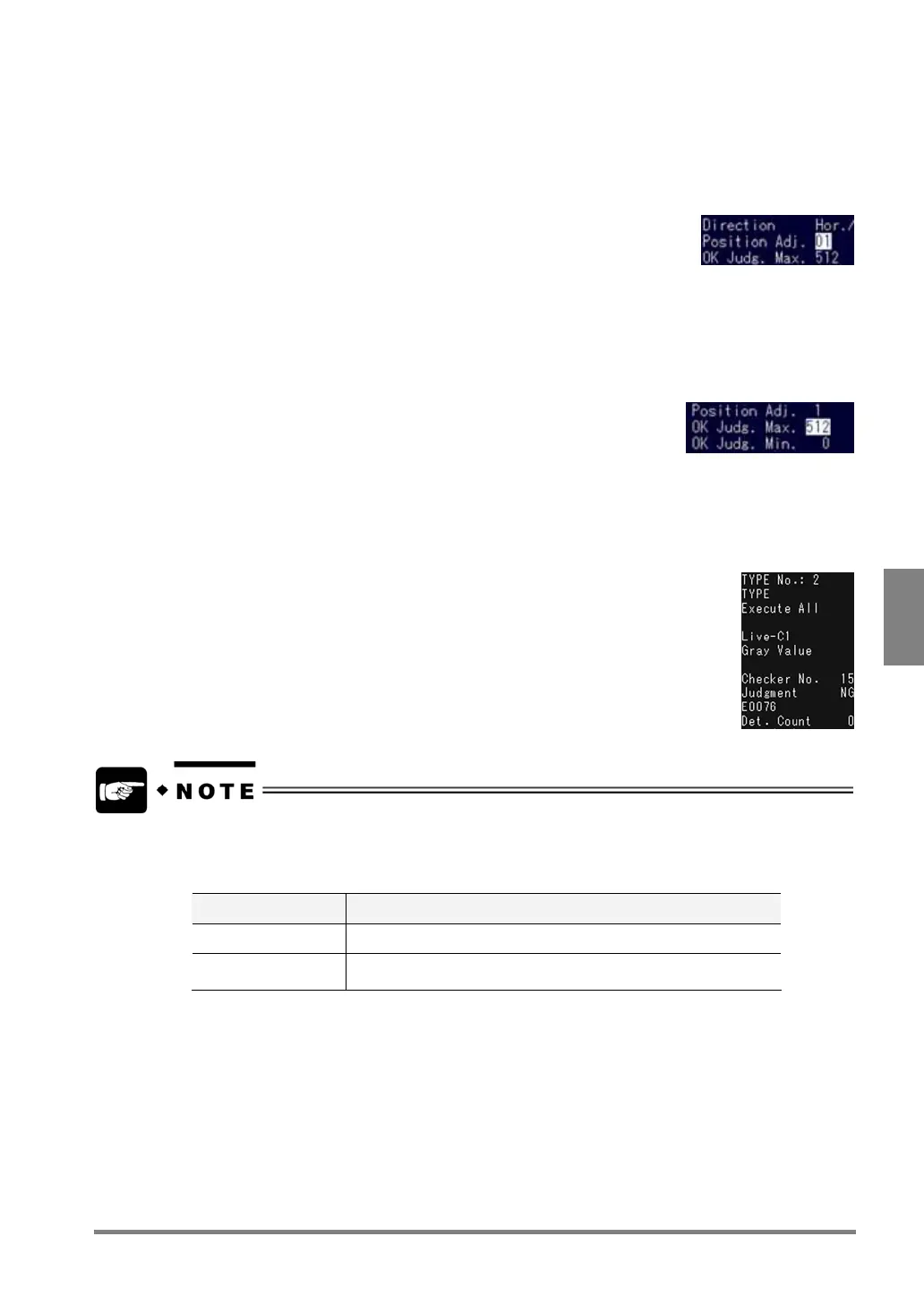
4. Select “Position Adj.”
(If a position adjustment checker is not created, the option “Position Adj.” is
deactivated.) When making a position/rotation adjustment, specify the
number of Position Adjustment checker from the submenu. (Refer to page
140 for Position Adjustment and page 152 for Rotation Adjustment.)
5. Select “OK Judg. Max.”
The cursor moves to the value next to “OK Judg. Max.”.
What is OK Judgment Maximum/Minimum value?
These are the standard values of the detected flaw. If the number of
detected flaws is within the range between OK Judgment Maximum and
OK Judgment Minimum, the object will be judged as OK.
6. Input the setting values for "OK Judg. Max." and "OK Judg. Min.".
7. Press the A key to begin the test.
Check judgment result and the number of detected flaws that appear in the
message area of the screen.
• To output judgment result and measurement data to the external device, use the “Judgment” function
and “Numeric Calculation” functions respectively.
• If you test on a checker menu, the operation of the PV310 differs depending on the currently displayed
image.
Display Image Operation of PV310
Live Tests after capturing a new image
Memory
Tests using a currently displayed memory image without capturing
a new image



 To Next Page