11.2 COMMAND SEQUENCE
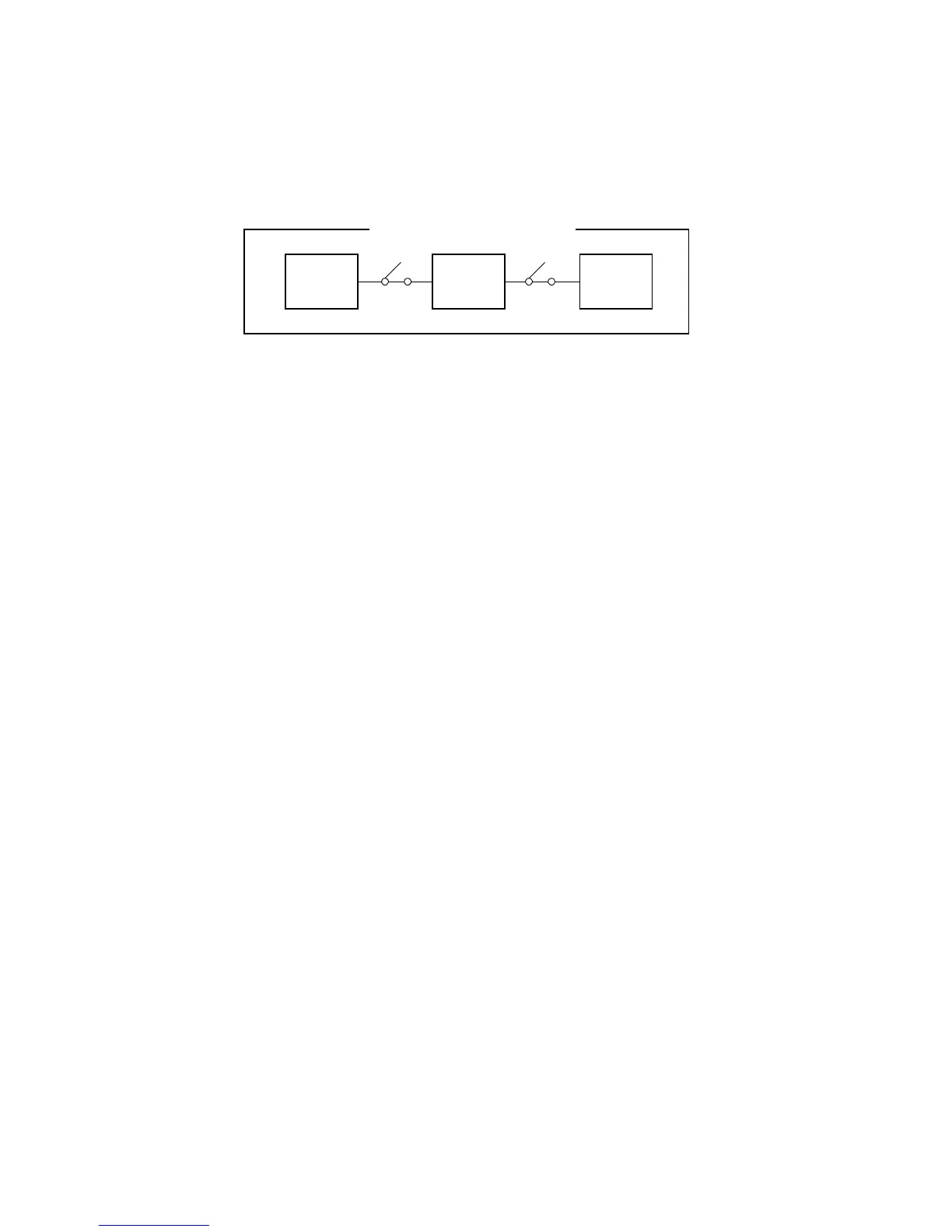
The machine sends commands to control each module using an interface
bus. Each unit is connected with a daisy chain connection.
11.2.1 Normal Copy Mode
1. The SCU detects input from the operation panel and sends the print
command to the printer unit.
After the printer unit receives the print command, the printer unit
requests the scanner unit for the image data.
2. The scanner IPU receives the scan command and scans the original.
3. The scanner unit sends the scanned image data to the printer unit.
4. Then the machine prints the image.
5. After printing, the printer unit sends the end command to the SCU.
6. In multiple copy mode, this routine is performed in accordance with the
number of copies.
SCU
Printer
Main Board
Scanner
IPU Board
Image Data Transmission
SYSTEM CONFIGURATION
A166/A187/A189 2-142 SM



 To Next Page