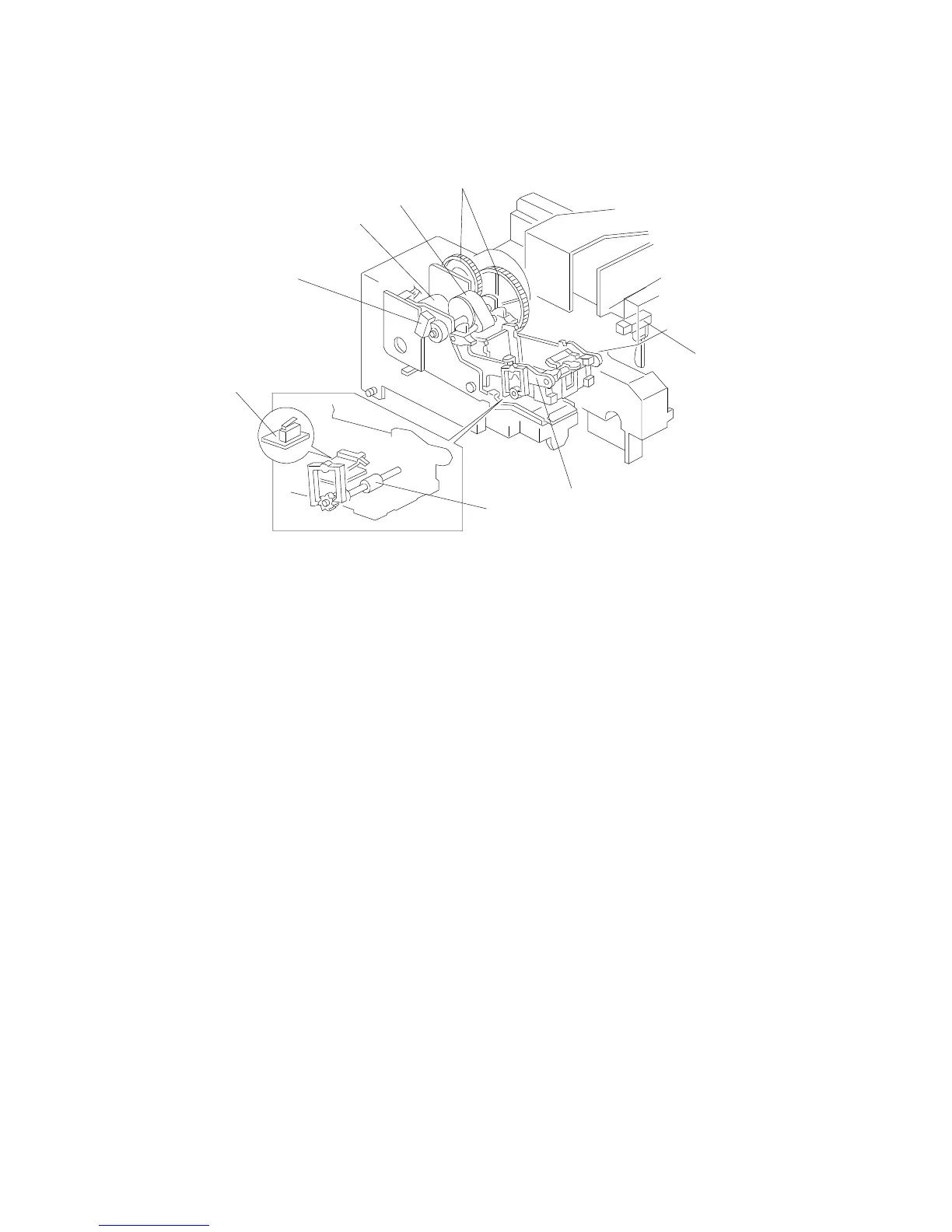
3.7 STAPLER UNIT
The stapler motor [A] drives the staple hammer [B] via the gears [C] and the
eccentric cam [D].
The roller [E] feeds the sheets to be stapled under the hammer.
When the aligned copies are brought to the staple position by the grip unit,
the stapler motor starts rotating and the copies are stapled. When the cam
completes one rotation, the staple home position sensor [F] is deactuated
and the stapler motor stops.
When the stapler paper sensor [G] in the grip assembly does not detect any
copies under the hammer, the stapler motor does not rotate.
When the trailing edge of the last staple sheet pass through the staple end
sensor [H], the sorter stapler enters the staple near end condition. After the
current job is completed, the Add Staples indicator lights on the operation
panel. Then the copier cannot be used whenever the staple mode is
selected.
[F]
[A]
[D]
[C]
[B]
[H]
[G]
[E]
BASIC OPERATION
A166/A187/A189 9-14 SM



 To Next Page