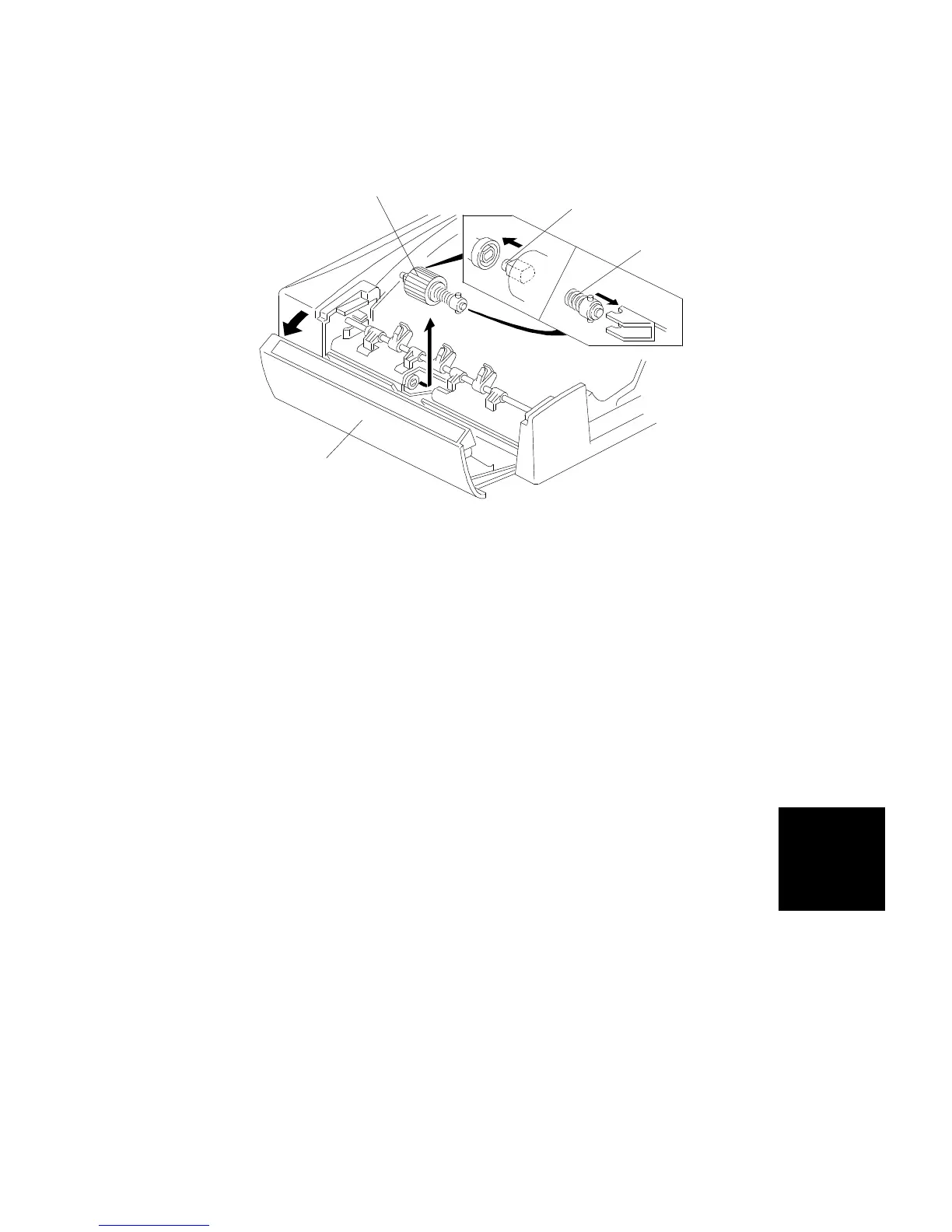
7.2 FEED ROLLER REPLACEMENT
1. Turn off the main switch and open the feed-in cover [A].
2. Remove the feed roller assembly [B] by pulling it towards the front.
3. Replace the feed roller.
NOTE: When installing the feed roller assembly, make sure the pins [C, D]
on both sides are fixed properly.
[B]
[D]
[C]
[A]
ARDF
DF61 (A548)
REPLACEMENT AND ADJUSTMENT
SM 7-19 A166/A187/A189



 To Next Page