11. FILTERS
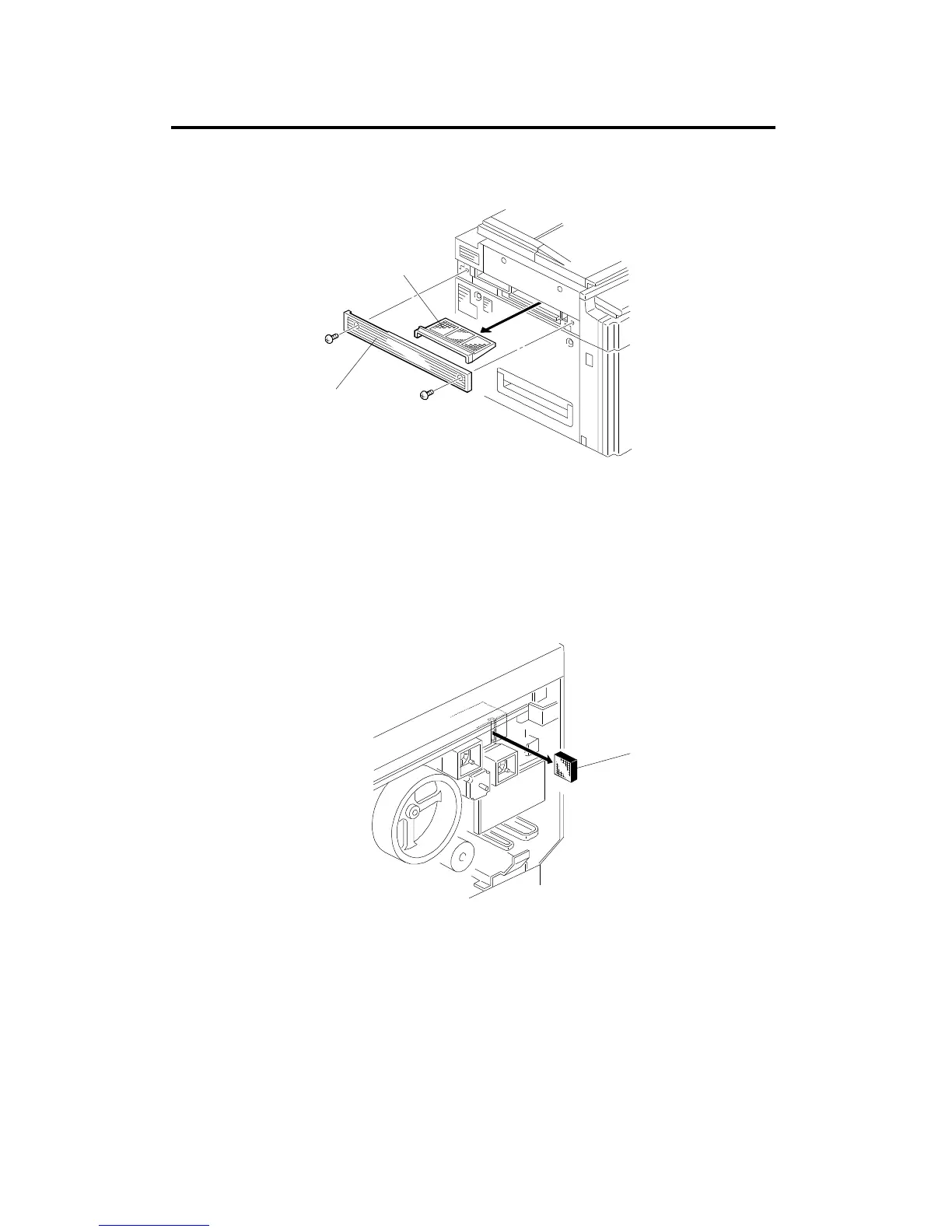
11.1 OPTICS FAN FILTER REPLACEMENT
1. Remove the filter cover [A] on the left side of the copier (2 screws).
2. Remove and replace the dust filter [B].
11.2 EXHAUST OZONE FILTER REPLACEMENT
1. Remove the rear cover (see procedure 1.3).
2. Remove the ozone filter [C] from the duct slit and replace it.
[A]
[B]
[C]
FILTERS
A166/A187/A189 5-92 SM



 To Next Page