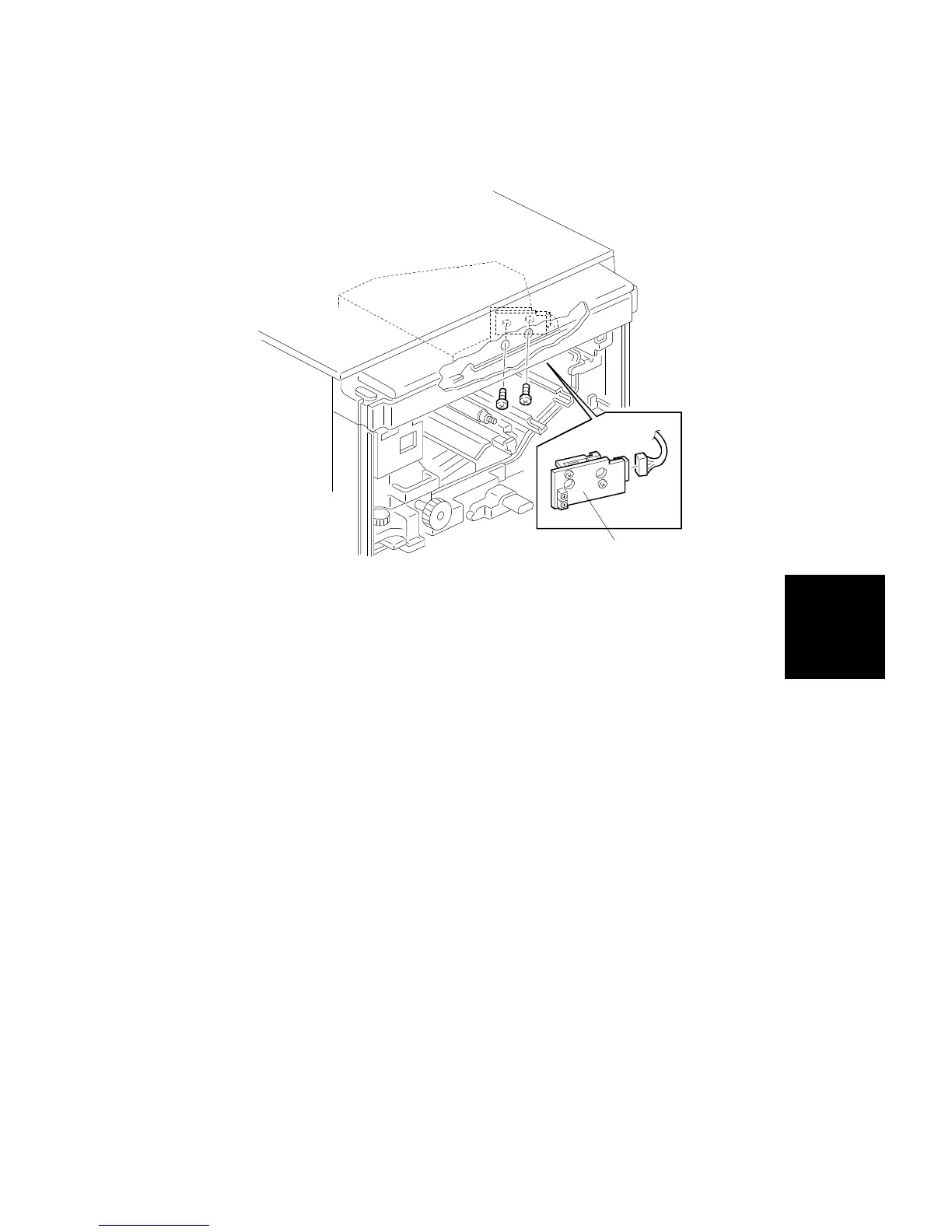
5.3 LD UNIT REPLACEMENT
1. Remove the inner cover (see procedure 1.9)
2. Remove the used toner tank (see procedure 1.10)
3. Remove the development unit (see procedure 6.1).
4. Remove the transfer belt unit (see procedure 7.1.1).
5. Remove the drum unit (see procedure 2.1).
6. Remove the LD unit [A] (2 screws and 1 connector).
7. Install the new LD unit by the reverse procedure of its removal.
[A]
Replacement
and
Adjustment
LASER UNIT
SM 5-35 A166/A187/A189



 To Next Page