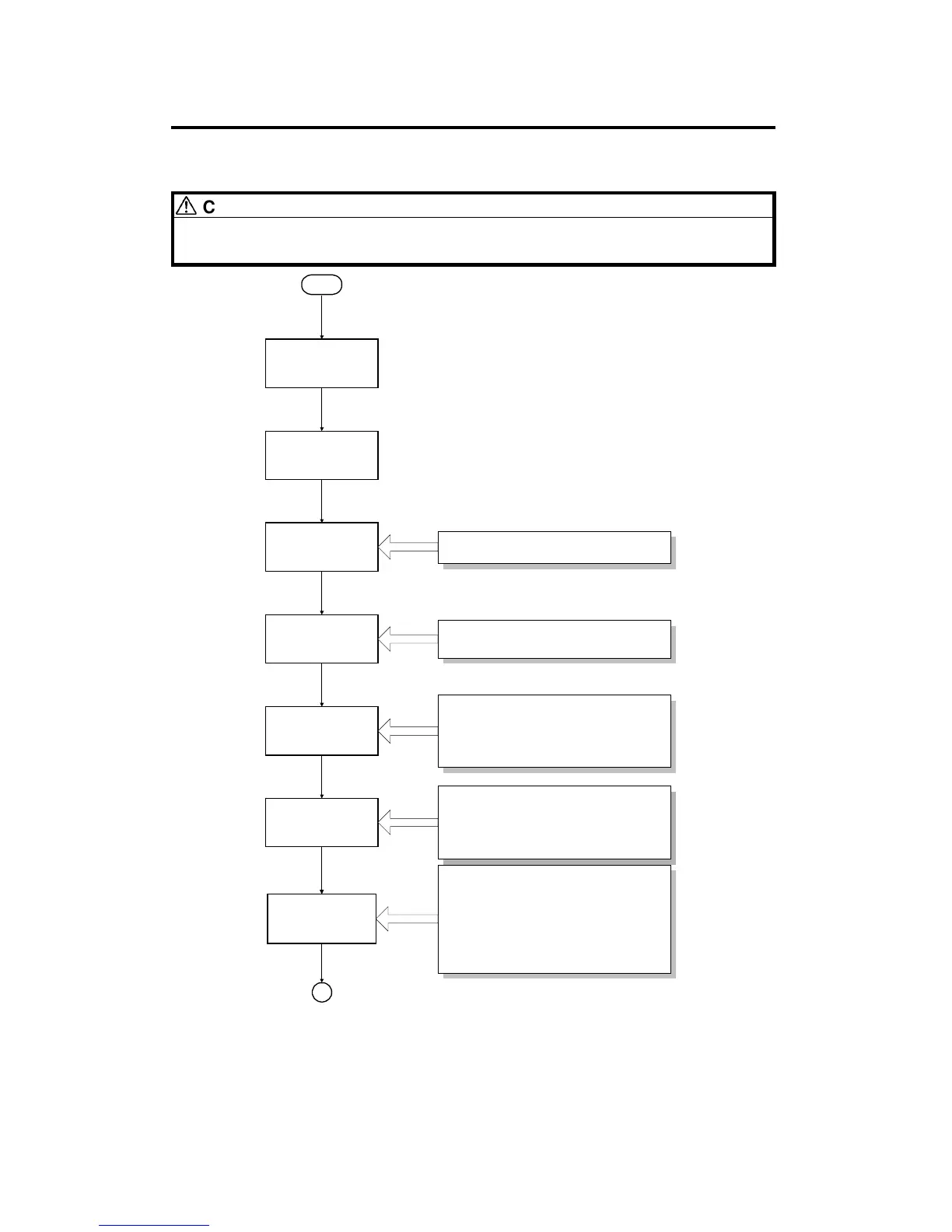
3. INSTALLATION PROCEDURE FLOWCHART
CAUTION:
Refer to the copier installation procedure when performing the steps
shown below.
Remove the inner cover.
Development Unit
Removal
Transfer Belt Unit
Removal
Start
Remove the following parts:
1. Cleaning Blade Release Wedge *
2. Belt Transfer Retainer *
3. Belt Transfer Corona Unit
4. Paper Transfer Corona Unit
5. Transfer Belt Stay
6. Transfer Belt Release Wedges *
Accessory Check
Shipping Tape
Removal
Outer Cover/Inner
Cover Removal
A
Installation
Requirements
Check
Pouring in the
Developers
(Bk,C,M,Y)
Use the following parts:
1. Developer Supply Funnel
2. Development Roller Rotation Handle
3. Bk,C,M,Y Developers
Remove the following parts:
1. Development Unit Handle
2. Revolver Stopper *
3. Revolver Retaining Cushion *
1. Transfer Belt Fan
2. Used Toner Tank
*
Keep these shipping
retainers for future use.
INSTALLATION PROCEDURE FLOWCHART
A166/A187/A189 3-36 SM



 To Next Page