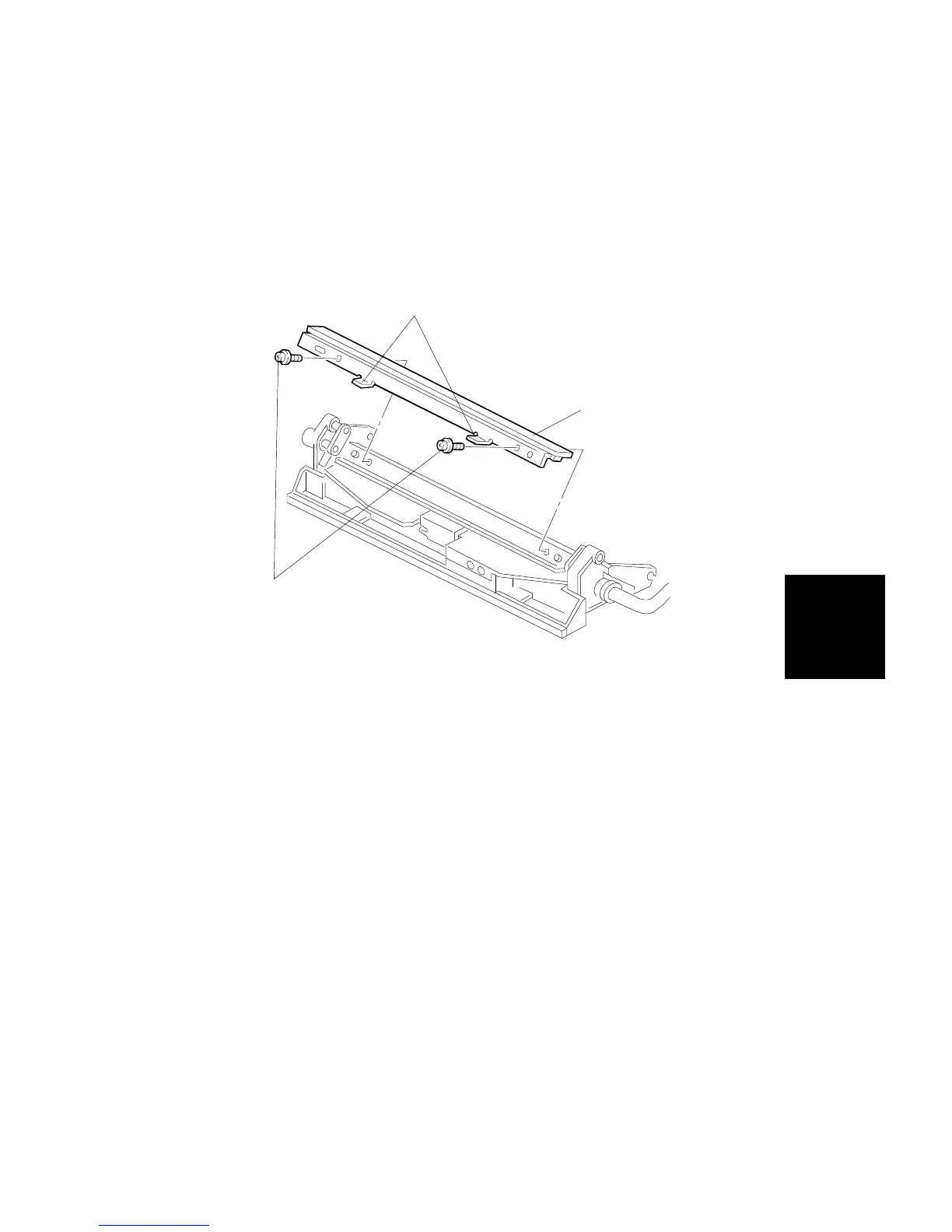
7.2 CLEANING UNIT
NOTE: Be careful not to dirty the customer’s site. Place a floor mat or other
protective sheet on the floor before removing the cleaning unit.
7.2.1 Cleaning Blade Replacement
1. Remove LED Array (2screws, 1 connector)
2. Remove the 2 screws [A].
3. Pull the handles [B] to remove the cleaning blade.
NOTE: Do not touch the rubber area [C]. Carefully slide your finger across
the top of the LED Array after reassembling to cleaning unit to
discharge any static charge.
[C]
[B]
[A]
Replacement
and
Adjustment
TRANSFER BELT UNIT
SM 5-53 A166/A187/A189



 To Next Page