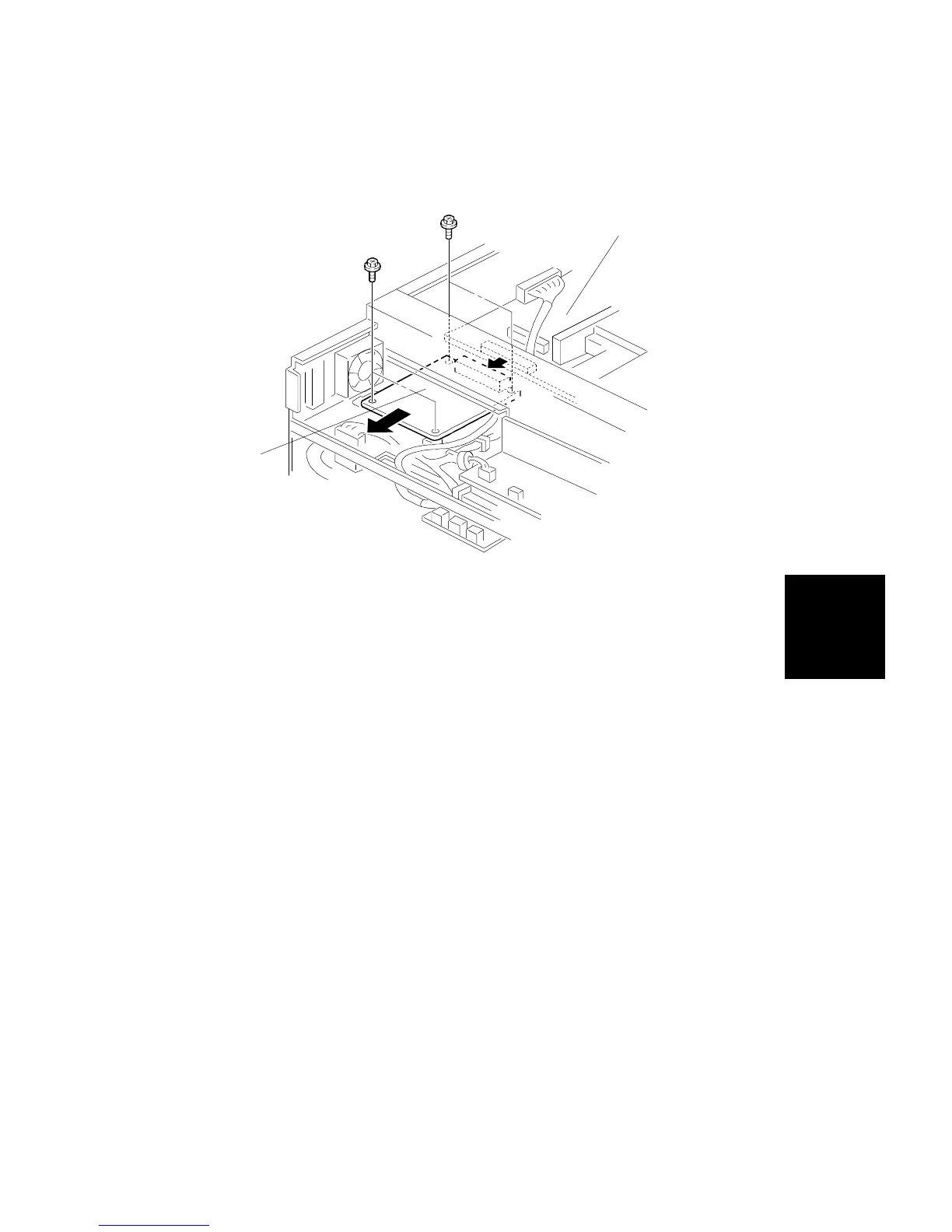
3.8 IDU (IMAGE DISCRIMINATE UNIT) REPLACEMENT
1. Remove the exposure glass (see procedure 1.4).
2. Remove the scanner inner cover (see procedure 3.2).
3. Remove the platen cover frame (see item [D] in step 3 of Scanner Wire
Replacement).
4. Remove the IDU PCD [A] (4 screws). Carefully separate the IDU from the
IPU PCB [B] while removing.
[A]
[B]
Replacement
and
Adjustment
SCANNER UNIT
SM 5-23 A166/A187/A189



 To Next Page