1. EXTERIOR
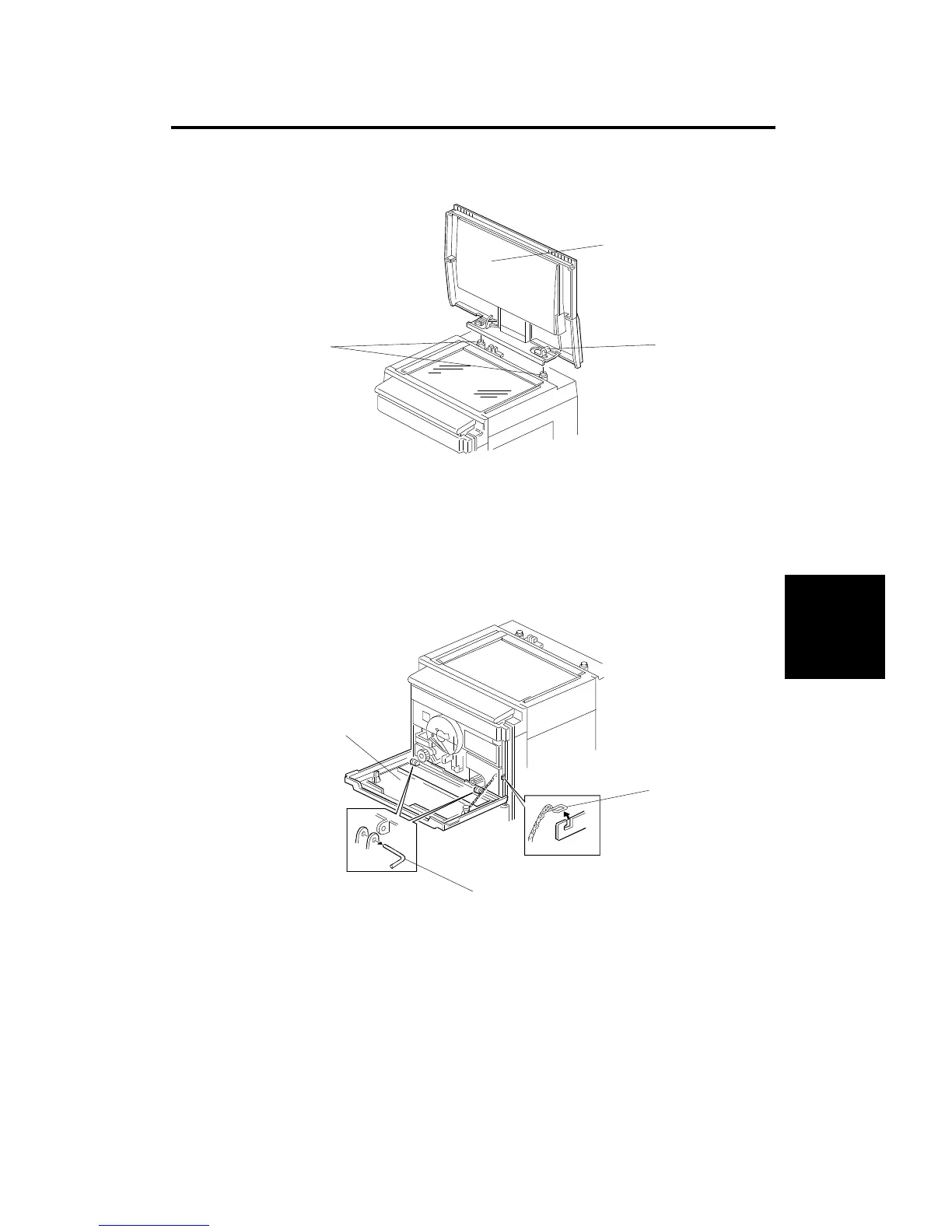
1.1 PLATEN COVER
1. Remove the screws [A].
2. Slide the platen cover [B] to the right to unlock it. While lifting the hook [C]
up, lift the cover up to remove it, as shown.
1.2 FRONT COVER
1. Remove the chain [D] from the hook.
2. Remove the pins [E].
3. Remove the front cover [F].
[A]
[B]
[C]
[D]
[E]
[F]
Replacement
and
Adjustment
EXTERIOR
SM 5-1 A166/A187/A189



 To Next Page