9. PAPER TRANSPORT AND FUSING
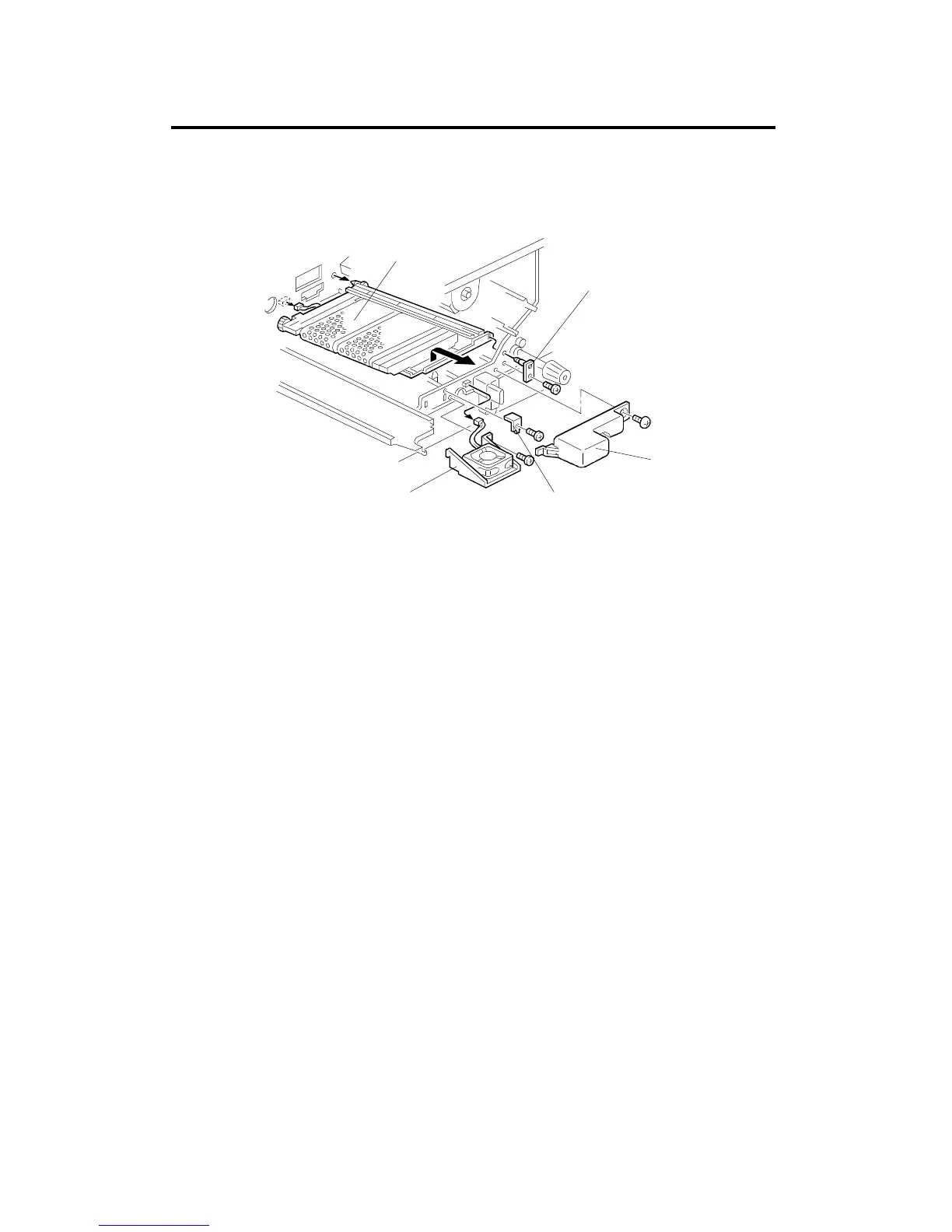
9.1 TRANSPORT UNIT REMOVAL
1. Remove the transfer belt unit (see procedure 7.1).
2. Remove the fusing unit (see procedure 9.3).
3. Remove the inlet fan cover [A] (1 screw).
4. Remove the development inlet fan [B] if necessary (1 connector and 1
screw).
5. Remove the transport tank positioning plate [C] (1 screw).
6. Remove the support plate [D] (1 screw).
7. Remove the transport unit [E] (1 connector).
[E]
[D]
[A]
[C]
[B]
PAPER TRANSPORT AND FUSING
A166/A187/A189 5-72 SM



 To Next Page