4. SERVICE TABLES
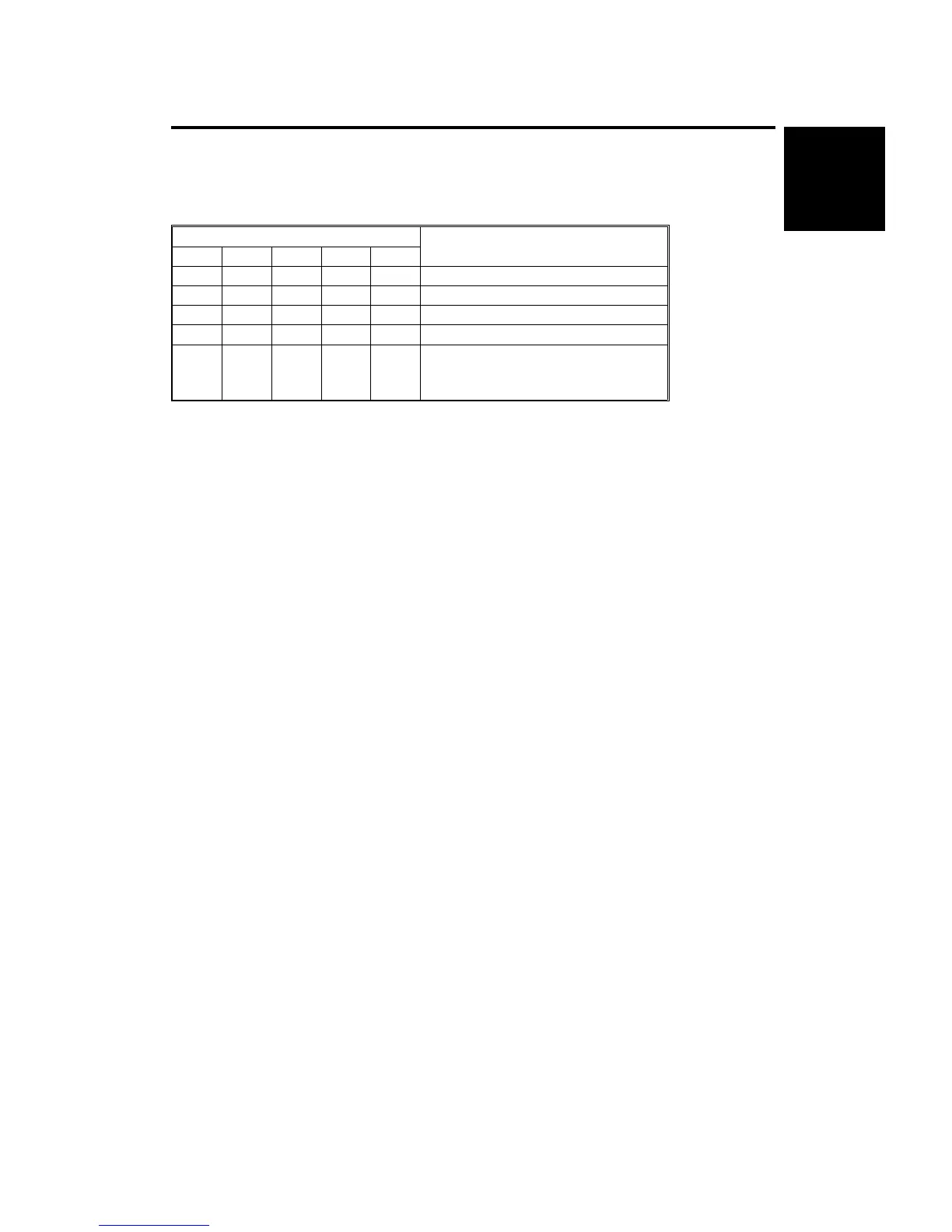
4.1 DIP SWITCHES
DIP SW100
Switch No.
Function
1
2345
Off Off Off Off Off Normal Setting
On On Off Off Off Sorter Free Run
On Off On Off Off Staple Free Run
On On On Off Off System Free Run
Off Off Off Off On
Bin Jam Sensor Adjustment (refer to
the A555 Replacement and
Adjustment section 5.6)
Using a Free Run Mode
1. Select the type of free run that you need using switches 2 and 3.
2. Set switch 1 to 1. The free run starts.
3. To stop the free run, set switch 1 to 0.
4. Return switches 2 and 3 to their factory settings.
Free Run Mode Types
- Sorter Free Run Mode -
This mode advances and lowers the bins, moves the jogger plate, and
changes the roller rotation speed from low to high for each bin.
- Staple Free Run Mode -
This mode performs the jogger plate, grip assembly, and staple movements
for each bin.
- System Free Run Mode -
This mode performs both sorter free run and staple free run modes.
10-Bin
Sorter Stapler
ST10 (A555)
SERVICE TABLES
SM 9-19 A166/A187/A189



 To Next Page