7. FILM PROJECTOR TABLE (A579)
INSTALLATION
1. Remove the following outer covers:
(1) Upper right cover
(2) Upper rear cover
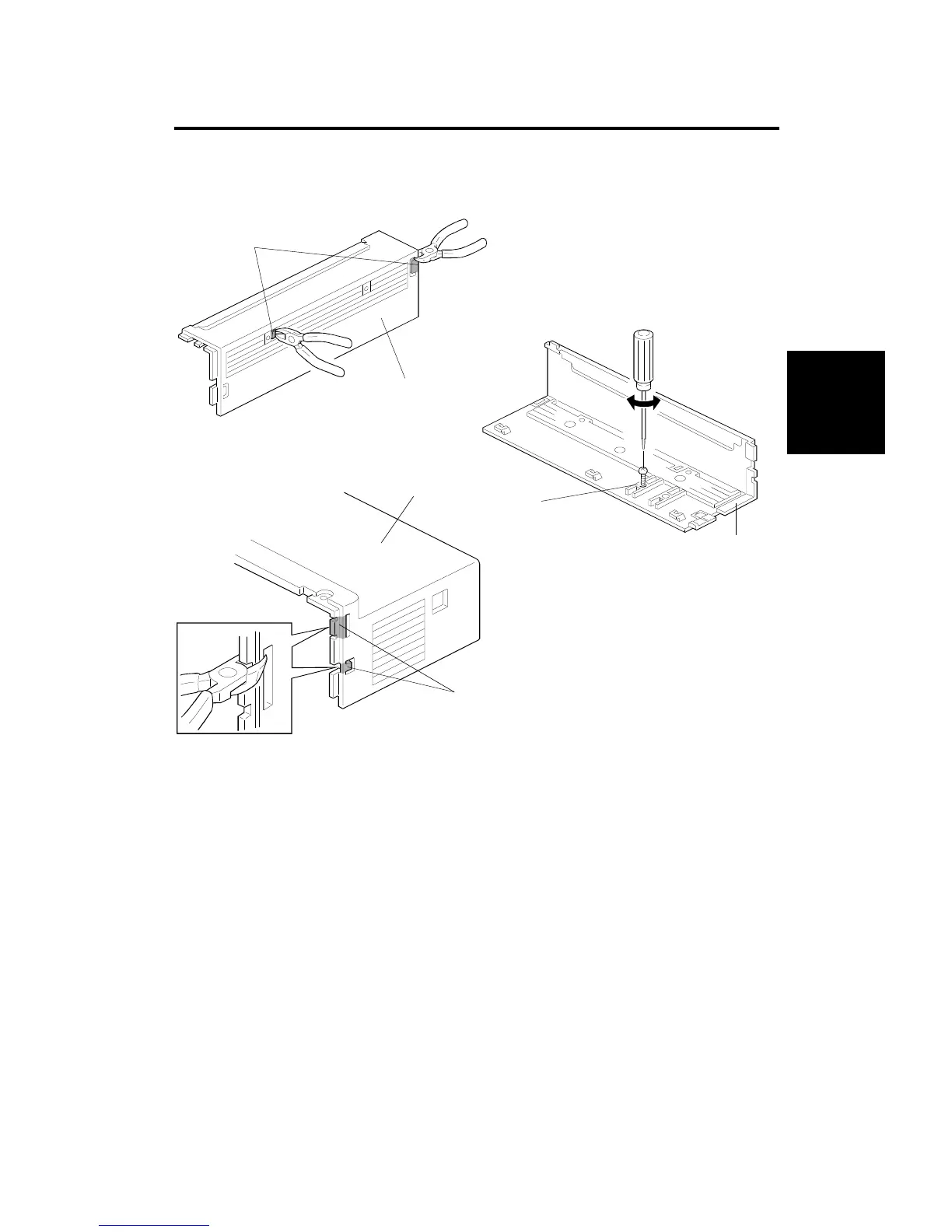
2. Remove the two plastic caps [A] from the upper right cover [B] with
diagonal cutters (or other suitable cutters).
3. Form a hole [C] using a screwdriver and a M5 x 10 tapping screw
through the upper right cover [B].
4. Remove the two plastic caps [D] from the upper rear cover [E] with
diagonal cutters (or other suitable cutters).
[A]
[B]
[B]
[C]
[E]
[D]



 To Next Page