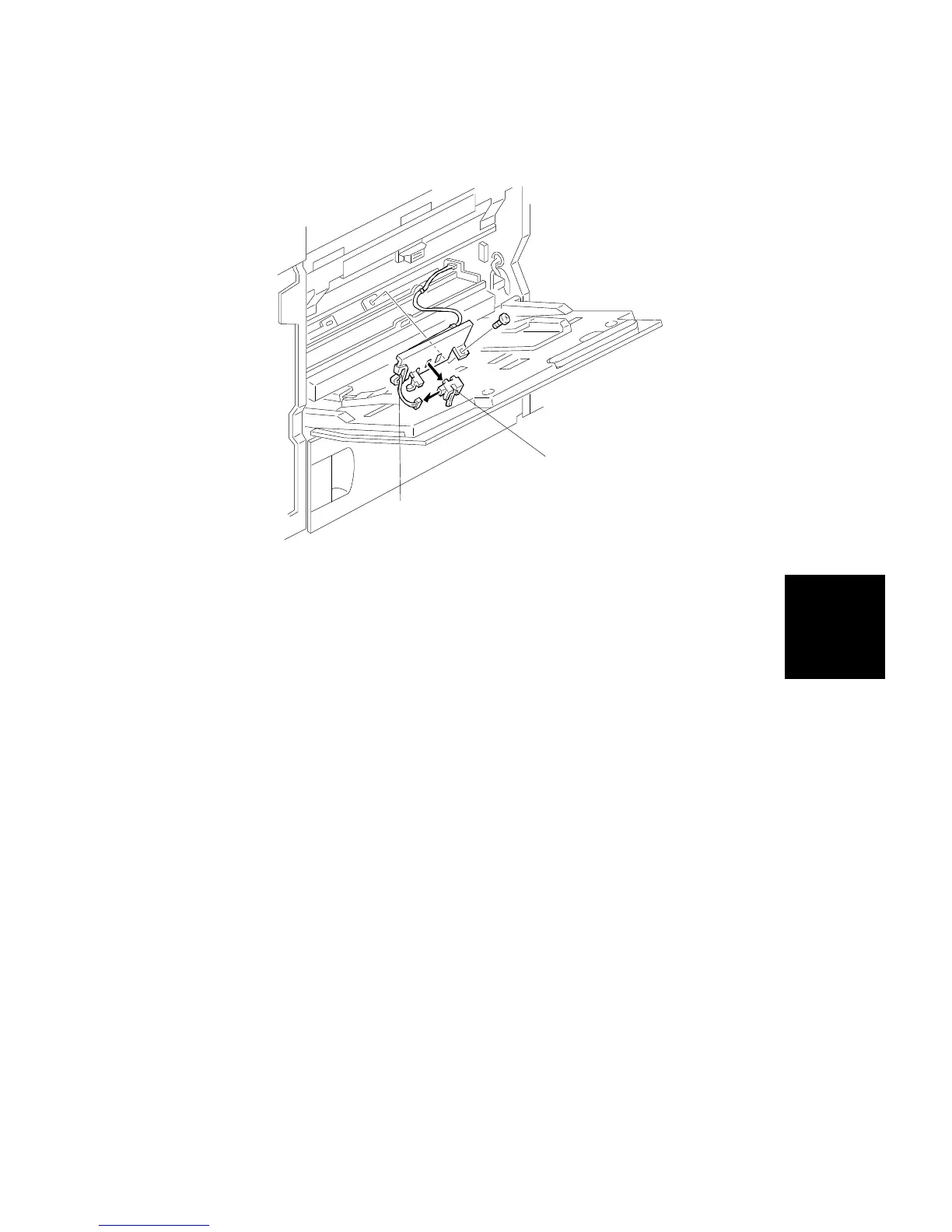
8.6 REGISTRATION SENSOR REPLACEMENT
1. Remove the right front cover and the right cover (see procedure 1.7).
2. Remove the developer collection bottle (see procedure 6.1.1).
3. Remove the registration sensor bracket [A] (1 screw).
4. Replace the registration sensor [B] (1 connector).
[B]
[A]
Replacement
and
Adjustment
PAPER FEED AND REGISTRATION
SM 5-65 A166/A187/A189



 To Next Page