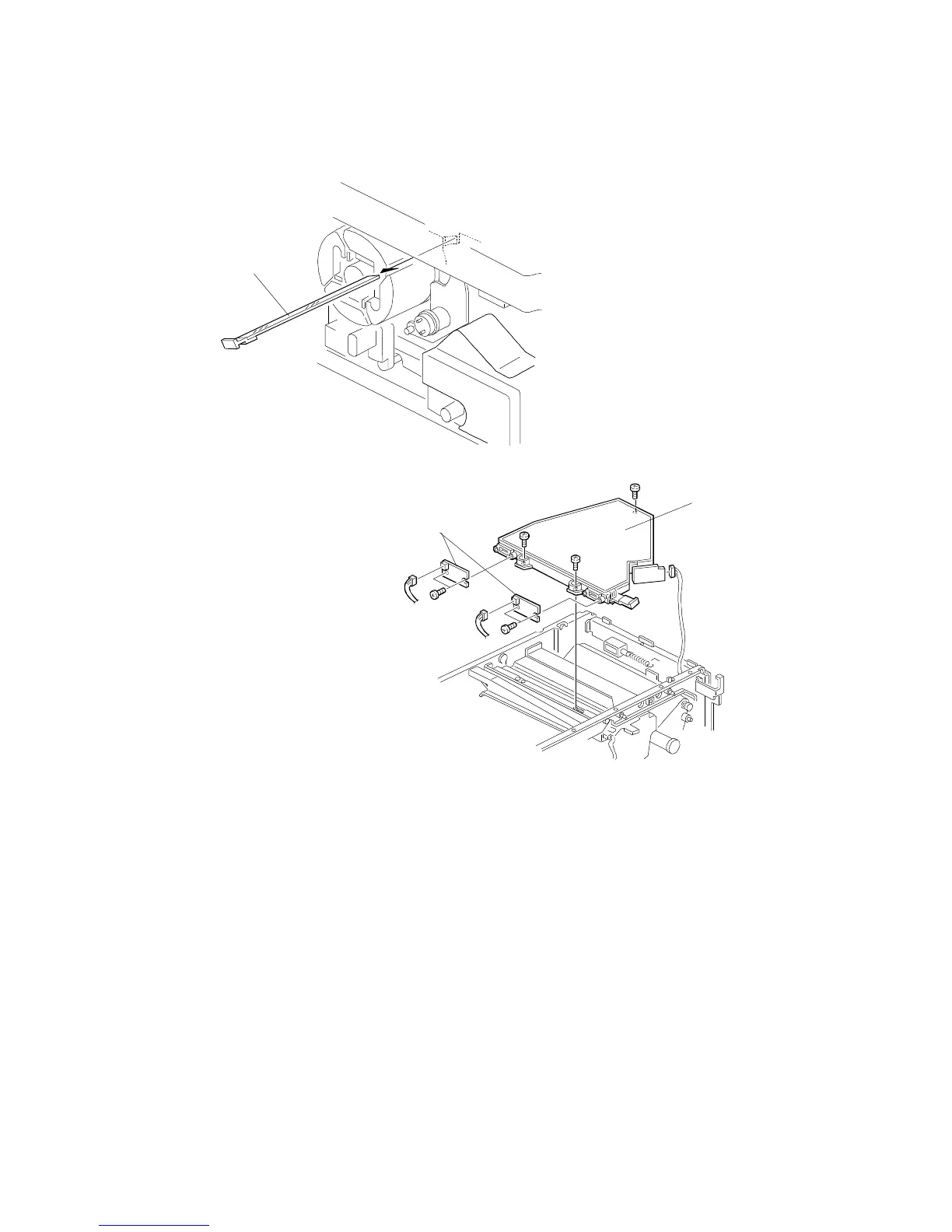
5.2 LASER SYNCHRONIZING DETECTOR BOARD
REPLACEMENT
1. Open the front cover and remove the inner cover (see procedure 1.9).
2. Remove the toner shield glass [A].
3. Open the printer control box (see procedure 5.1).
4. Remove the optical housing unit [B] (3 screws and 3 connectors).
5. Remove and replace the laser synchronizing detector boards [C] (2
screws each).
[C]
[A]
[B]
LASER UNIT
A166/A187/A189 5-34 SM



 To Next Page