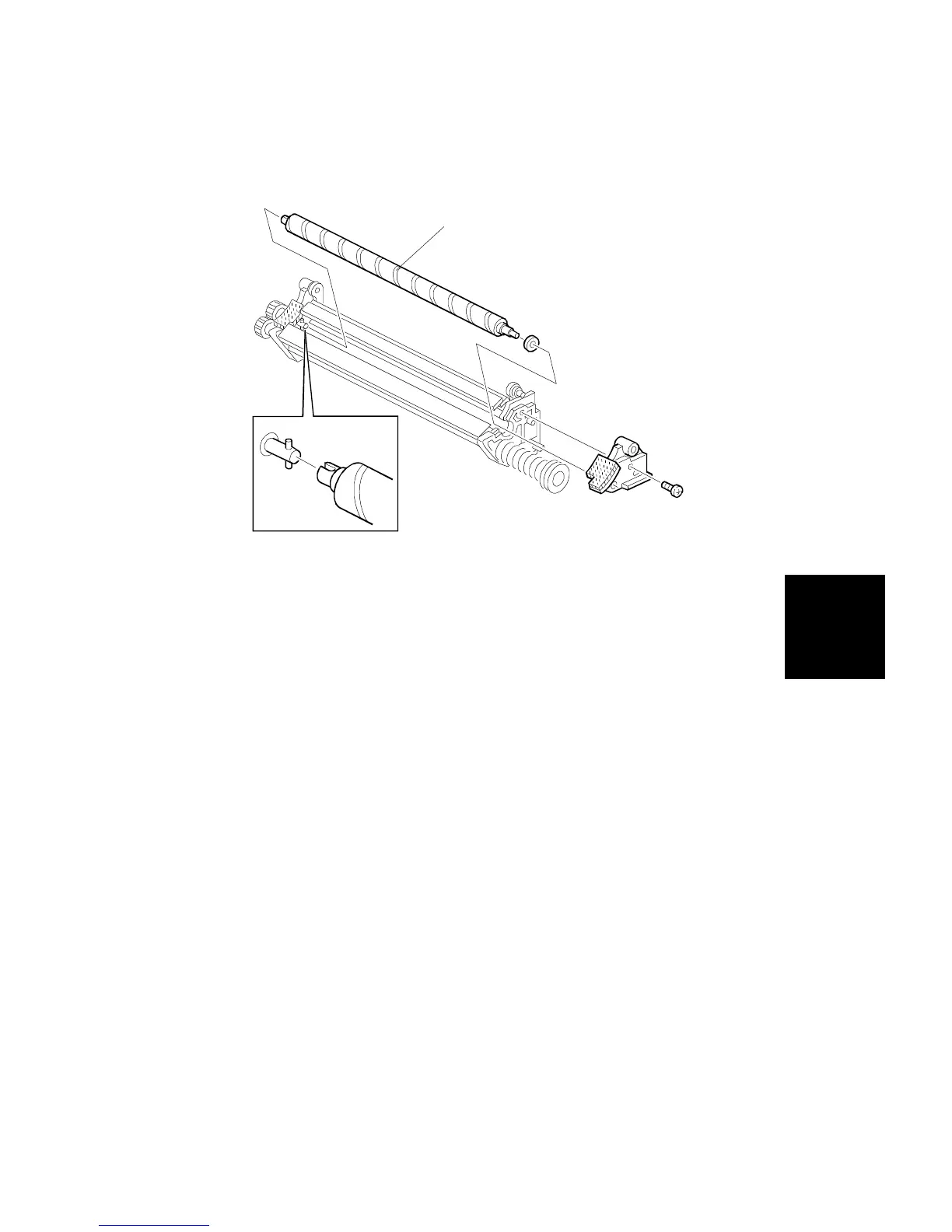
2.3 CLEANING BRUSH REPLACEMENT
1. Remove the drum unit and place it in the work area (see procedure 2.1).
2. Remove the cleaning unit (see procedure 2.2).
3. Remove and replace the cleaning brush [A] (1 screw).
NOTE: When installing the new cleaning brush, be sure to place its
notch over the pin on the cleaning unit, as shown.
4. Reinstall the drum unit by the reverse procedure of its removal.
[A]
Replacement
and
Adjustment
DRUM UNIT
SM 5-11 A166/A187/A189



 To Next Page