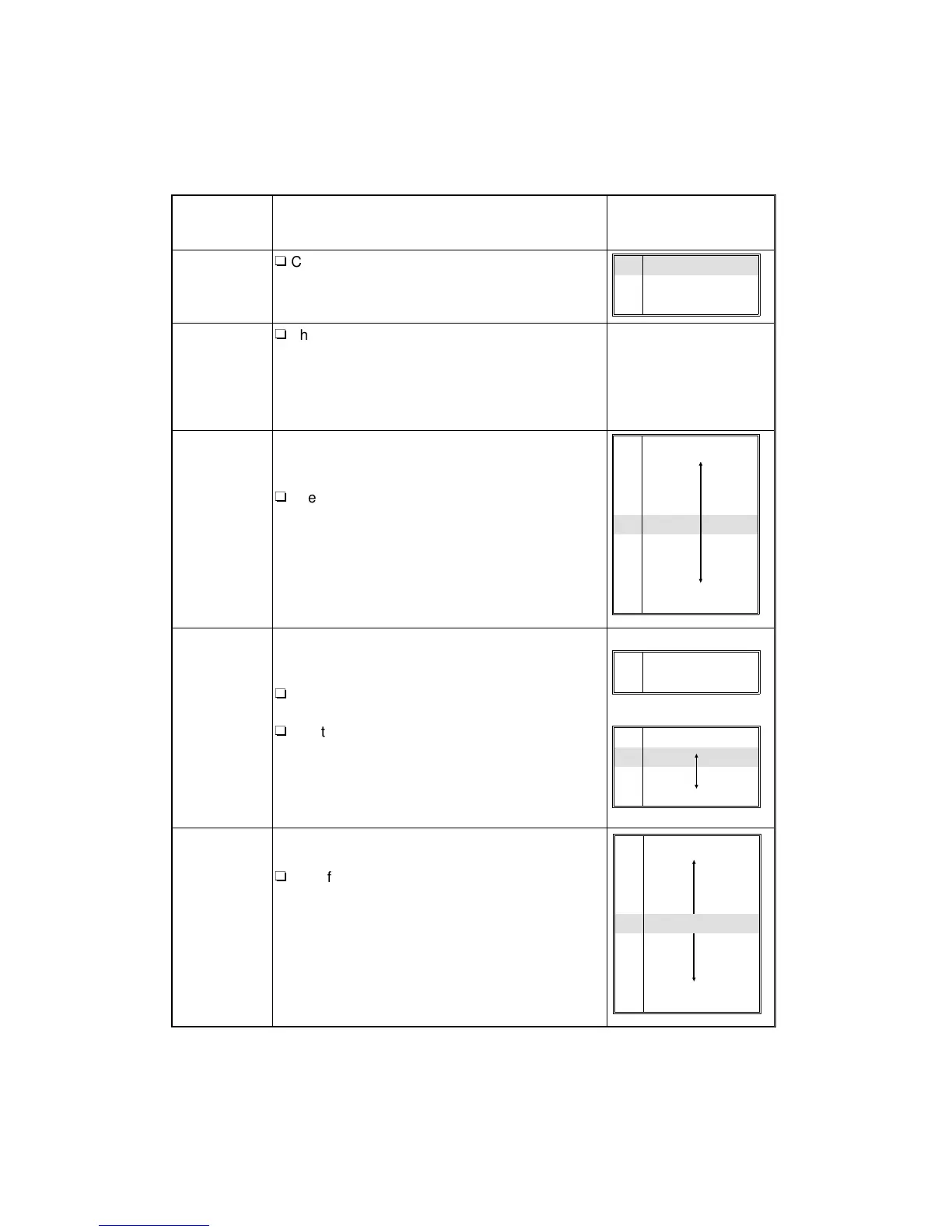
2.2 UP MODE TABLE
UP-1 Default Image Settings
No.:
Function
name
Description
Choices (range) and
specification method
1: Default
photo type
(Photo
mode)
R
Changes the default photo type.
2: Default
photo type
(Auto
mode)
R
The “1: Default photo type (Photo mode)” is
specified when the Photo mode is selected with
the “Original Image Type Selection” function.
The “2: Default photo type (Auto L/P mode)” is
specified when the Auto (Letter/Photo) mode is
selected.
3: Auto Mode
Sensitivity
When in the Auto (Letter/Photo) mode, you can
select the level at which the copier identifies
whether an original is “Letter” or “Photo.”
R
The setting should be closer to the “Letter”
mode if letter areas are blurred or unclear, and
closer to the “Photo” mode if the edges of a
copy are blackish when copying a photograph
in which there is a wide range of image density.
4: Auto
Image
Density
The “Auto Image Density” function sets the copier
to make copies with an appropriate background
density. There are 4 levels.
R
The “Full Color Copy” and “Black Copy/Single
Color” modes can be adjusted separately.
R
Use this function to adjust the level of
background color that is erased automatically.
When you specify a darker value, dark
background colors are not erased easily. When
you specify a lighter value, dark colors are
erased easily.
5: U.C.R
Adjustment
(Black
toner
adjustment)
You can adjust the amount of black toner within 9
levels when making copies in full color.
R
Specify a darker level when you want to copy
letter parts clearly in black, and a lighter level if
an entire image is blackish.
1 Printed
2 Glossy
3 Copied
1 Photo
2
3
4
5
6
7
8
9 Letter
1 Full Color
2
B/W & Single Color
1 Light
2
3
4 Dark
1 Weak
2
3
4
5
6
7
8
9 Strong
USER PROGRAM MODES
A166/A187/A189 4-18 SM



 To Next Page