9. OTHERS
9.1 KEY COUNTER
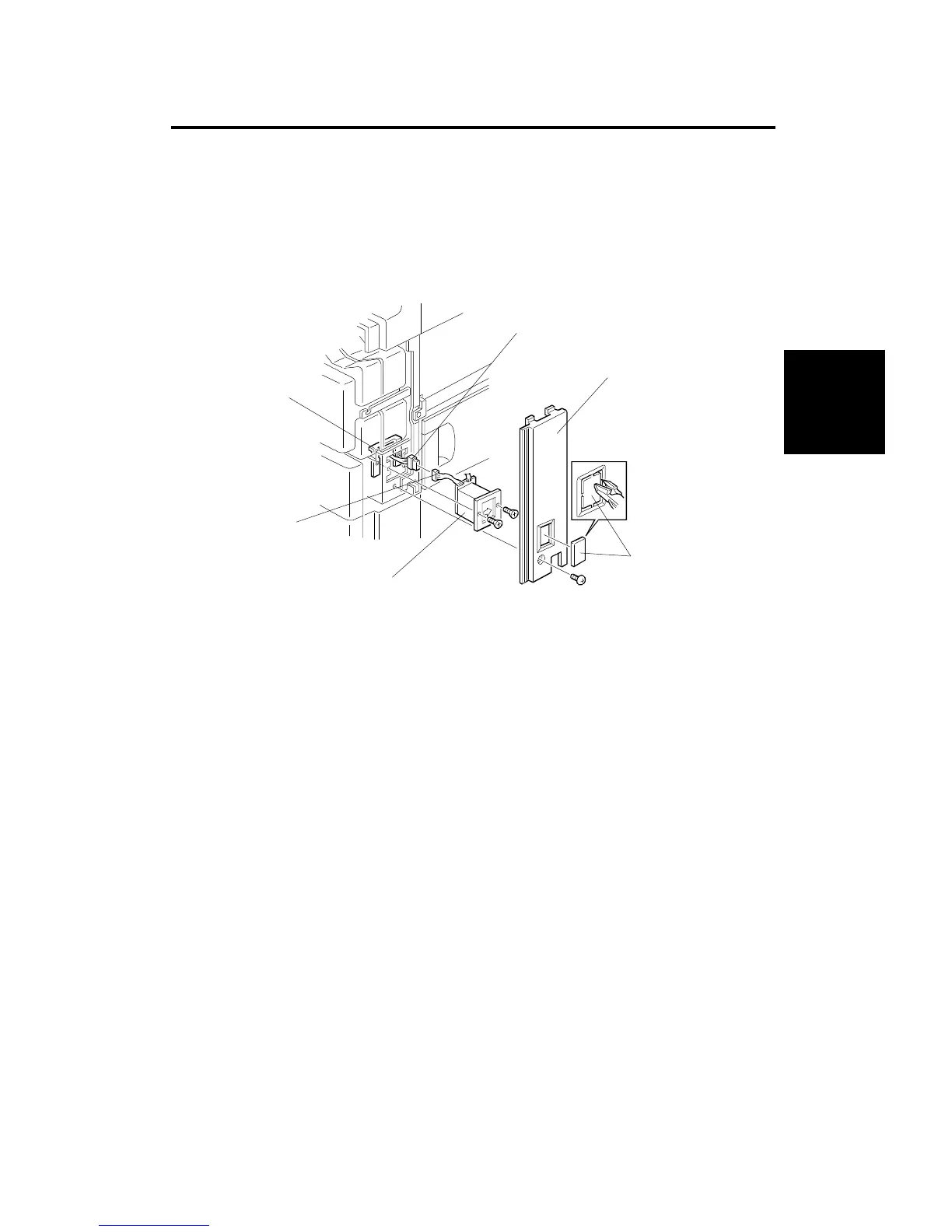
9.1.1 Key Counter Installation
1. Remove the right front cover [A] (1 screw).
2. Cut the key counter cover [B] out of the right front cover with diagonal
cutters (or other suitable cutters).
3. Couple the connector [C] with the key counter connector [D].
4. Remove the 2 screws which hold the securing plate [E] and install the key
counter holder [F] to the fixing plate with the same screws.
5. Reinstall the right front cover [A] (1 screw).
[C]
[F]
[B]
[D]
[A]
[E]
Installation
Procedure
OTHERS
SM 3-61 A166/A187/A189



 To Next Page