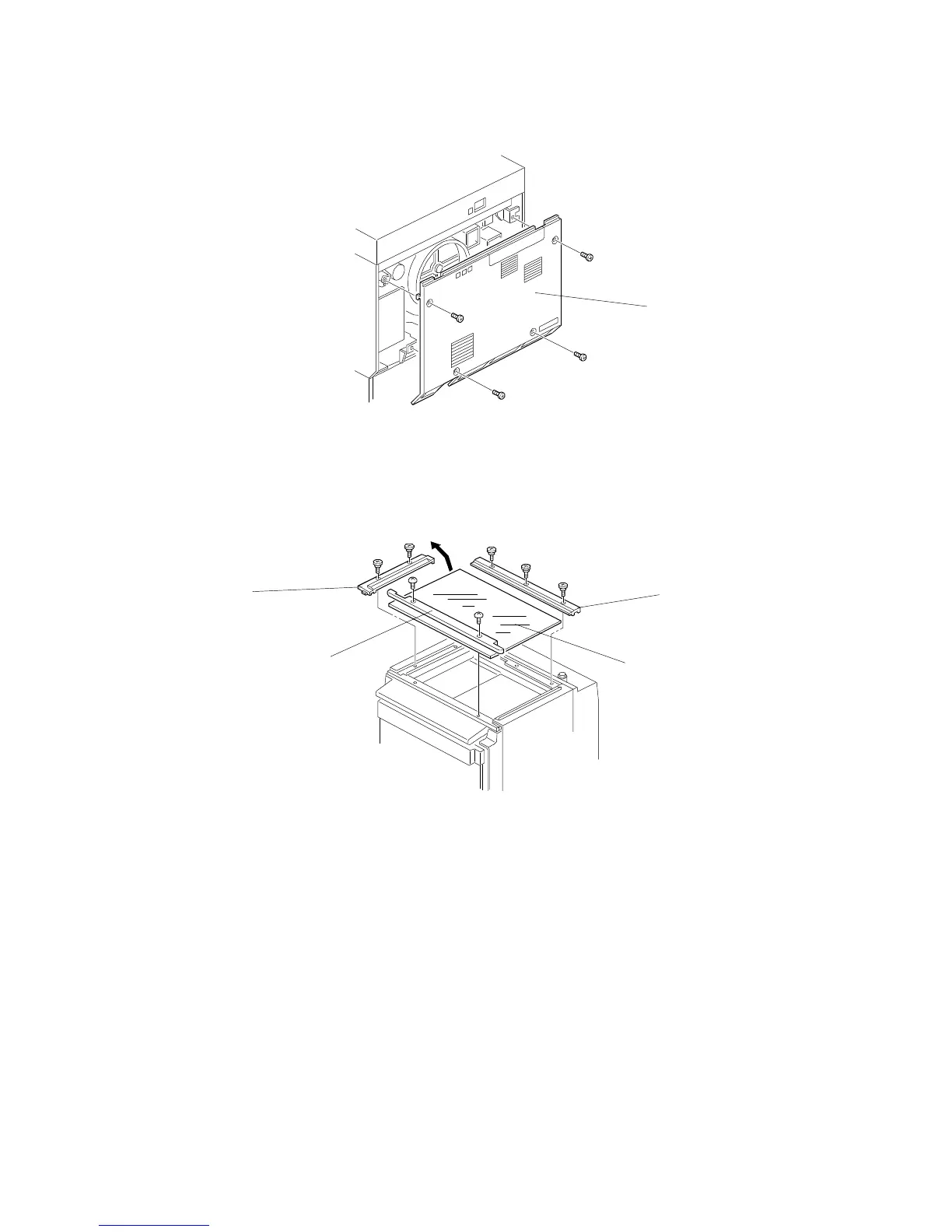
1.3 REAR COVER
1. Remove the rear cover [A] (4 screws).
1.4 EXPOSURE GLASS
1. Remove the left scale [B] (2 screws).
2. Remove the rear scale [C] (3 screws).
3. Remove the upper front cover [D] (2 screws).
4. Remove the exposure glass [E].
NOTE: When reinstalling the exposure glass, ensure that the white plate
faces down and to the left.
[A]
[B]
[C]
[D]
[E]
EXTERIOR
A166/A187/A189 5-2 SM



 To Next Page