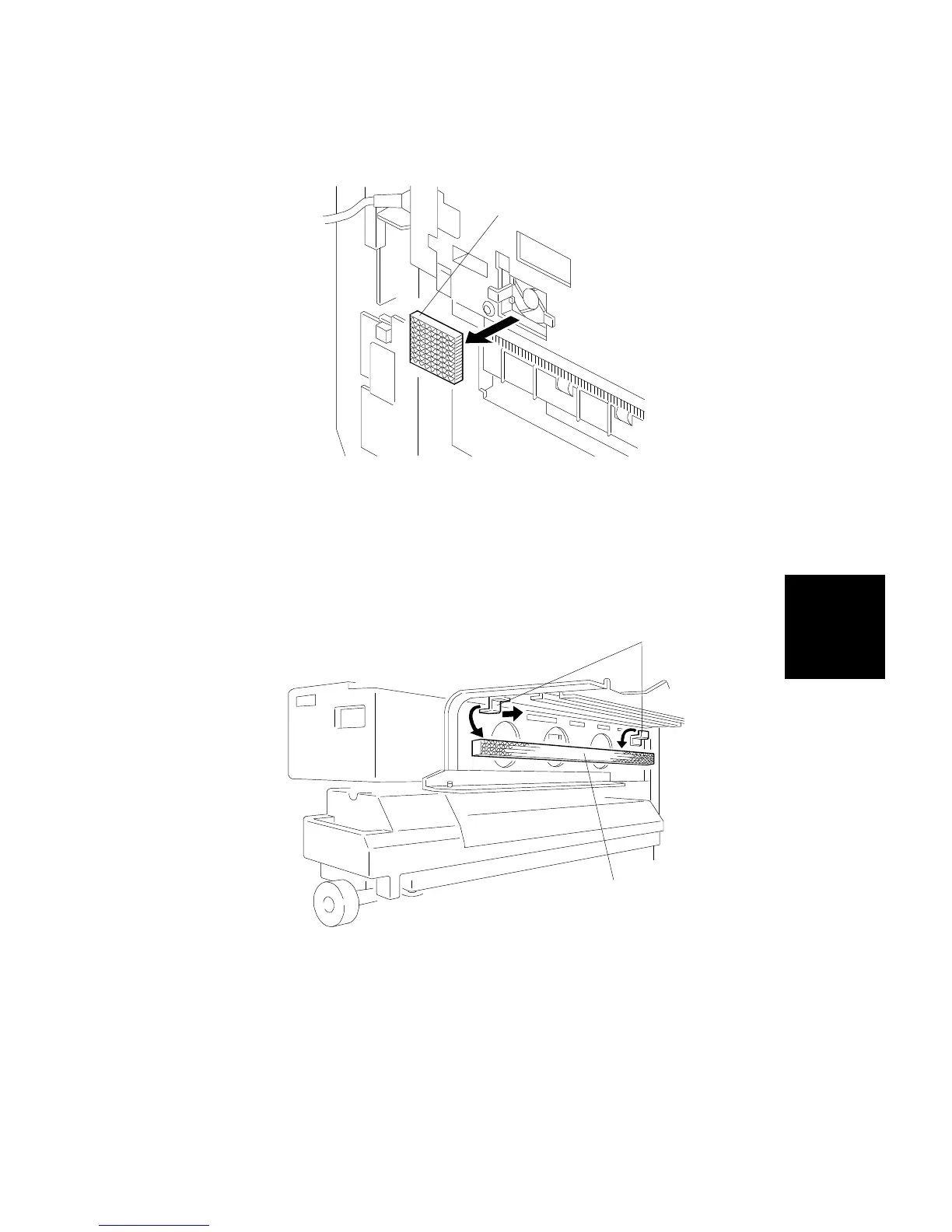
11.7 PAPER EXIT OZONE FILTER REPLACEMENT
1. Remove the left front cover (see procedure 1.8).
2. Replace the ozone filter [A].
11.8 POWER SUPPLY OZONE FILTER REPLACEMENT
1. Remove the development unit (see procedure 6.1.1, steps 1 through 8).
2. Replace the ozone filter [A] while holding the plate springs [B], as shown.
Rev. 11/96
[A]
[B]
[A]
Replacement
and
Adjustment
FILTERS
SM 5-95 A166/A187/A189



 To Next Page