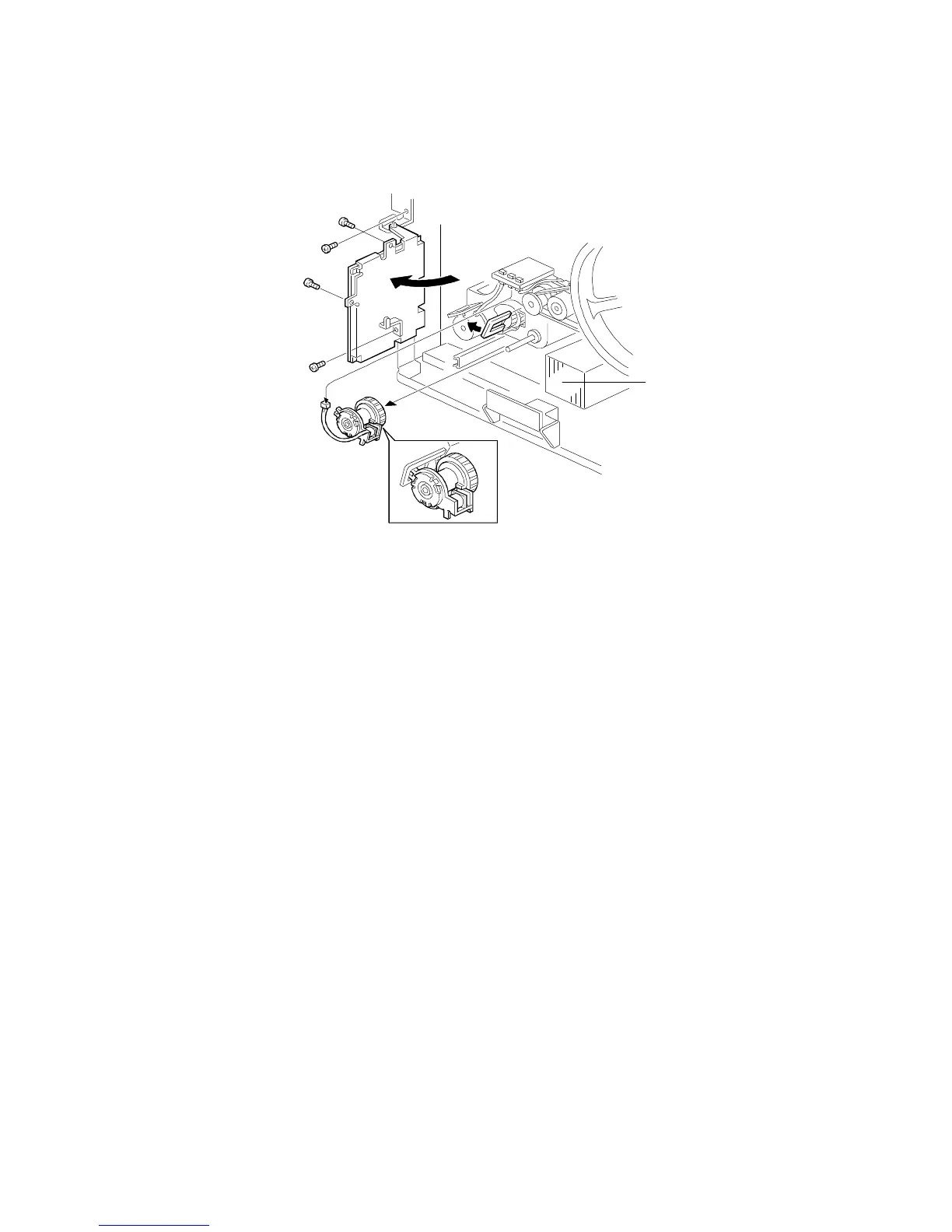
8.9 PAPER FEED CLUTCH REPLACEMENT
1. Remove the rear cover (see procedure 1.3).
2. Swing out the I/O control board [A] (4 screws).
3. Remove the rear transfer fan [B] (1 screw, 1 connector).
4. Remove the connector and the rotation stopper [C] and replace the paper
feed clutch [D].
NOTE: Install the paper feed clutch so that the lug [E] on the clutch is
positioned as shown. Pull out the paper feed tray and ensure the
flat side of the feed roller faces down.
[B]
PAPER FEED AND REGISTRATION
A166/A187/A189 5-68 SM



 To Next Page