OfficeServ 7100 PROGRAMMING
TECHNICAL MANUAL PART 5 APRIL 2007
5.3.28
In the upper right corner is the Recording Device selection. This is the phone
that will be used to record prompts. Enter the phone number and click Call to
start the recording session.
Below these options is the Prompt List. The prompt list displays prompt number,
description (script), and recording length. To edit a prompt from this region
simply click the prompt number to open the recording screen.
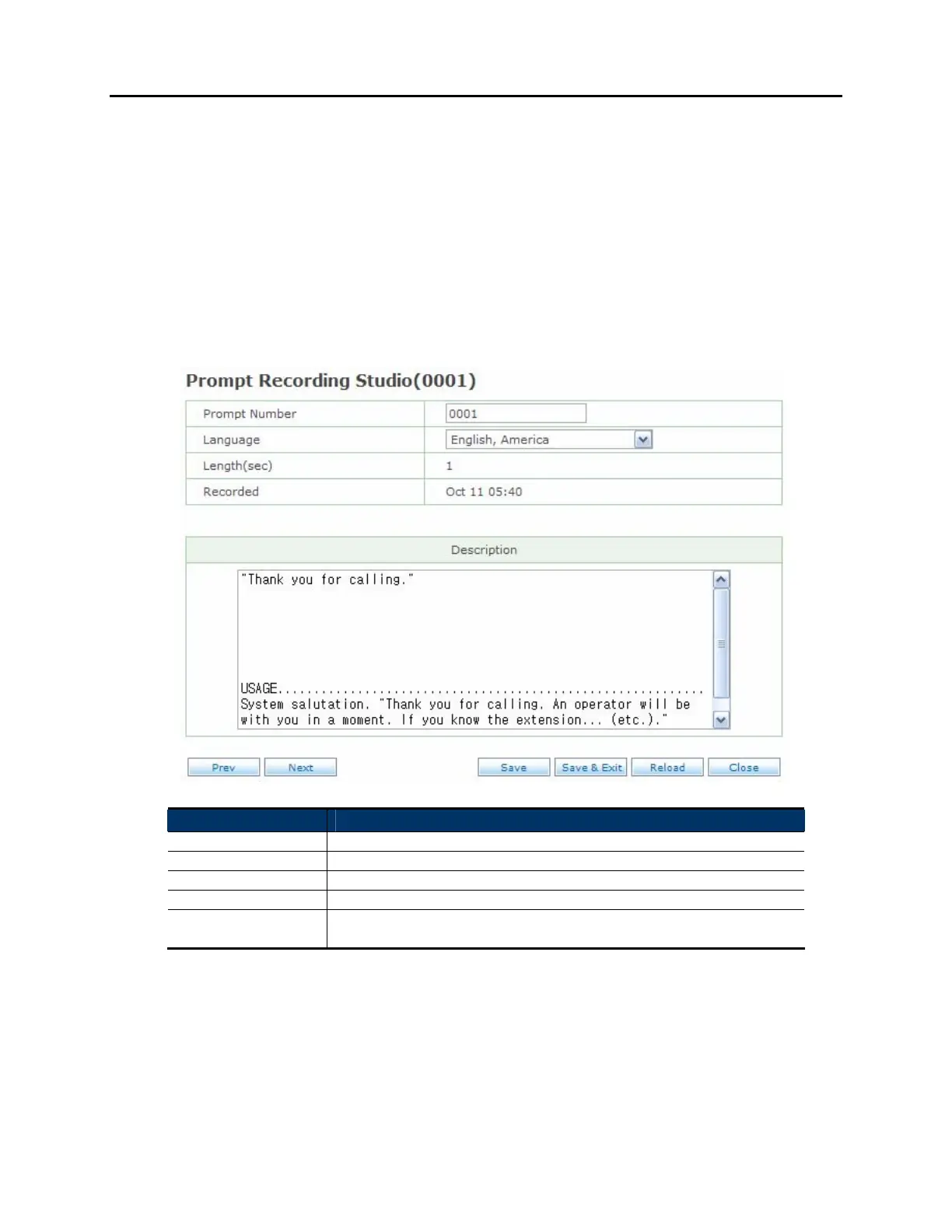
PROMPT RECORDING STUDIO SCREEN:
Field Name Description
Prompt Number The prompt number assigned to this recording.
Language The language set this recording belongs to.
Length(sec) The length, in seconds, of the current recording.
Recorded The date this prompt was recorded on.
Description Text description for the prompt. This area is commonly used to
enter the script for the recording.















 To Next Page