OfficeServ 7100 PROGRAMMING
TECHNICAL MANUAL PART 7 APRIL 2007
7.3.41
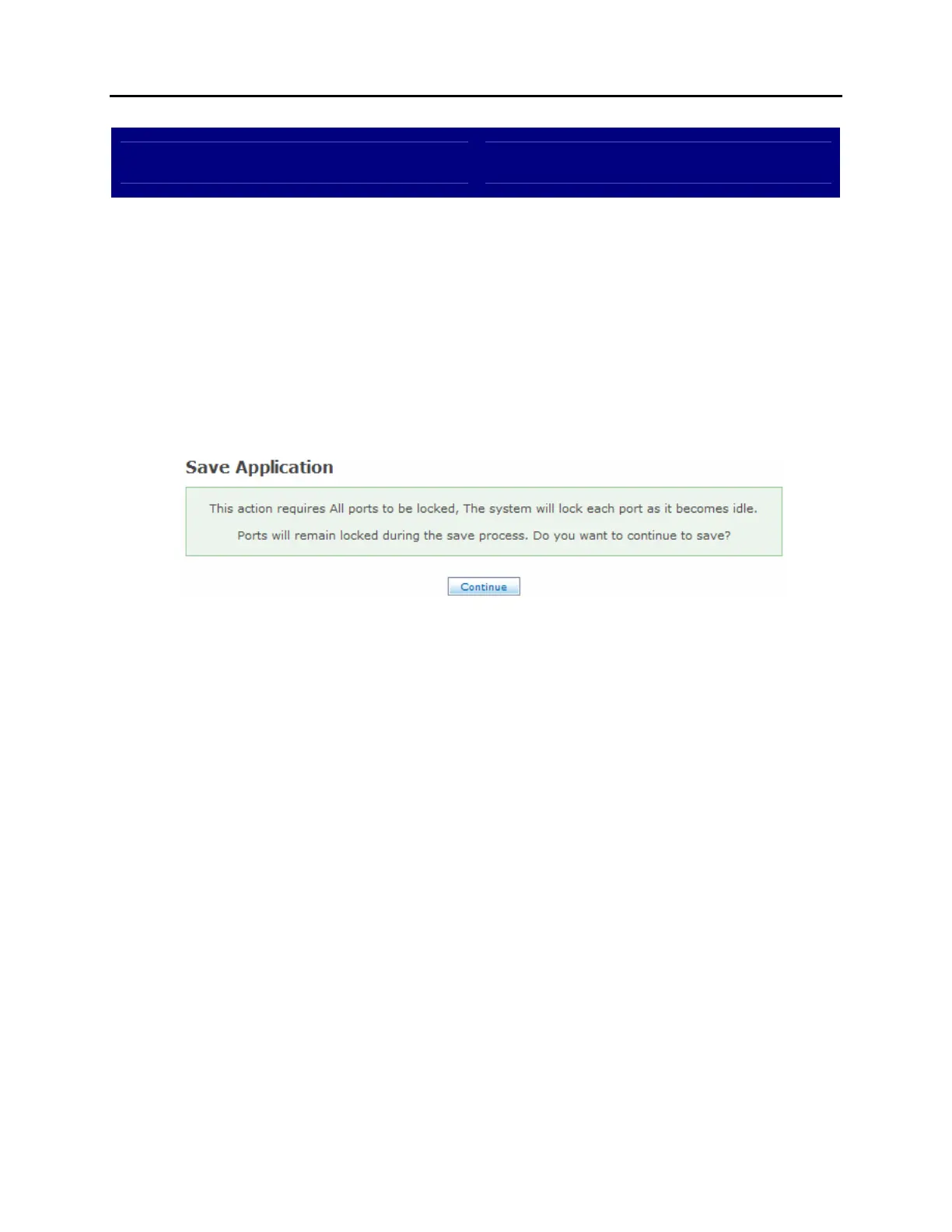
Save Application
DESCRIPTION:
The Save Application screen is used to store any recent changes made to the
automated attendant or voicemail programming. By default all changes are
stored to disk at daily maintenance time, but the Save Application screen allows
changes to be manually saved instantly.
SAVE APPLICATION SCREEN:















 To Next Page