OfficeServ 7100 PROGRAMMING
TECHNICAL MANUAL PART 5 APRIL 2007
5.3.32
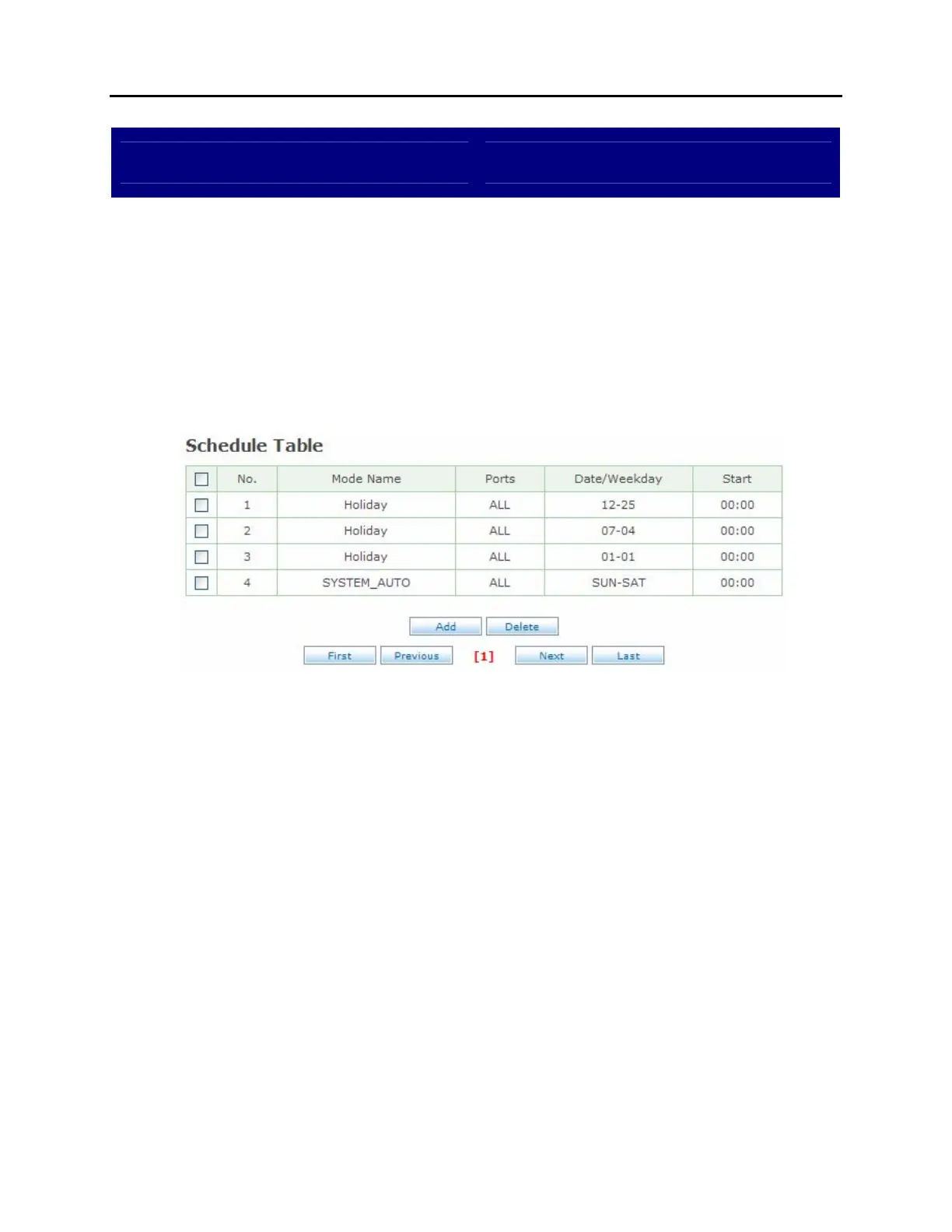
Schedule Table
DESCRIPTION:
The OfficeServ 7100 automated attendant system works by a series of
scheduled operating modes. The Schedule Table screen is used to view, edit,
add, or delete scheduled items.
SELECTION SCREEN:
To edit a schedule item click the Mode Name.
NOTE: Do not remove the SYSTEM_AUTO item or the system will not function
properly.
SCHEDULE TABLE SCREEN:















 To Next Page