OfficeServ 7100 PROGRAMMING
TECHNICAL MANUAL PART 7 APRIL 2007
7.3.21
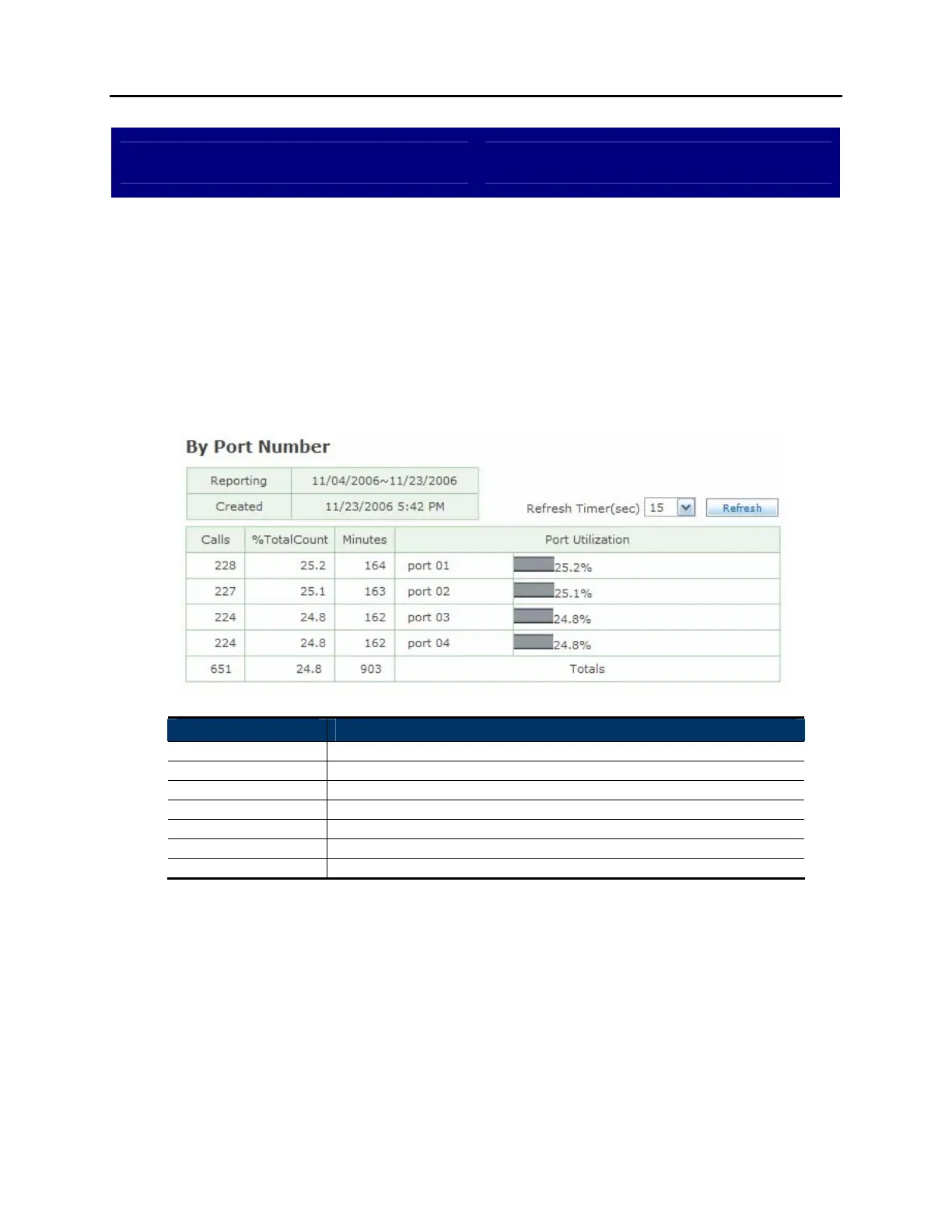
View System Report By Port Number
DESCRIPTION:
The OfficeServ 7100 provides several reports to track automated attendant and
voicemail call statistics. The Statistics By Port Number screen breaks down calls
by the port number they were handled by.
BY PORT NUMBER SCREEN:
Field Name Description
Reporting Reporting period.
Created Date this report was created.
Refresh Timer Set the update interval for the page.
Calls Total number of calls to this port.
%TotalCount Percentage of total calls made to this port.
Minutes Total time of all calls to this port.
Port Utilization The port number being detailed.















 To Next Page