OfficeServ 7100 PROGRAMMING
TECHNICAL MANUAL PART 7 APRIL 2007
7.3.27
Operating Utilities Shutdown VM
DESCRIPTION:
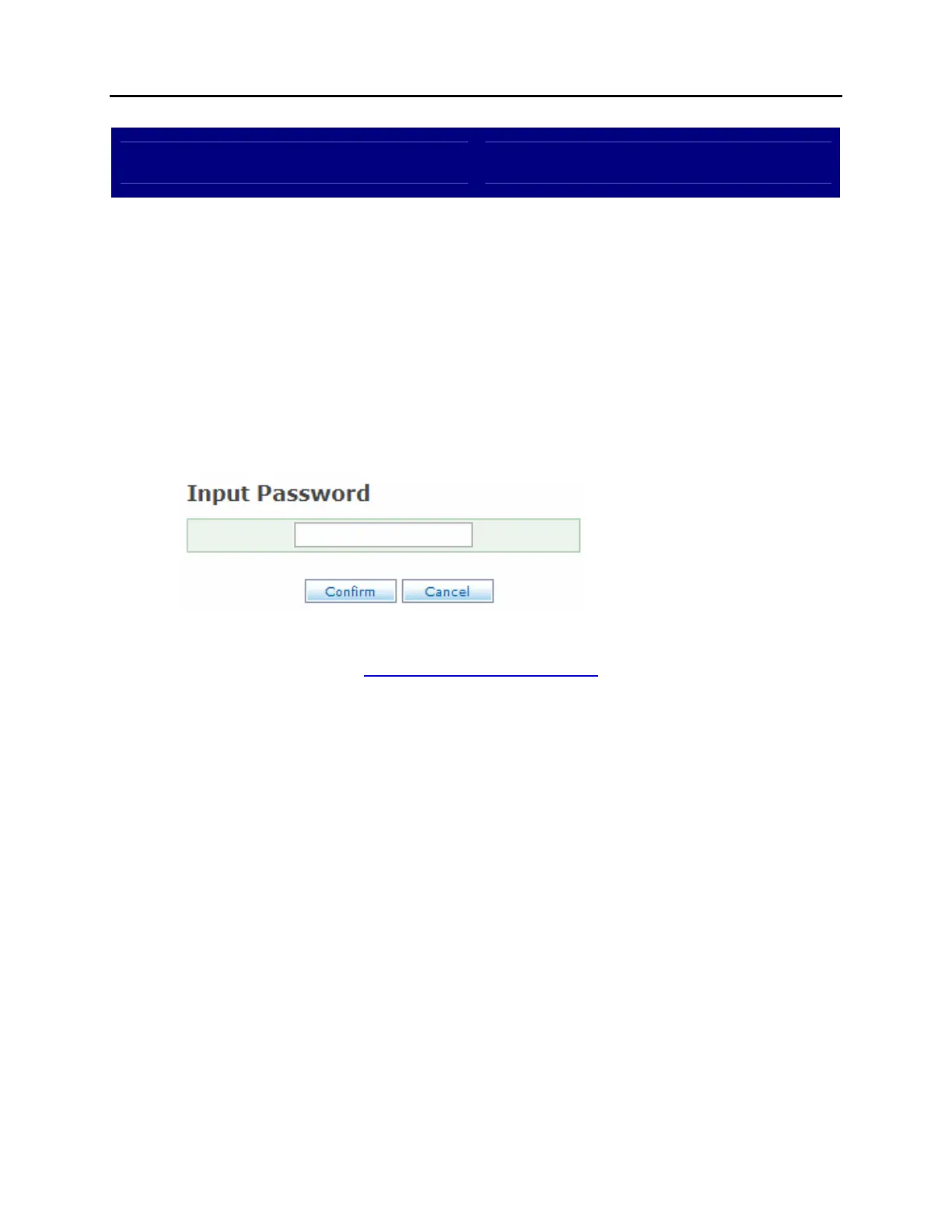
The Shutdown VM screen, as the name implies, is used to exit the voicemail and
automated attendant application. This is an important step when shutting down
the OfficeServ 7100. Failure to exit the system properly can lead to lost or
corrupted messages or programming. To prevent accidental exit, the
administrator password must be entered in order to shut down the system.
SHUTDOWN VM SCREEN:
RELATED ITEMS:
SYSTEM PARAMETERS















 To Next Page