OfficeServ 7100 PROGRAMMING
TECHNICAL MANUAL PART 5 APRIL 2007
5.3.38
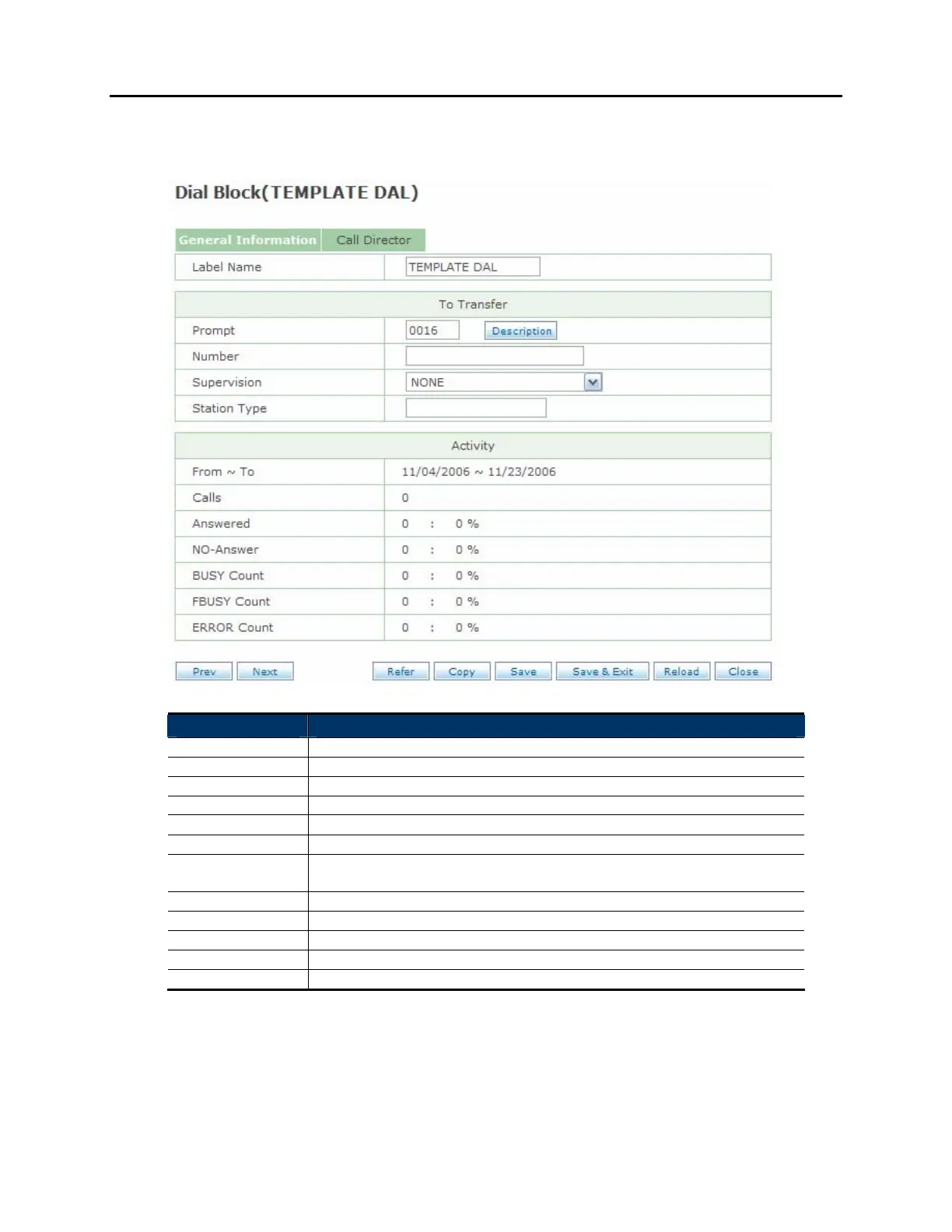
GENERAL INFORMATION SCREEN:
Field Name Description
Label Name The name for this DIAL block
Prompt The prompt to speak before performing the dial action
Number The number to dial
Supervision Supervision level for the call (NONE | PARTIAL | FULL)
Station Type The Station block to use for the dialing operation
From ~ To Start and end dates for the activity report
Calls The number of calls made by this block over the activity report
period
Answered The number of calls made that were answered
NO-Answer The number of calls made that were not answered
BUSY Count The number of calls that resulted in a busy signal
FBUSY Count The number of calls that received a fast busy
ERROR Count The number of calls that encountered an unspecified error condition















 To Next Page