9.2
SEL-351A Relay Instruction Manual Date Code 20080213
Setting the Relay
Settings Changes Via the Front Panel (Only on Models With LCD)
Applications that use wye-connected PTs and have no external zero-sequence
voltage source connection do not require changes in the PTCONN and
VSCONN settings, so are not affected by the order of setting entry.
Using the
ACSELERATOR
®
QuickSet
™
SEL-5030 software to make settings
changes handles these details automatically.
Settings Changes Via the Front Panel (Only on
Models With LCD)
The relay front-panel {SET} pushbutton provides access to the Relay, Global,
and Port settings only. Thus, the corresponding Relay, Global, and Port
settings sheets that follow in this section can also be used when making these
settings via the front panel. Refer to Figure 11.3 for information on front-
panel communications.
Settings Changes Via the Serial Port
See Section 10: Serial Port Communications and Commands for information
on serial port communications and relay access levels. The SET commands in
Table 9.1 operate at Access Level 2 (screen prompt:
=>>). To change a specific
setting, enter the command:
SET n m s TERSE
When you issue the SET command, the relay presents a list of settings, one at
a time. Enter a new setting, or press <Enter> to accept the existing setting.
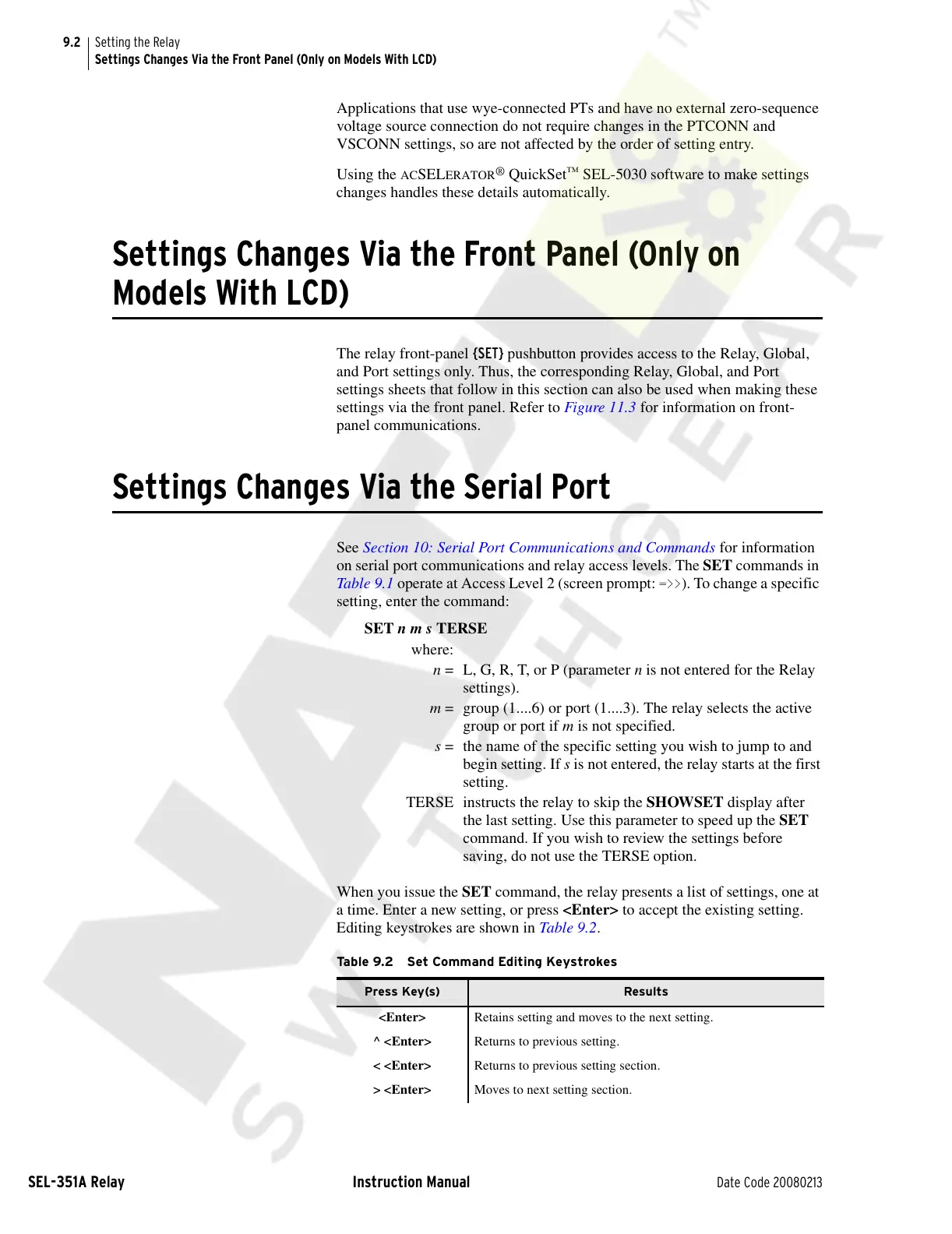
Editing keystrokes are shown in Table 9.2.
where:
n = L, G, R, T, or P (parameter n is not entered for the Relay
settings).
m = group (1....6) or port (1....3). The relay selects the active
group or port if m is not specified.
s = the name of the specific setting you wish to jump to and
begin setting. If s is not entered, the relay starts at the first
setting.
TERSE instructs the relay to skip the SHOWSET display after
the last setting. Use this parameter to speed up the SET
command. If you wish to review the settings before
saving, do not use the TERSE option.
Table 9.2 Set Command Editing Keystrokes
Press Key(s) Results
<Enter> Retains setting and moves to the next setting.
^ <Enter> Returns to previous setting.
< <Enter> Returns to previous setting section.
> <Enter> Moves to next setting section.
Courtesy of NationalSwitchgear.com



 To Next Page