11.6
SEL-351A Relay Instruction Manual Date Code 20080213
Front-Panel Interface (Only on Models With LCD)
Functions Unique to the Front-Panel Interface
Functions Unique to the Front-Panel Interface
Three front-panel primary functions do not have serial port command
equivalents. These are:
➤ Reclosing relay shot counter screen (accessed via the {OTHER}
pushbutton)
➤ Local control (accessed via the {CNTRL} pushbutton)
➤ Modified rotating display with scroll lock control (accessed via
the {OTHER} pushbutton)
Reclosing Relay Shot
Counter Screen
Use this screen to see the progression of the shot counter during reclosing
relay testing.
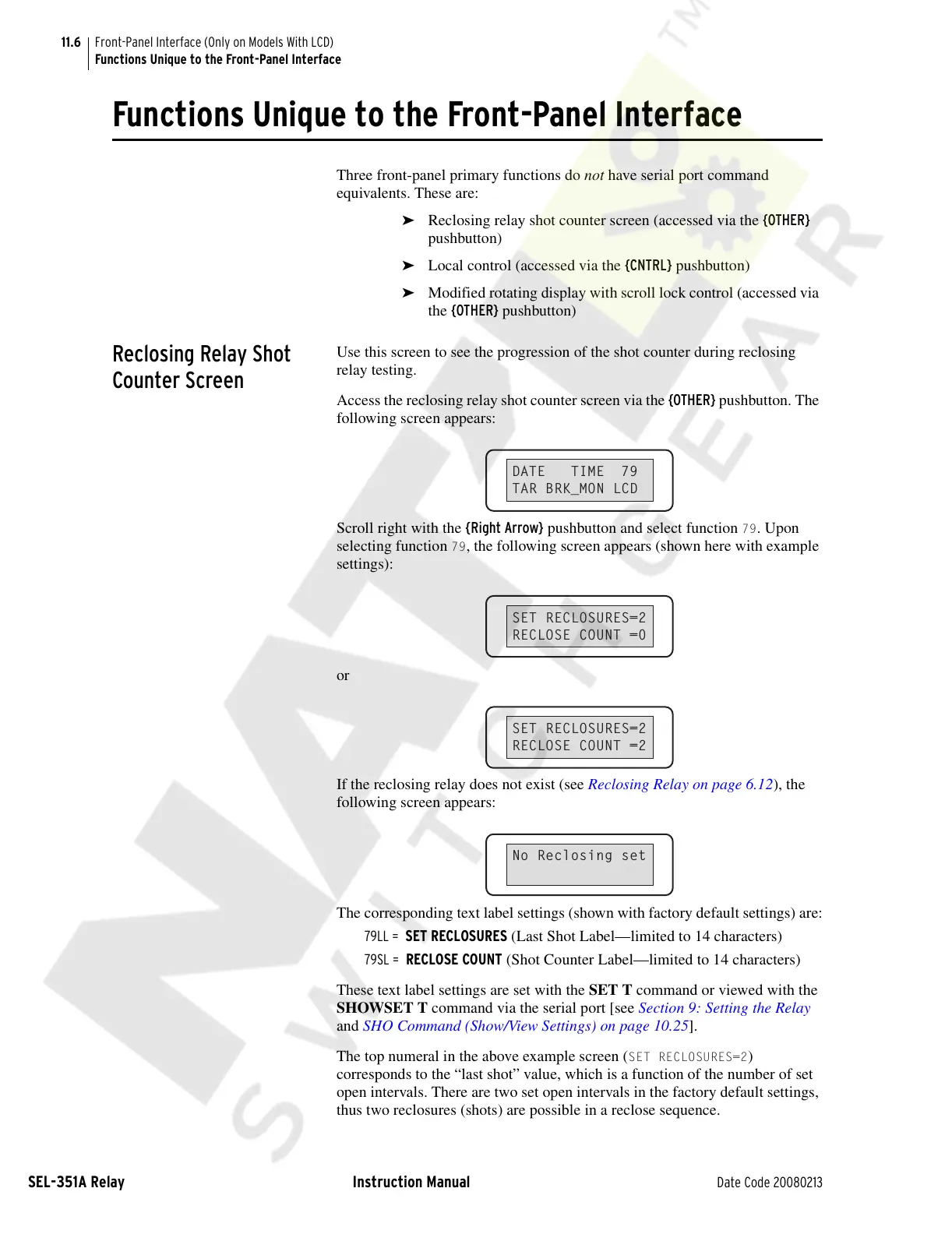
Access the reclosing relay shot counter screen via the {OTHER} pushbutton. The
following screen appears:
Scroll right with the {Right Arrow} pushbutton and select function
79. Upon
selecting function
79, the following screen appears (shown here with example
settings):
or
If the reclosing relay does not exist (see Reclosing Relay on page 6.12), the
following screen appears:
The corresponding text label settings (shown with factory default settings) are:
79LL = SET RECLOSURES (Last Shot Label—limited to 14 characters)
79SL = RECLOSE COUNT (Shot Counter Label—limited to 14 characters)
These text label settings are set with the SET T command or viewed with the
SHOWSET T command via the serial port [see Section 9: Setting the Relay
and SHO Command (Show/View Settings) on page 10.25].
The top numeral in the above example screen (
SET RECLOSURES=2)
corresponds to the “last shot” value, which is a function of the number of set
open intervals. There are two set open intervals in the factory default settings,
thus two reclosures (shots) are possible in a reclose sequence.
DATE TIME 79
TAR BRK_MON LCD
SET RECLOSURES=2
RECLOSE COUNT =0
SET RECLOSURES=2
RECLOSE COUNT =2
No Reclosing set
Courtesy of NationalSwitchgear.com



 To Next Page