11.12
SEL-351A Relay Instruction Manual Date Code 20080213
Front-Panel Interface (Only on Models With LCD)
Rotating Default Display
Rotating Default Display
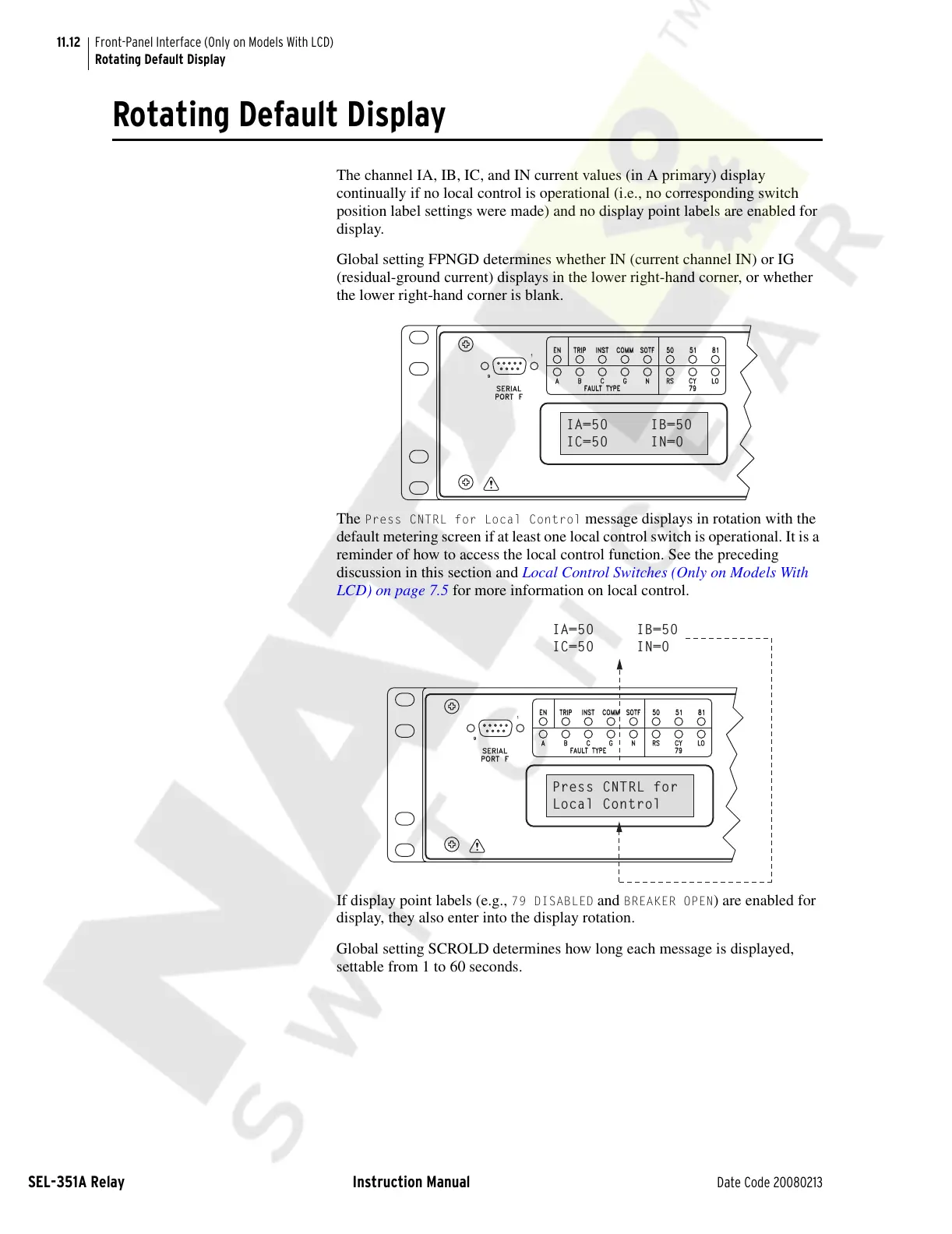
The channel IA, IB, IC, and IN current values (in A primary) display
continually if no local control is operational (i.e., no corresponding switch
position label settings were made) and no display point labels are enabled for
display.
Global setting FPNGD determines whether IN (current channel IN) or IG
(residual-ground current) displays in the lower right-hand corner, or whether
the lower right-hand corner is blank.
The
Press CNTRL for Local Control message displays in rotation with the
default metering screen if at least one local control switch is operational. It is a
reminder of how to access the local control function. See the preceding
discussion in this section and Local Control Switches (Only on Models With
LCD) on page 7.5 for more information on local control.
If display point labels (e.g.,
79 DISABLED and BREAKER OPEN) are enabled for
display, they also enter into the display rotation.
Global setting SCROLD determines how long each message is displayed,
settable from 1 to 60 seconds.
INST
FAULT TYPE
SERIAL
PORT F
9
1
A
B
C
TRIP
EN
50
RS
G
N
COMM
SOTF
79
CY
LO
51
81
IA=50 IB=50
IC=50 IN=0
INST
FAULT TYPE
SERIAL
PORT F
9
1
A
B
C
TRIP
EN
50
RS
G
N
COMM
SOTF
79
CY
LO
51
81
Press CNTRL for
Local Control
IA=50 IB=50
IC=50 IN=0
Courtesy of NationalSwitchgear.com



 To Next Page