B.6
SEL-351A Relay Instruction Manual Date Code 20080213
Firmware Upgrade Instructions
Relay Firmware Upgrade Instructions
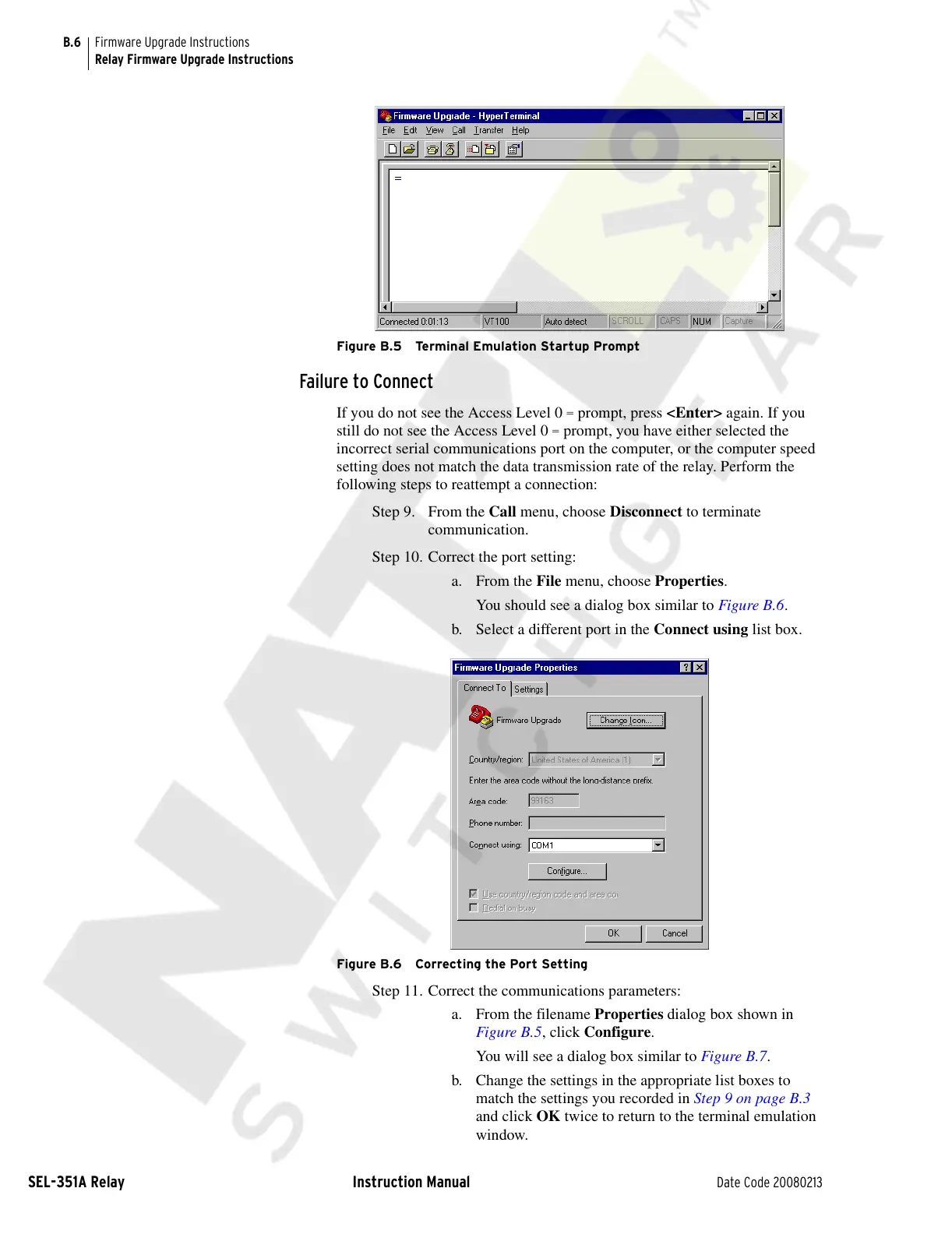
Figure B.5 Terminal Emulation Startup Prompt
Failure to Connect
If you do not see the Access Level 0 = prompt, press <Enter> again. If you
still do not see the Access Level 0
= prompt, you have either selected the
incorrect serial communications port on the computer, or the computer speed
setting does not match the data transmission rate of the relay. Perform the
following steps to reattempt a connection:
Step 9. From the Call menu, choose Disconnect to terminate
communication.
Step 10. Correct the port setting:
a. From the File menu, choose Properties.
You should see a dialog box similar to Figure B.6.
b. Select a different port in the Connect using list box.
Figure B.6 Correcting the Port Setting
Step 11. Correct the communications parameters:
a. From the filename Properties dialog box shown in
Figure B.5, click Configure.
You will see a dialog box similar to Figure B.7.
b. Change the settings in the appropriate list boxes to
match the settings you recorded in Step 9 on page B.3
and click OK twice to return to the terminal emulation
window.
Courtesy of NationalSwitchgear.com



 To Next Page