Date Code 20080213 Instruction Manual SEL-351A Relay
Section 10
Serial Port Communications
and Commands
Overview
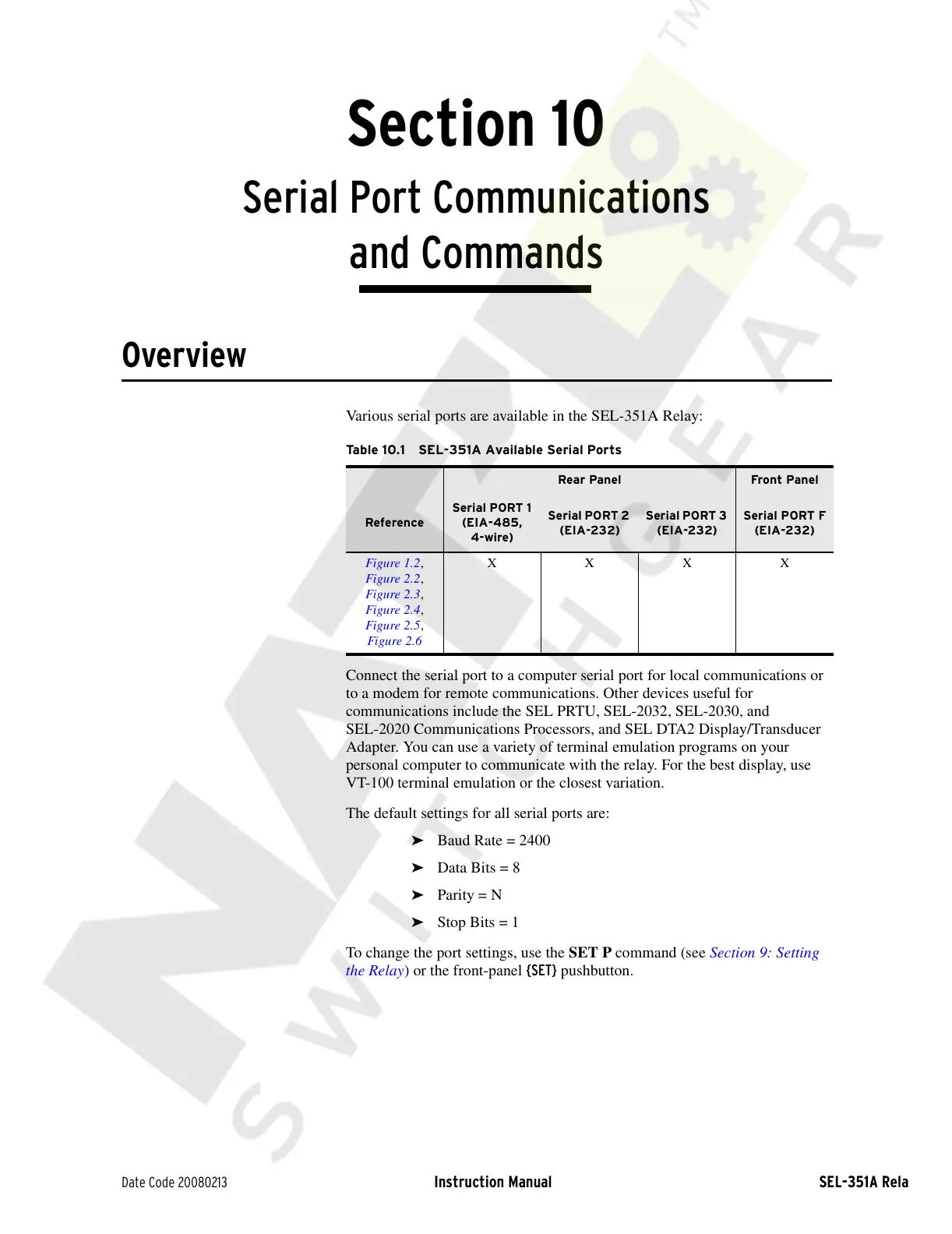
Various serial ports are available in the SEL-351A Relay:
Connect the serial port to a computer serial port for local communications or
to a modem for remote communications. Other devices useful for
communications include the SEL PRTU, SEL-2032, SEL-2030, and
SEL-2020 Communications Processors, and SEL DTA2 Display/Transducer
Adapter. You can use a variety of terminal emulation programs on your
personal computer to communicate with the relay. For the best display, use
VT-100 terminal emulation or the closest variation.
The default settings for all serial ports are:
➤ Baud Rate = 2400
➤ Data Bits = 8
➤ Parity = N
➤ Stop Bits = 1
To change the port settings, use the SET P command (see Section 9: Setting
the Relay) or the front-panel {SET} pushbutton.
Table 10.1 SEL-351A Available Serial Ports
Rear Panel Front Panel
Reference
Serial PORT 1
(EIA-485,
4-wire)
Serial PORT 2
(EIA-232)
Serial PORT 3
(EIA-232)
Serial PORT F
(EIA-232)
Figure 1.2,
Figure 2.2,
Figure 2.3,
Figure 2.4,
Figure 2.5,
Figure 2.6
XXXX
Courtesy of NationalSwitchgear.com



 To Next Page