10.14
SEL-351A Relay Instruction Manual Date Code 20080213
Serial Port Communications and Commands
Command Explanations
Command Explanations
Access Level 0
Commands
ACC, BAC, and 2AC Commands (Go to Access Level 1, B, or 2)
The ACC, BAC, and 2AC commands provide entry to the multiple access
levels. Different commands are available at the different access levels as
shown in Table 10.6 . Commands ACC, BAC, and 2AC are explained together
because they operate similarly.
➤ ACC moves from Access Level 0 to Access Level 1.
➤ BAC moves from Access Level 1 to Access Level B.
➤ 2AC moves from Access Level 1 or B to Access Level 2.
Password Requirements
Passwords are required if the main board Password jumper is not in place
(Password jumper = OFF). Passwords are not required if the main board
Password jumper is in place (Password jumper = ON). Refer to Table 2.5 and
Table 2.6 for Password jumper information. See PAS Command (Change
Passwords) on page 10.37 for the list of default passwords and for more
information on changing passwords.
Access Level Attempt (Password Required)
Assume the following conditions:
➤ Password jumper = OFF (not in place)
➤ Access Level = 0
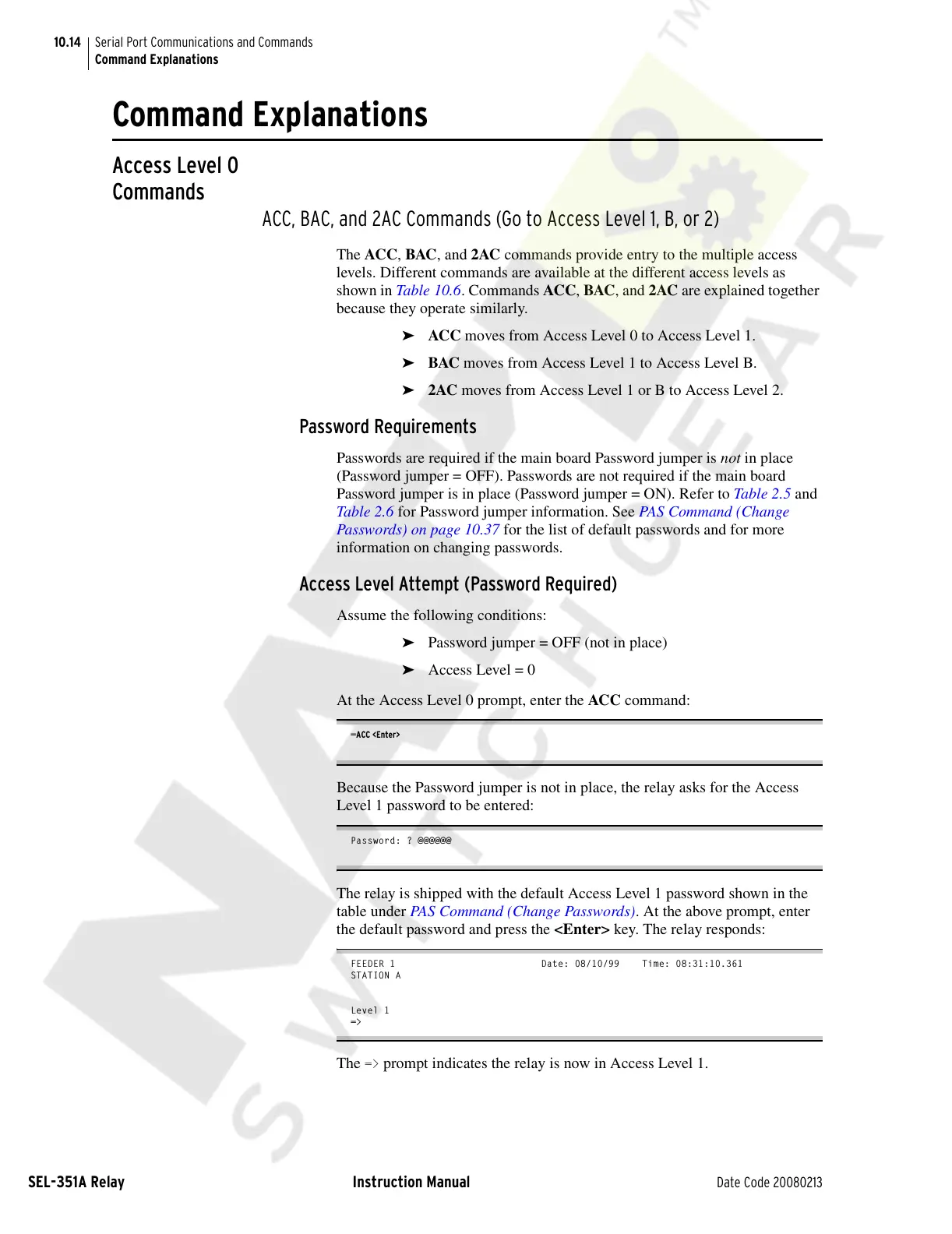
At the Access Level 0 prompt, enter the ACC command:
=ACC <Enter>
Because the Password jumper is not in place, the relay asks for the Access
Level 1 password to be entered:
Password: ? @@@@@@
The relay is shipped with the default Access Level 1 password shown in the
table under PAS Command (Change Passwords). At the above prompt, enter
the default password and press the <Enter> key. The relay responds:
FEEDER 1 Date: 08/10/99 Time: 08:31:10.361
STATION A
Level 1
=>
The => prompt indicates the relay is now in Access Level 1.
Courtesy of NationalSwitchgear.com



 To Next Page