10.39
Date Code 20080213 Instruction Manual SEL-351A Relay
Serial Port Communications and Commands
Command Explanations
=>>PAS 1 <Enter>
Old Password: *********
New Password: ******
Confirm New Password: ******
Password Changed
=>>
CAUTION: This password can be strengthened. Strong passwords do not include a name,
date, acronym, or word. They consist of the maximum allowable characters, with at
least one special character, number, lower-case letter, and upper-case letter. A
change in password is recommended.
=>>
SET Command (Change Settings)
The SET command allows the user to view or change the relay settings—see
Table 9.1.
VER Command (Show Relay Configuration and Firmware Version)
The VER command provides relay configuration information such as nominal
current input ratings.
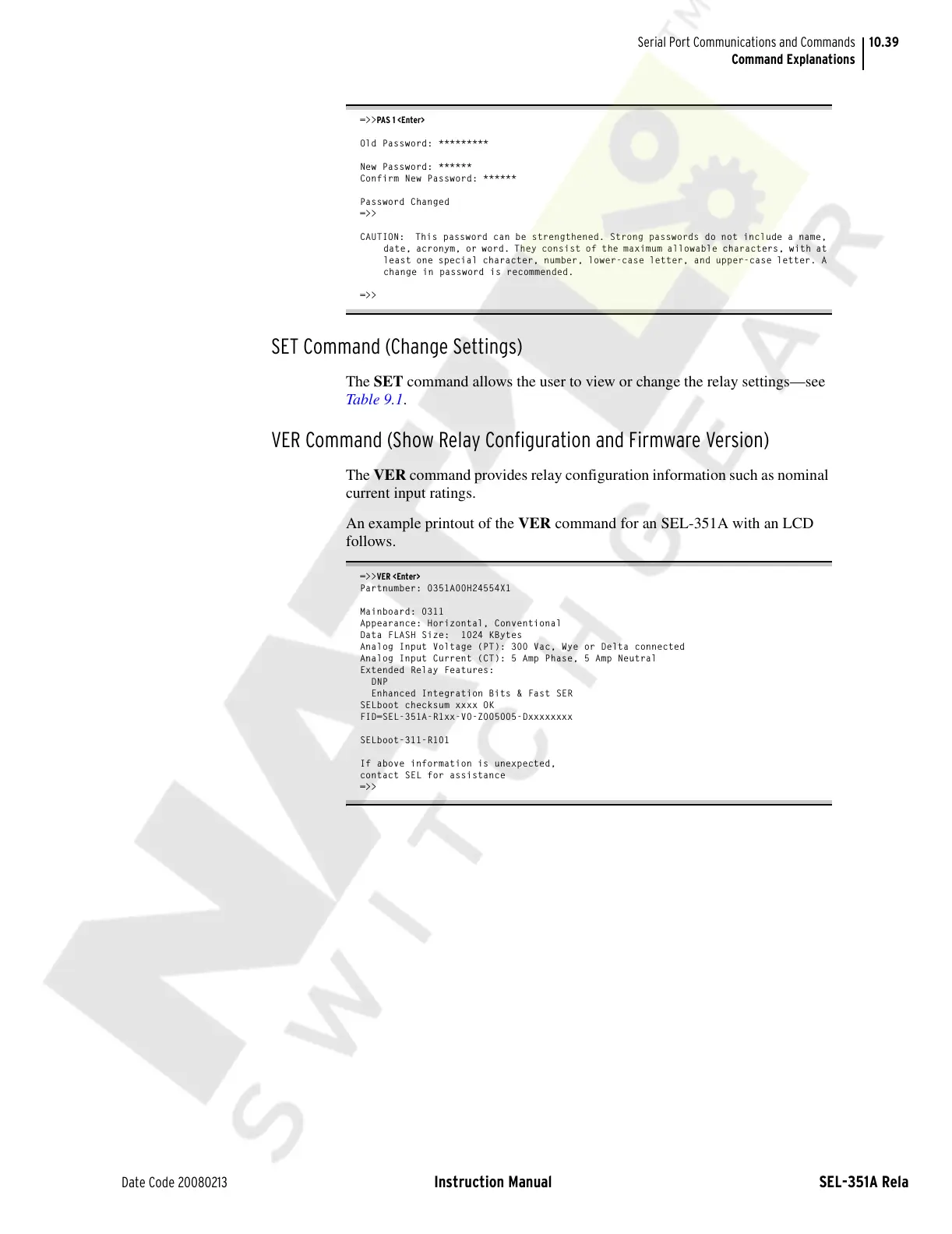
An example printout of the VER command for an SEL-351A with an LCD
follows.
=>>VER <Enter>
Partnumber: 0351A00H24554X1
Mainboard: 0311
Appearance: Horizontal, Conventional
Data FLASH Size: 1024 KBytes
Analog Input Voltage (PT): 300 Vac, Wye or Delta connected
Analog Input Current (CT): 5 Amp Phase, 5 Amp Neutral
Extended Relay Features:
DNP
Enhanced Integration Bits & Fast SER
SELboot checksum xxxx OK
FID=SEL-351A-R1xx-V0-Z005005-Dxxxxxxxx
SELboot-311-R101
If above information is unexpected,
contact SEL for assistance
=>>
Courtesy of NationalSwitchgear.com



 To Next Page