12.23
Date Code 20080213 Instruction Manual SEL-351A Relay
Standard Event Reports and SER
Sequential Events Recorder (SER) Report
The date entries in the above example SER commands are dependent on the
Date Format setting DATE_F. If setting DATE_F = MDY, then the dates are
entered as in the above examples (Month/Day/Year). If setting DATE_F =
YMD, then the dates are entered Year/Month/Day.
If the requested SER event report rows do not exist, the relay responds:
No SER Data
Clearing SER Report
Clear the SER report from nonvolatile memory with the SER C command as
shown in the following example:
=>SER C <Enter>
Clear the SER
Are you sure (Y/N) ? Y <Enter>
Clearing Complete
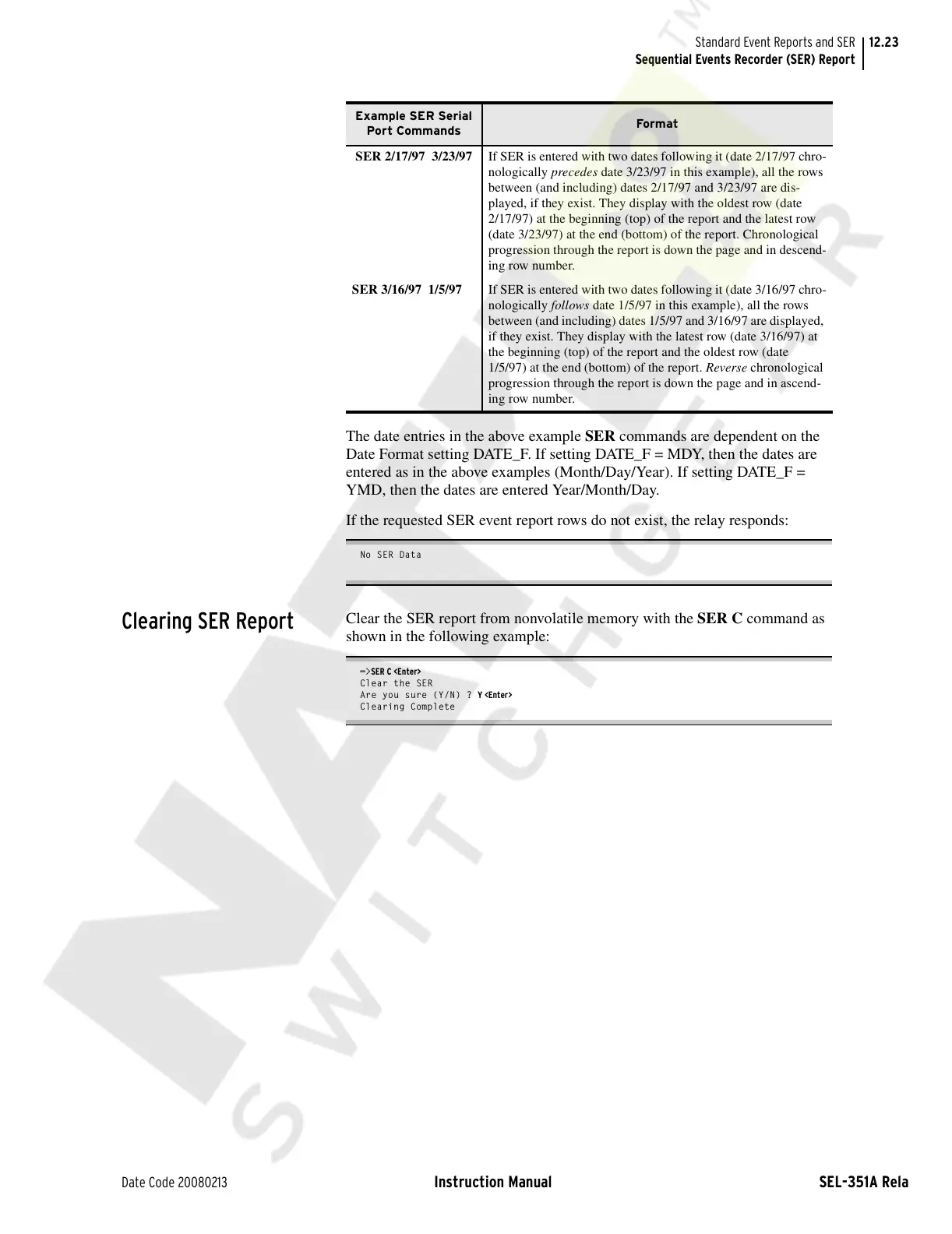
SER 2/17/97 3/23/97 If SER is entered with two dates following it (date 2/17/97 chro-
nologically precedes date 3/23/97 in this example), all the rows
between (and including) dates 2/17/97 and 3/23/97 are dis-
played, if they exist. They display with the oldest row (date
2/17/97) at the beginning (top) of the report and the latest row
(date 3/23/97) at the end (bottom) of the report. Chronological
progression through the report is down the page and in descend-
ing row number.
SER 3/16/97 1/5/97 If SER is entered with two dates following it (date 3/16/97 chro-
nologically follows date 1/5/97 in this example), all the rows
between (and including) dates 1/5/97 and 3/16/97 are displayed,
if they exist. They display with the latest row (date 3/16/97) at
the beginning (top) of the report and the oldest row (date
1/5/97) at the end (bottom) of the report. Reverse chronological
progression through the report is down the page and in ascend-
ing row number.
Example SER Serial
Port Commands
Format
Courtesy of NationalSwitchgear.com



 To Next Page